Best Monitor Light Bars (2026)
Updated How we research
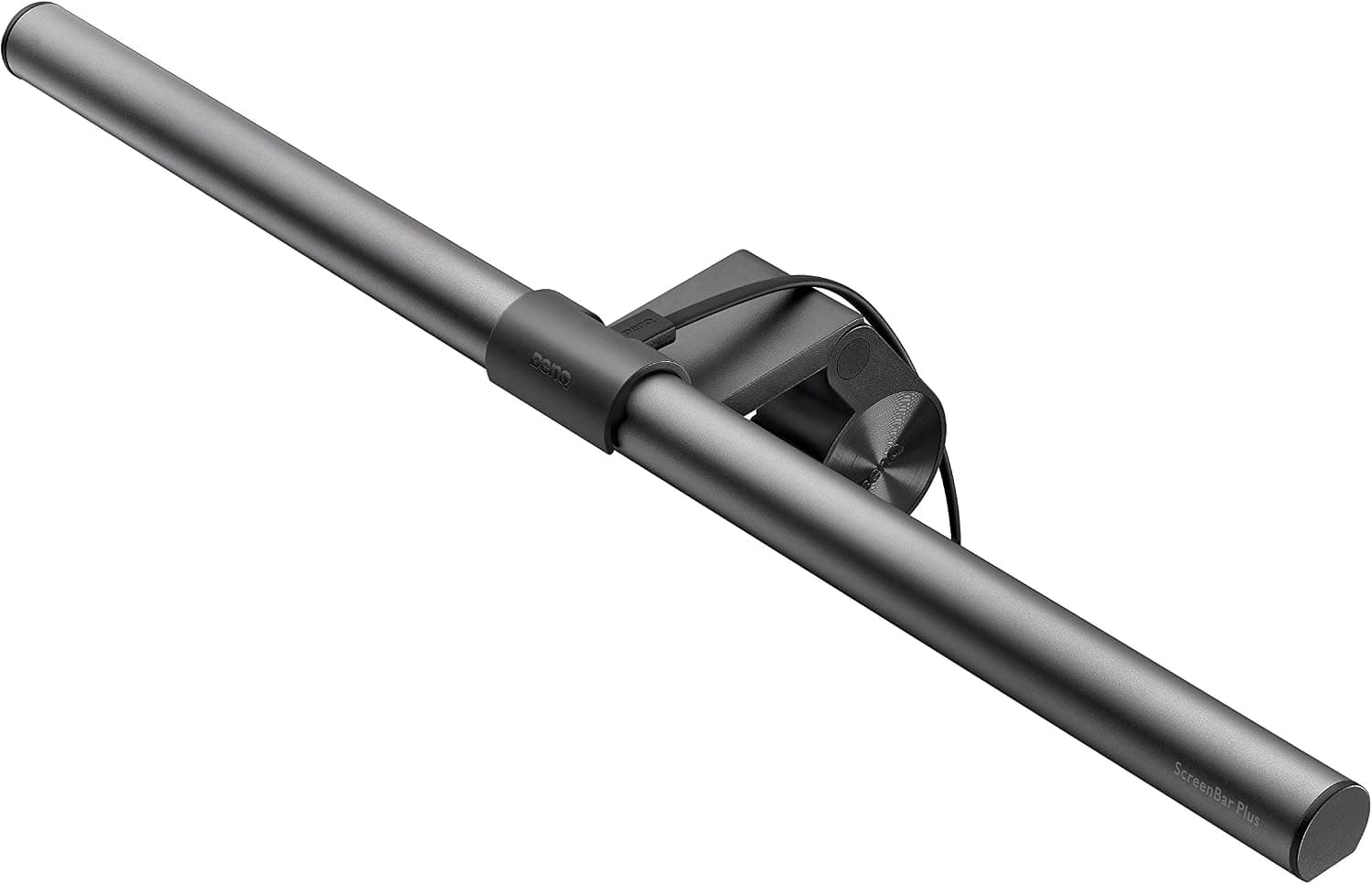
BenQ ScreenBar Plus e-Reading LED Monitor Light Bar with Desktop Dial
BenQ ScreenBar Plus e-Reading LED monitor light bar with a desktop dial, a premium pick from a monitor maker.
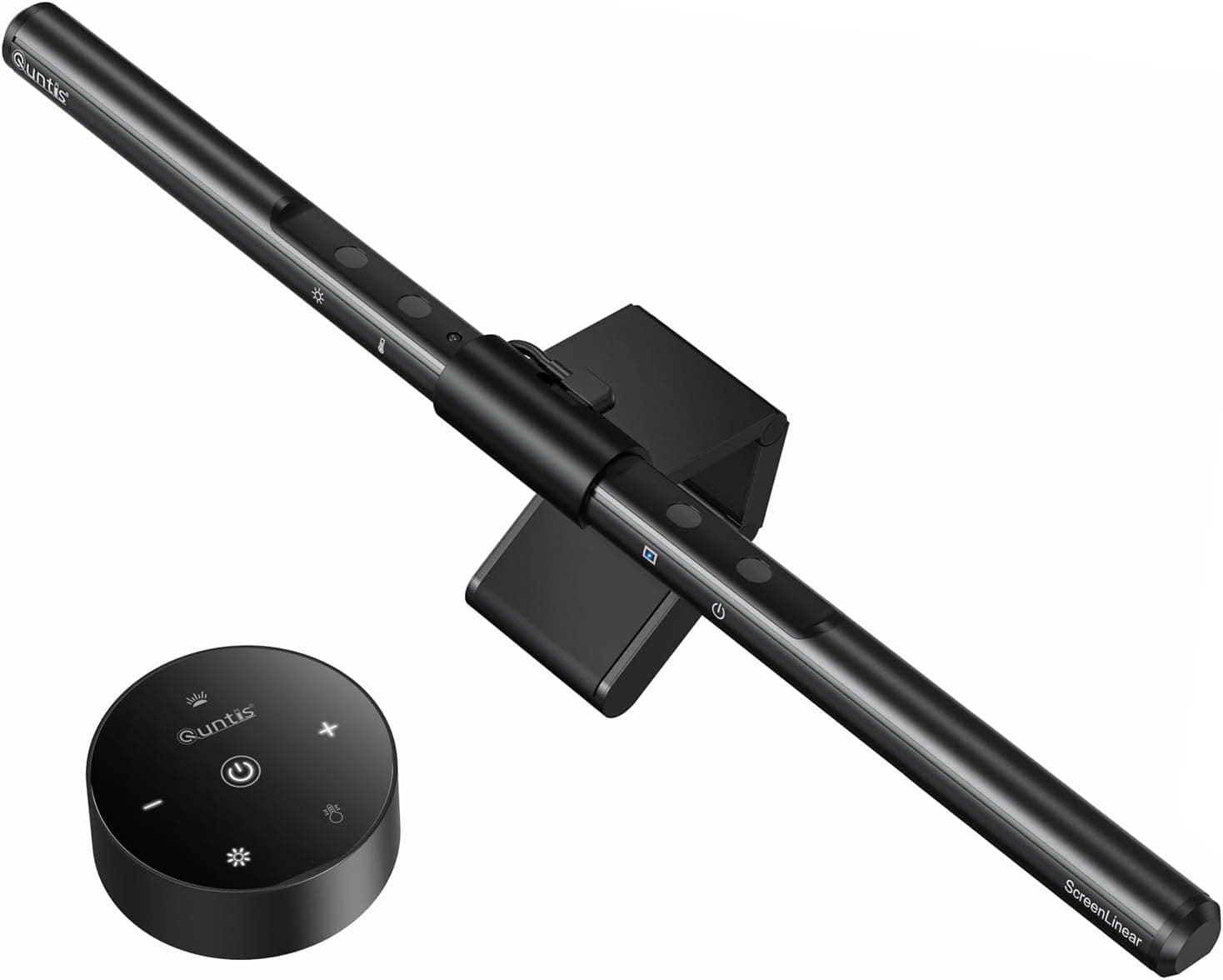
Quntis Computer Monitor Light Bar, USB Reading LED Task Lamp with Auto-Dimming
Quntis USB computer monitor light bar with auto-dimming, a screen-top LED task lamp that saves desk space.
A monitor light bar clips onto the top edge of your screen and casts light down onto your desk, lighting your work area without shining into your eyes or reflecting off the display. The key advantage is placement, since the light angles away from the screen to avoid glare while freeing the desk space a traditional lamp would occupy. Look for adjustable brightness and color temperature so you can shift from warm evening light to cooler daytime light, and check that the beam covers the width of your desk. Fit matters because the clip is designed for a range of screen thicknesses, so confirm it suits your monitor, and note that heavily curved screens can need a specific model. Controls vary from a knob on the bar itself to a wireless remote or an app, which is handy since the bar sits out of easy reach. This suits people who work in low light, anyone bothered by lamp glare on their screen, and small-desk users. If you use a laptop without an external monitor, a standard lamp is usually a better fit.
The short version
We compared 7 picks. Our scores range from 7.6 to 9.0 out of 10.
- Best overall:BenQ ScreenBar Plus e-Reading LED Monitor Light Bar with Desktop Dial. Highest overall score in this guide at 9.0/10.
- Also great value:Quntis Computer Monitor Light Bar, USB Reading LED Task Lamp with Auto-Dimming. Value score of 9/10, overall 8.8/10.
- Solid build:SUMKUMY Monitor Light Bar Dual Light No Glare, CRI 95, 3 Color Modes, Dimmable. Build and materials score of 7/10, overall 8.4/10.
- Feature-rich:Novtech Computer Monitor Light Bar with Auto-Dimming and Stepless Hue Adjustment. Features score of 8/10, overall 8.2/10.
Scores are our editorial assessment, not customer ratings. How we score
- 1.BenQ ScreenBar Plus e-Reading LED Monitor Light Bar with Desktop Dial9.0/10See on AmazonCheck price
- 2.Quntis Computer Monitor Light Bar, USB Reading LED Task Lamp with Auto-Dimming8.8/10See on AmazonCheck price
- 3.SUMKUMY Monitor Light Bar Dual Light No Glare, CRI 95, 3 Color Modes, Dimmable8.4/10See on AmazonCheck price
- 4.Novtech Computer Monitor Light Bar with Auto-Dimming and Stepless Hue Adjustment8.2/10See on AmazonCheck price
- 5.Engilen Computer Monitor Light, 3 Color Modes with Hue Adjustment, Matte Black USB7.8/10See on AmazonCheck price
- 6.KOOSTONE Monitor Light Bar, 3 Color Modes, 10 Brightness, USB Powered7.8/10See on AmazonCheck price
- 7.Computer Monitor Light Bar, e-Reading LED Task Lamp, USB Powered, Dimmable, 3 Color Temp7.6/10See on AmazonCheck price
 #1
#1BenQ ScreenBar Plus e-Reading LED monitor light bar with a desktop dial, a premium pick from a monitor maker.
Fit for the job 10/10 · Features and specs 9/10 · Build and materials 9/10 · Value 7/10
- + Desktop dial controls brightness and color without reaching up
- + BenQ designs monitors, so the bar is tuned to avoid screen glare
- + ScreenBar line is a well-regarded benchmark for monitor lights
- - Priced well above generic light bars with similar basics
- - Dial cable adds another wire running across the desk
 #2
#2Quntis USB computer monitor light bar with auto-dimming, a screen-top LED task lamp that saves desk space.
Fit for the job 9/10 · Features and specs 9/10 · Build and materials 8/10 · Value 9/10
- + Sits on top of the monitor, taking zero desk space
- + Auto-dimming adjusts brightness to room light automatically
- + Asymmetric light bar lights the desk without glare on the screen
- - Clip may not sit well on very thin or curved monitor bezels
- - USB power needs a free port on the monitor or computer
 #3
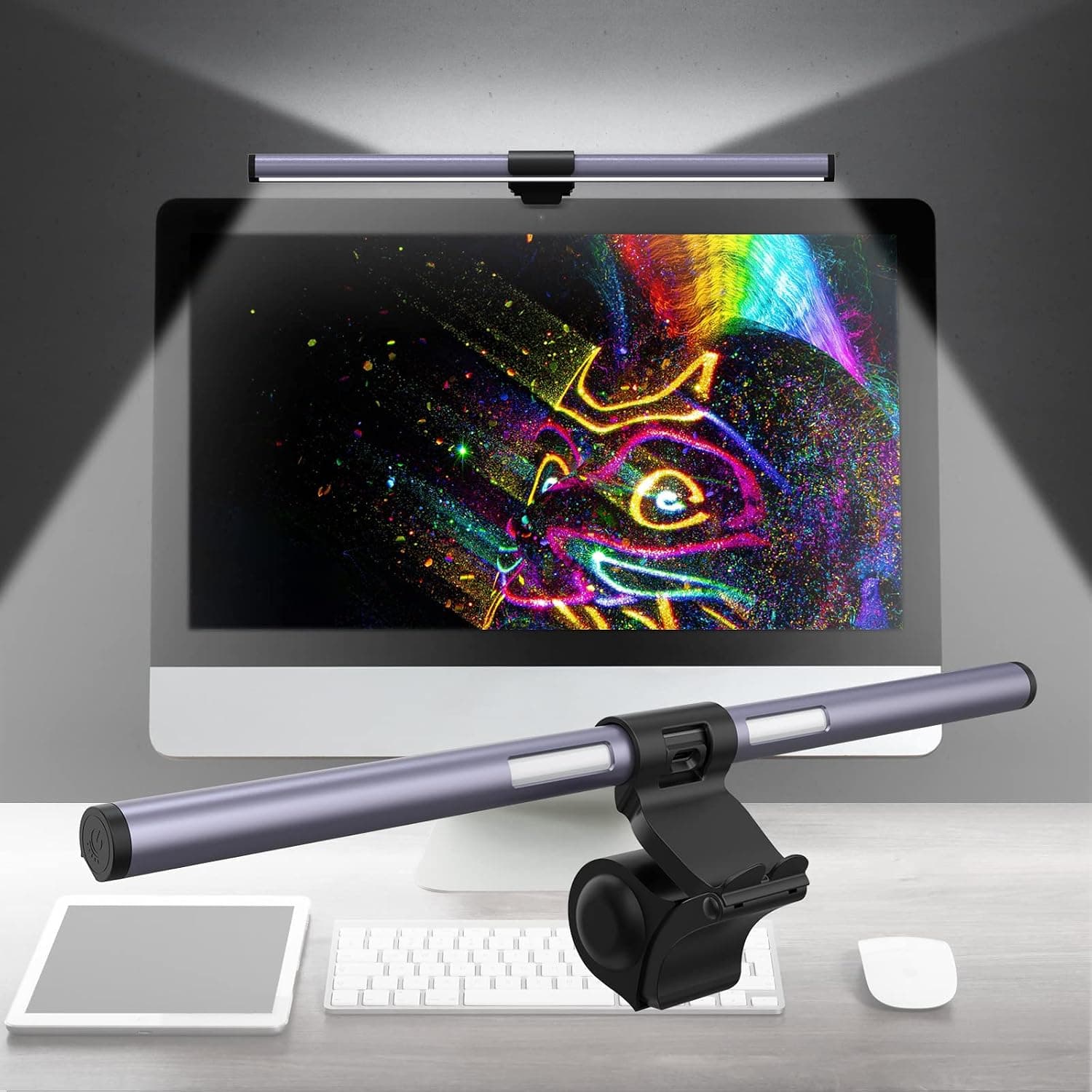
#3SUMKUMY dual light monitor light bar with CRI 95, 3 color modes and dimming, lighting both desk and wall.
Fit for the job 9/10 · Features and specs 9/10 · Build and materials 7/10 · Value 8/10
- + Dual light design adds a rear backlight to cut eye strain
- + CRI 95 rating shows accurate colours for drawing and crafts
- + 3 color modes switch between warm and cool light
- - Rear light needs a wall or surface behind the monitor to be useful
- - SUMKUMY is less known than BenQ or Quntis
 #4
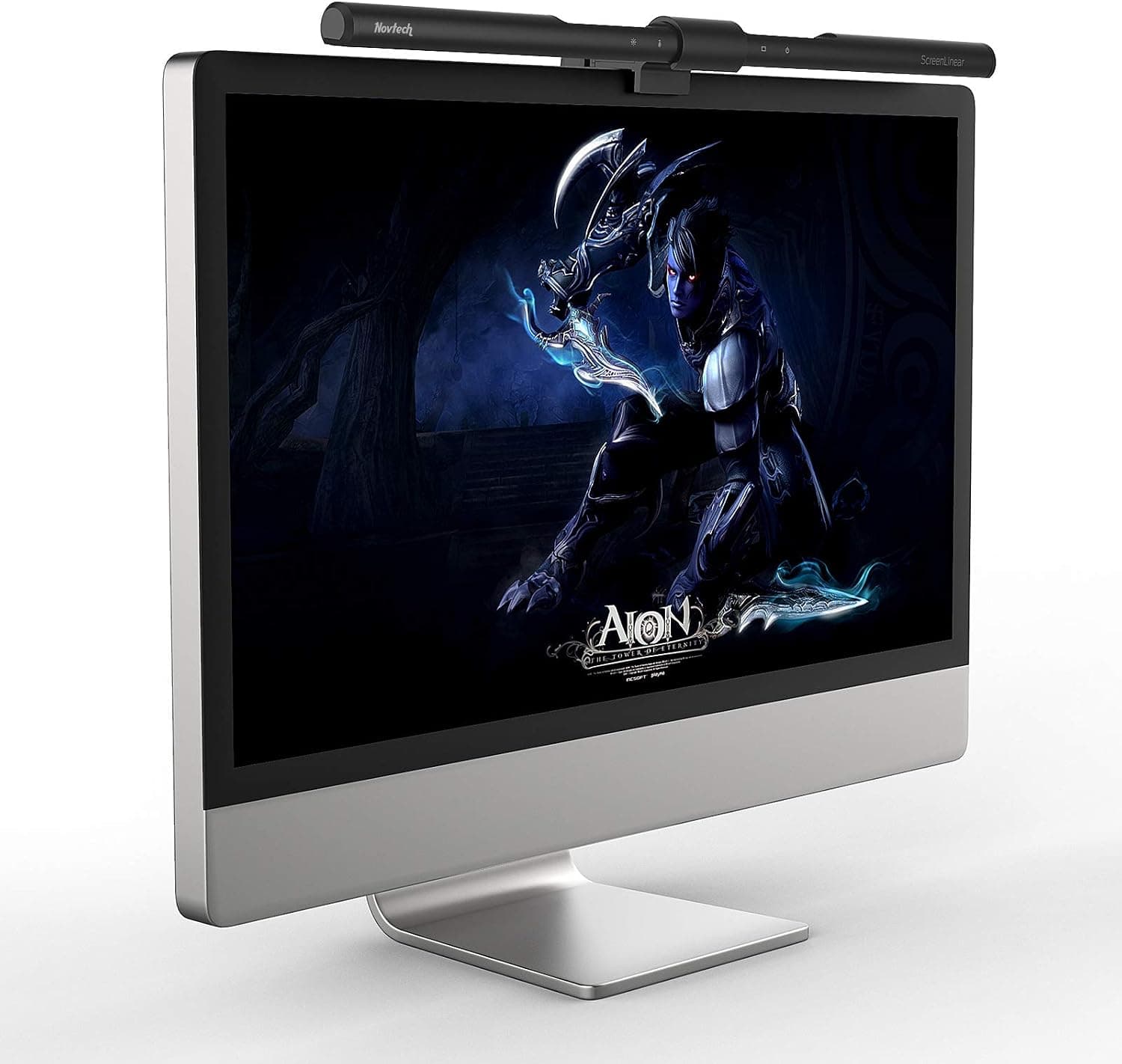
#4Novtech computer monitor light bar with auto-dimming and stepless hue adjustment for flexible color tuning.
Fit for the job 9/10 · Features and specs 8/10 · Build and materials 7/10 · Value 8/10
- + Stepless hue adjustment tunes the exact warmth of the light
- + Auto-dimming mode keeps brightness steady as daylight changes
- + Monitor-mounted design keeps the desk surface clear
- - Touch controls on the bar can nudge the light out of position
- - Weighted clip may slip on monitors with sloped backs
 #5
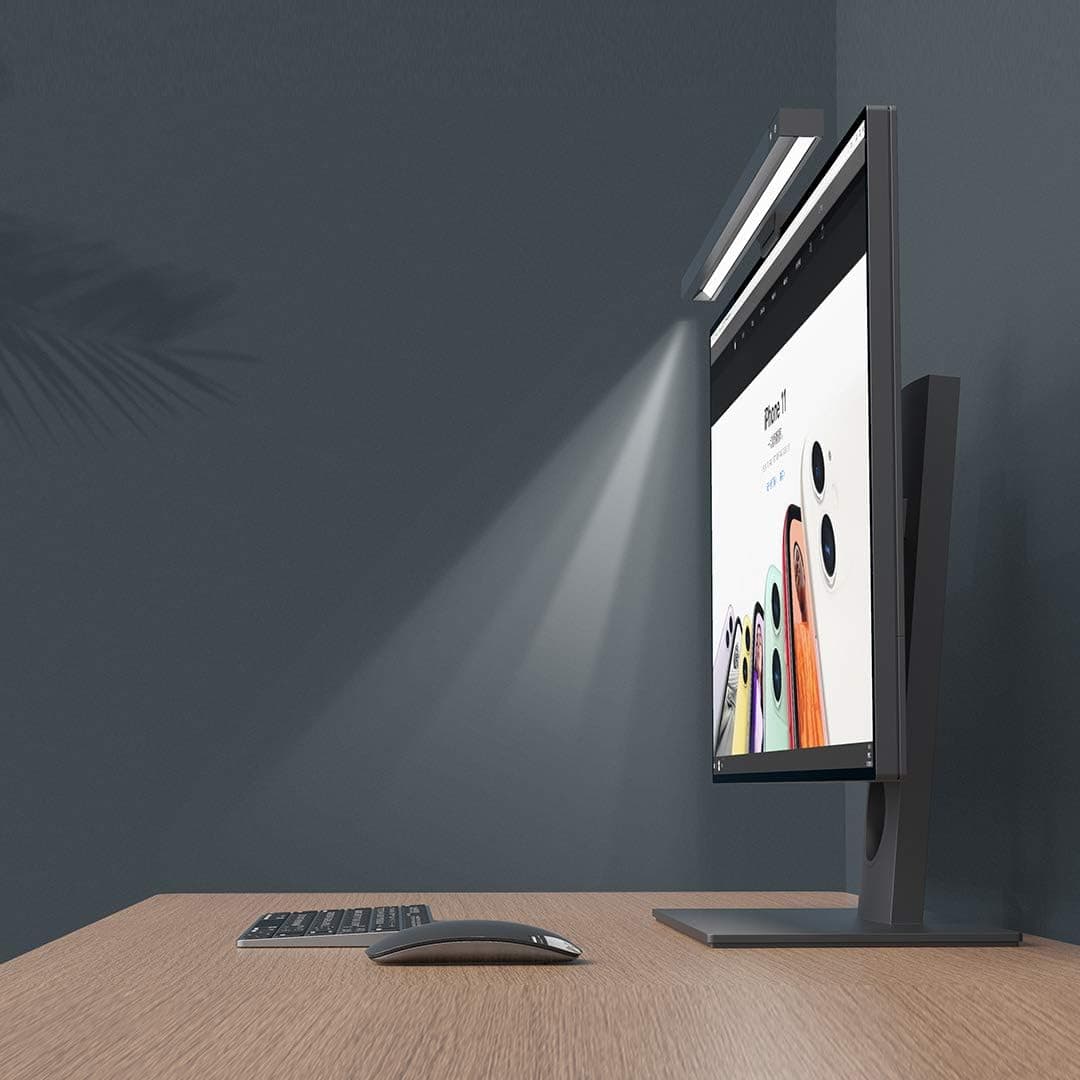
#5Engilen matte black USB computer monitor light with 3 color modes and hue adjustment, a minimal screen light.
Fit for the job 8/10 · Features and specs 8/10 · Build and materials 7/10 · Value 8/10
- + Matte black finish disappears on top of dark monitors
- + Hue adjustment fine-tunes colour beyond the basic modes
- + 3 color modes switch easily between warm and cool light
- - Controls on the bar itself require reaching over the screen
- - Engilen is a smaller brand with less support documentation
 #6
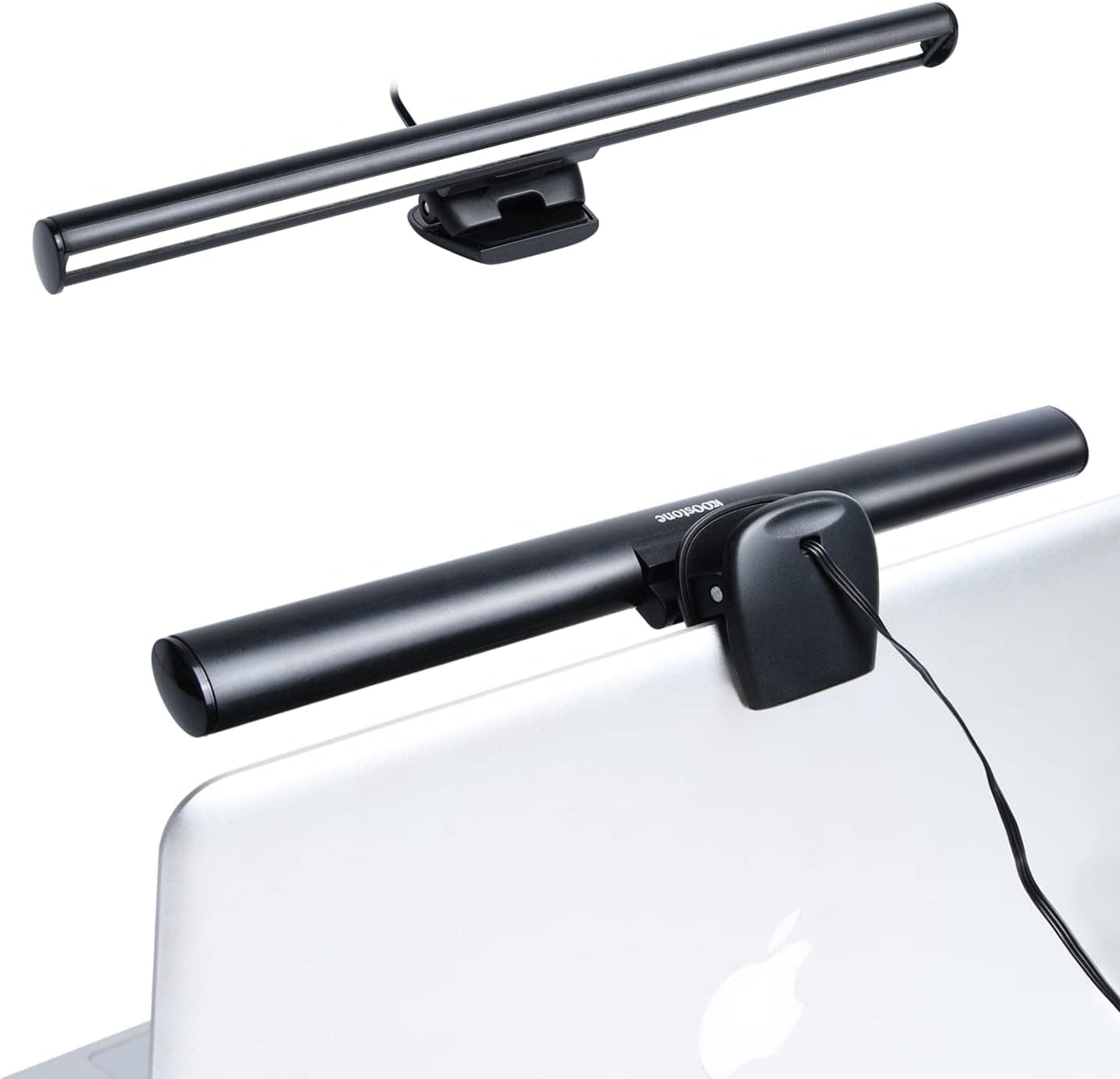
#6KOOSTONE USB powered monitor light bar with 3 color modes and 10 brightness levels for evening and daytime work.
Fit for the job 8/10 · Features and specs 8/10 · Build and materials 7/10 · Value 8/10
- + 10 brightness levels allow finer control than basic light bars
- + 3 color modes cover reading, writing and screen work
- + USB powered design needs no wall plug or adapter
- - Clip fit on curved or very thick monitors should be checked
- - No auto-dimming sensor for changing room light
 #7
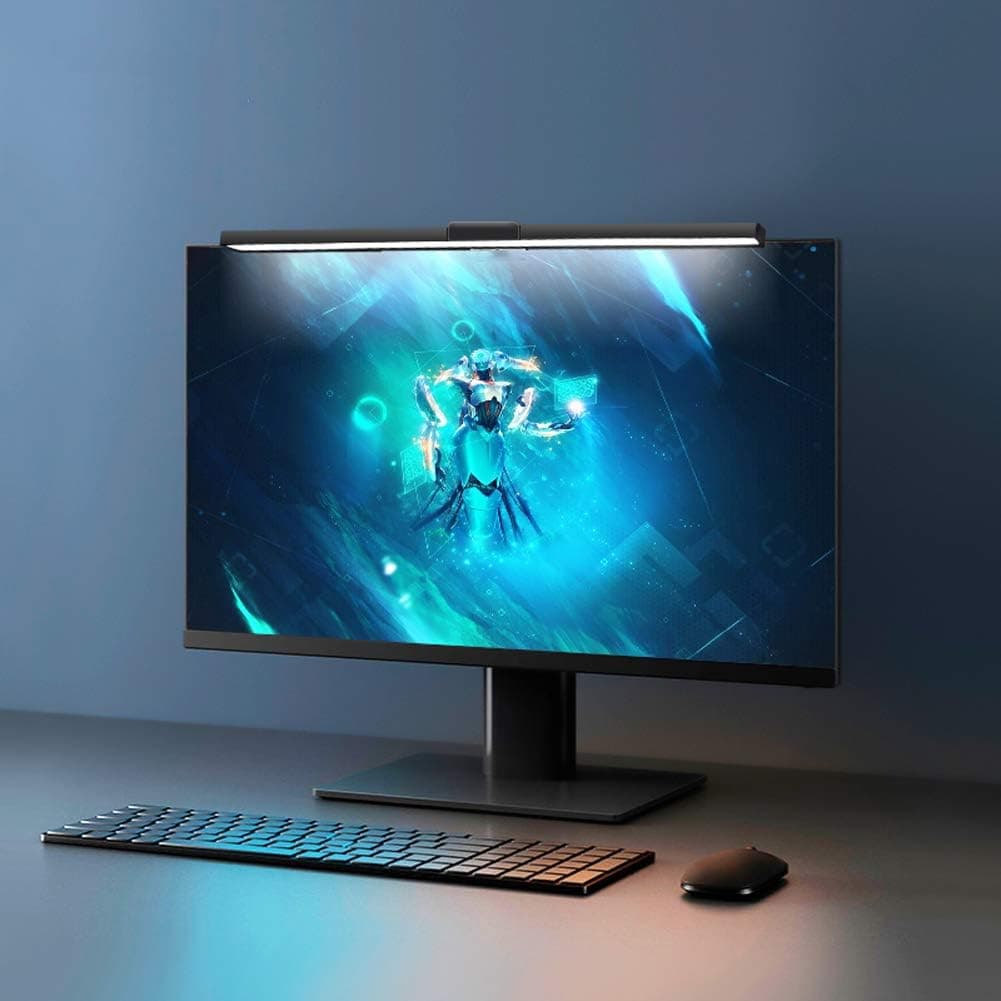
#7A USB powered dimmable e-Reading LED monitor light bar with 3 color temps, a budget screen-top lamp.
Fit for the job 8/10 · Features and specs 7/10 · Build and materials 6/10 · Value 9/10
- + 3 color temps adjust from warm evening light to cool daylight
- + USB powered bar runs from the monitor or laptop port
- + Budget price makes it an easy upgrade from a desk lamp
- - Generic bar may have less even light spread across the desk
- - No auto-dimming or remote control features
Before you buy: trade-offs we flagged
No pick is perfect. These are the main compromises we noted for the top products in this guide, so you can check they will not matter for you.
- Priced well above generic light bars with similar basics (BenQ ScreenBar Plus e-Reading LED Monitor...)
- Clip may not sit well on very thin or curved monitor bezels (Quntis Computer Monitor Light Bar, USB...)
- Rear light needs a wall or surface behind the monitor to be useful (SUMKUMY Monitor Light Bar Dual Light No...)
- Touch controls on the bar can nudge the light out of position (Novtech Computer Monitor Light Bar with...)
- Controls on the bar itself require reaching over the screen (Engilen Computer Monitor Light, 3 Color Modes...)
- Clip fit on curved or very thick monitors should be checked (KOOSTONE Monitor Light Bar, 3 Color Modes, 10...)
Frequently asked questions
›What is the best choice among monitor light bars (2026)?
BenQ ScreenBar Plus e-Reading LED Monitor Light Bar with Desktop Dial is our top overall pick. BenQ ScreenBar Plus e-Reading LED monitor light bar with a desktop dial, a premium pick from a monitor maker. It earns our score of 9.0/10, based on fit for the job, features, build and value.
›What is a good budget option?
Quntis Computer Monitor Light Bar, USB Reading LED Task Lamp with Auto-Dimming is the strongest low-cost pick in this guide. Quntis USB computer monitor light bar with auto-dimming, a screen-top LED task lamp that saves desk space.
›How much should I expect to spend?
Picks in this guide span See on Amazon price bands (roughly: $ = under $30, $$ = $30 to $100, $$$ = over $100). We never display exact prices because they change constantly, so the buttons above always show Amazon's current price.
›How were these products chosen?
We shortlist products that fit the job this guide solves and compare their published specifications, such as size, capacity, materials and what is included. Each pick gets an editorial score out of 10 for fit, features, build and value, and we write the pros and cons from those details. Our score is not an Amazon customer rating. We earn a commission if you buy through our links, which never affects the ranking.
Desk Upgrade Nest independently selects every product; we may earn a commission from links above.
Popular right now
- Best Ergonomic Split Keyboards (2026)Buying guide
- Best Under-Monitor Storage Organizers (2026)Buying guide
- Best Monitor Privacy Filters (2026)Buying guide
- Best Corner Desks for Home Offices (2026)Buying guide
- Best UPS Battery Backups for Home Offices (2026)Buying guide
- Docking station explainedGlossary
Based on the last 28 days of search and visitor data.