Keyboards, Mice & Desk Gear
Keyboards, mice, webcams and microphones affect wrists and how you come across on calls. Ergonomic peripherals reduce strain and improve video meetings.
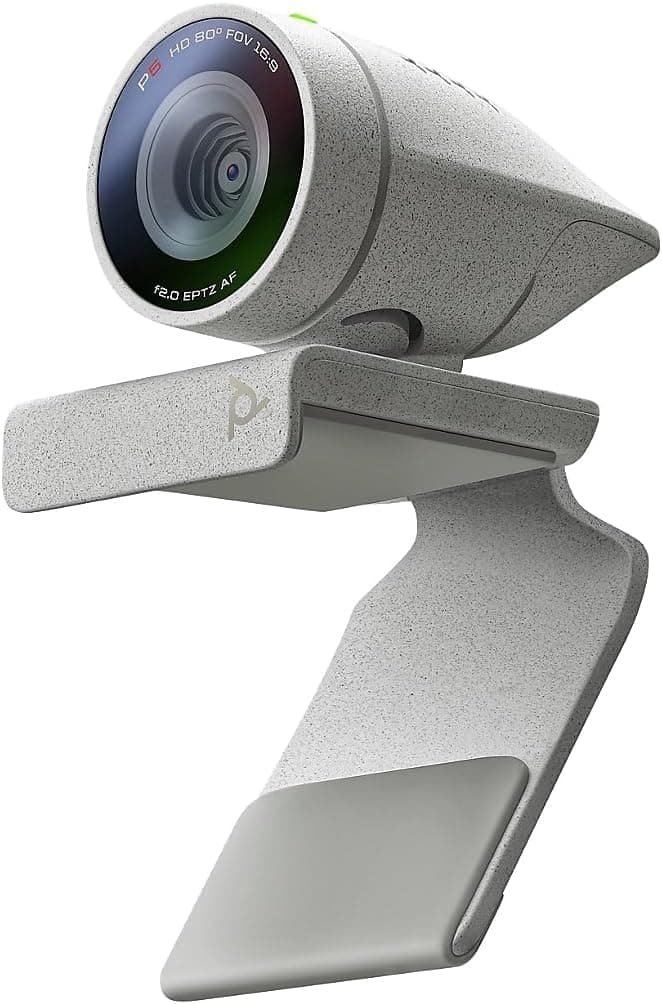
Best Webcams for Remote Work and Video Calls (2026)
Compare the best webcams for remote work, with sharp video, good low-light handling, and clear audio. Resolution, field of view, and mounts explained.
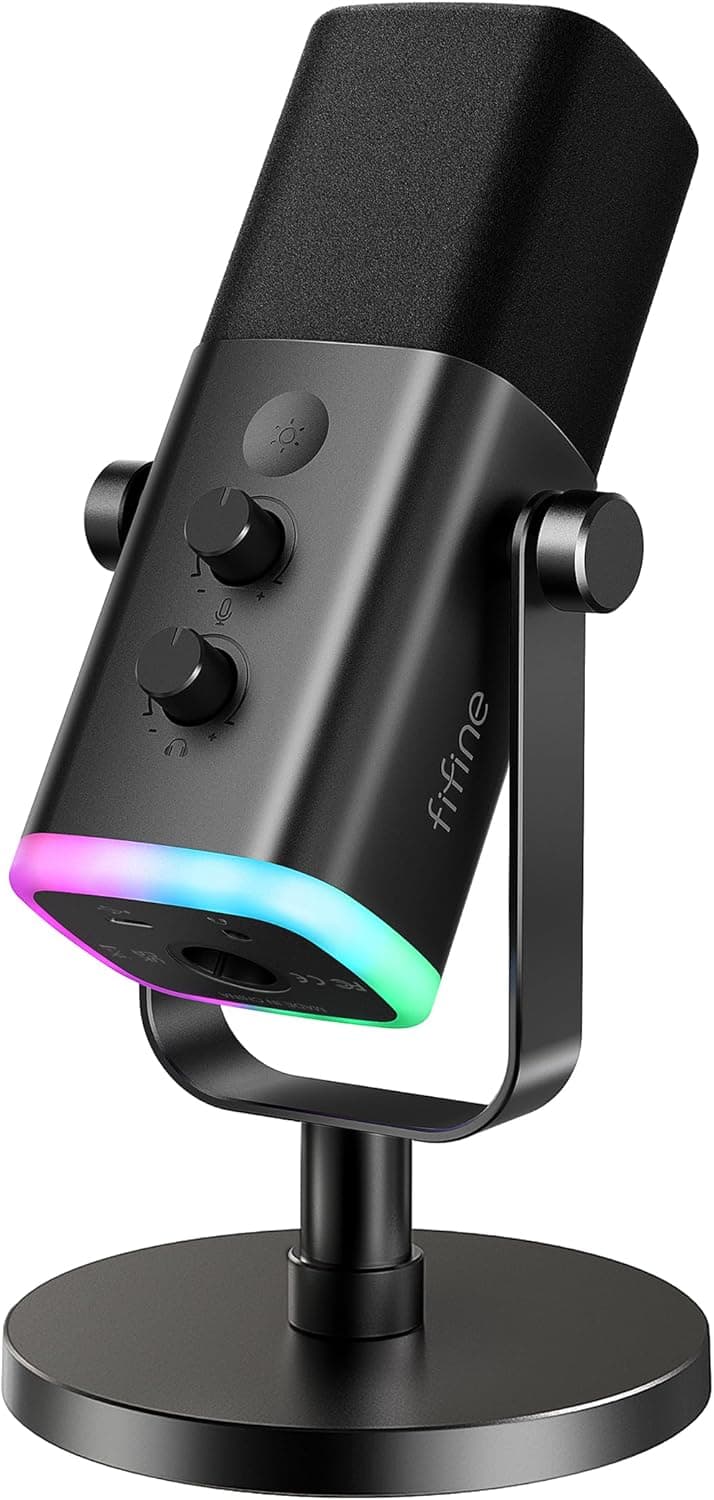
Best USB Microphones for Home Offices (2026)
Find the best USB microphones for clear calls, recording, and streaming. Compare pickup patterns, stands, and plug-and-play ease for your setup.
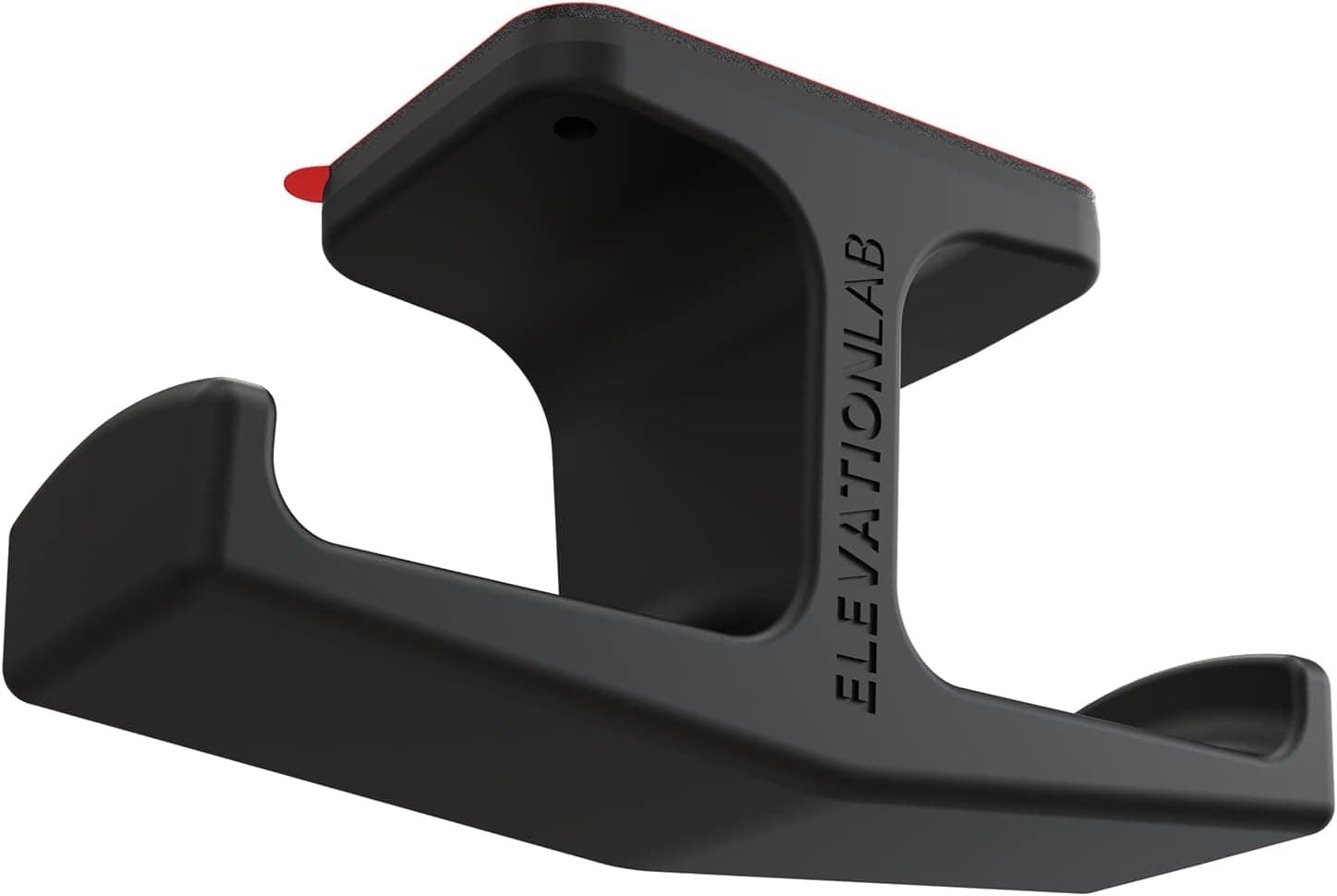
Best Headset Stands for Desks (2026)
Compare the best headset stands to store your headphones neatly and free up desk space. Freestanding, clamp-on, and multi-use designs explained.
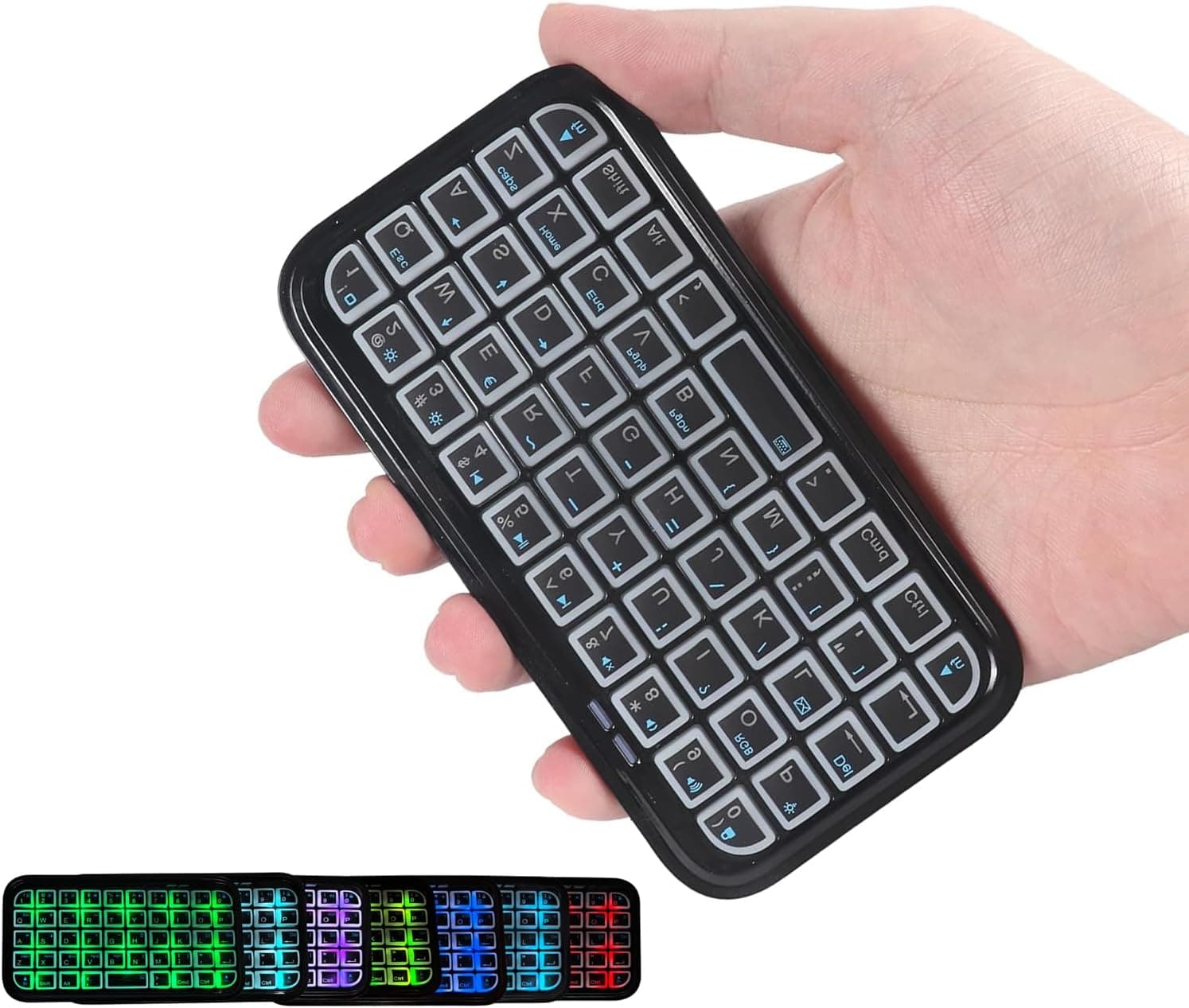
Best Wireless Keyboards for Home Offices (2026)
Compare the best wireless keyboards for work, with reliable connections, comfortable typing, and long battery life. Layouts and features explained.
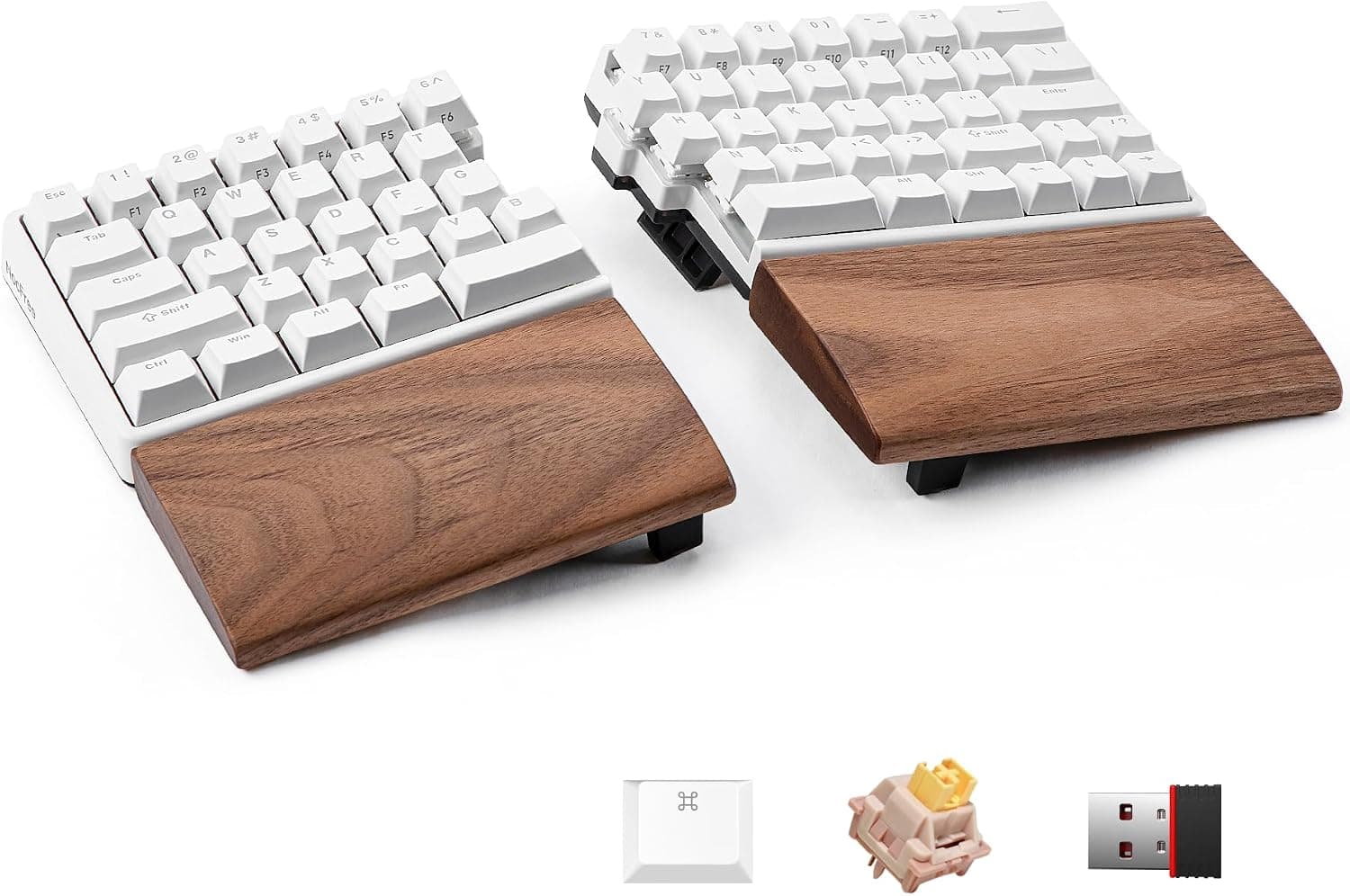
Best Ergonomic Split Keyboards (2026)
Find the best ergonomic split keyboards to ease wrist and shoulder strain. Compare tenting, layouts, and adjustable halves for comfortable typing.
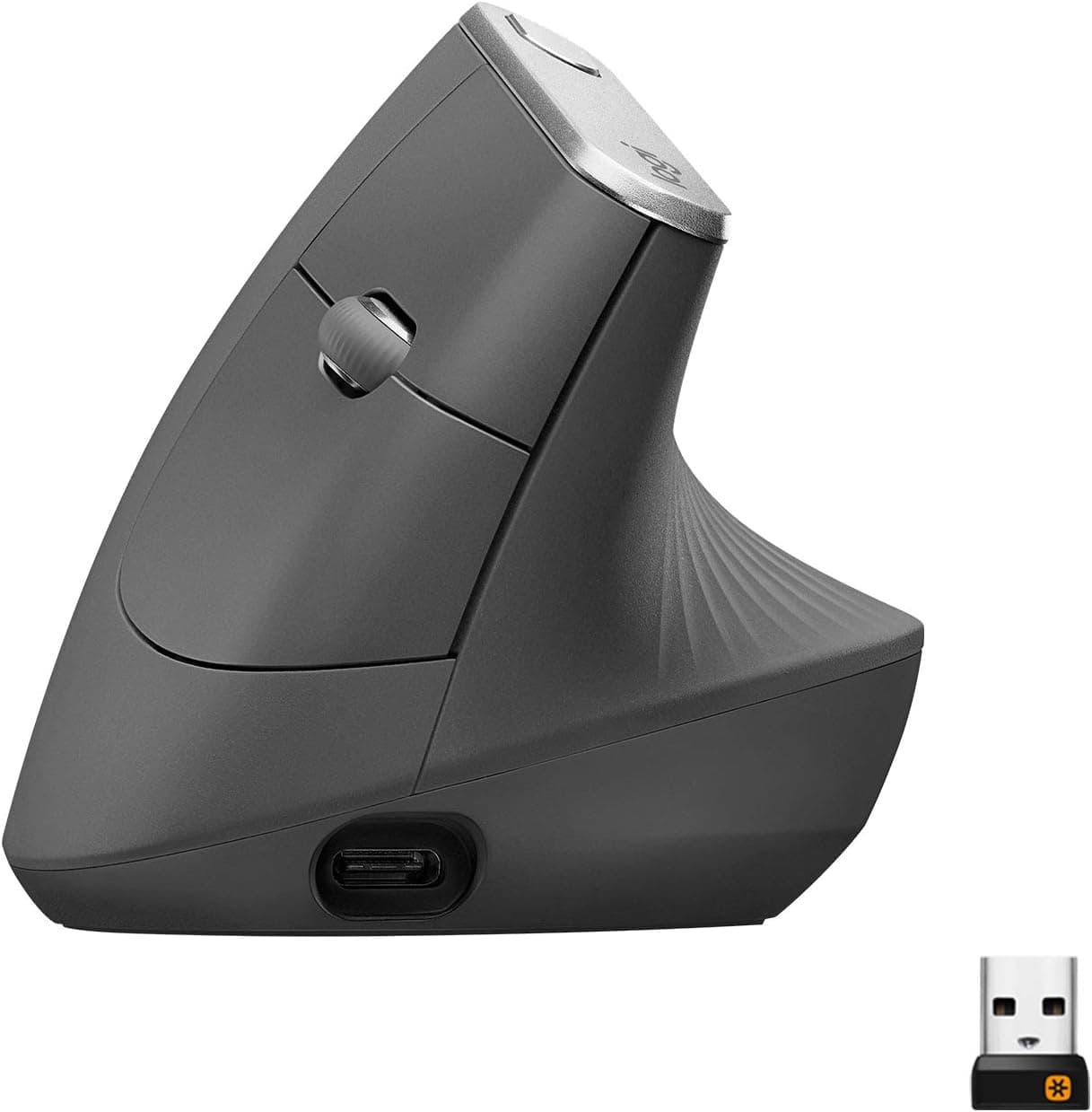
Best Vertical Mice for Wrist Comfort (2026)
Compare the best vertical mice that keep your wrist in a handshake position to ease strain. Sizes, grip styles, and wired or wireless options.
How to choose
- Keep wrists straight with a split or low-profile keyboard.
- Try a vertical mouse if your forearm aches.
- Use a 1080p webcam with good low-light performance.
- Add a USB microphone for clearer calls.
Common questions
Do vertical mice really help?
Many users find a handshake grip reduces forearm twisting and discomfort, though it takes a few days to adjust.
What webcam resolution do I need for video calls?
1080p is plenty for most meeting apps, and good lighting matters more than higher resolution.