How to Reduce Monitor Glare in a Home Office
Published How we research
Glare is one of the most common causes of tired eyes at a desk. It happens when a bright light source, usually a window or overhead light, reflects off your screen and forces your eyes to work harder. The good news is that most glare can be fixed with a few small changes rather than new gear.
Products from this article
The highest-scoring picks from the buying guides this article links to. Scores are our editorial assessment, not customer ratings.
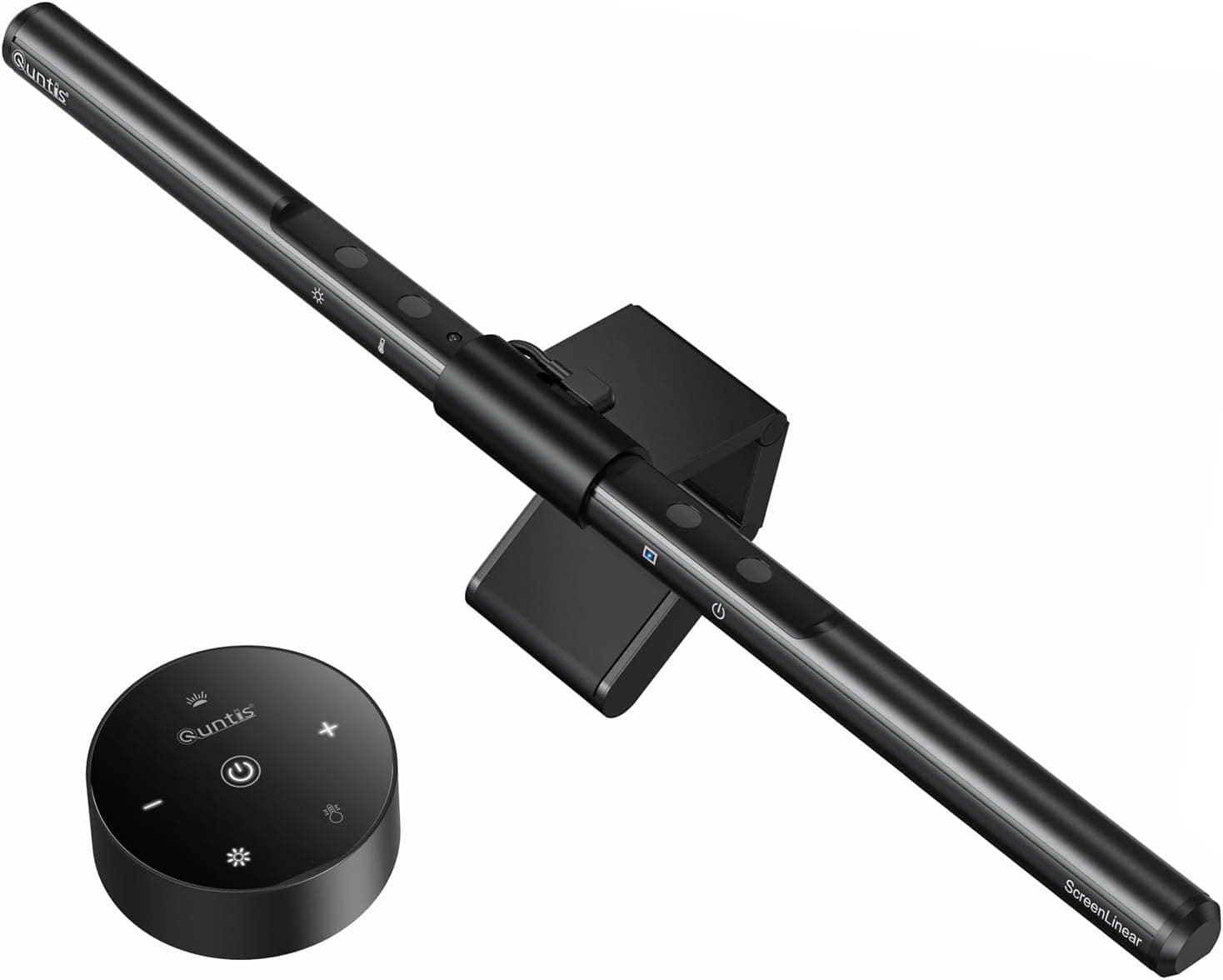
+ Desktop dial controls brightness and color without reaching up
From our guide: Best Monitor Light Bars (2026)
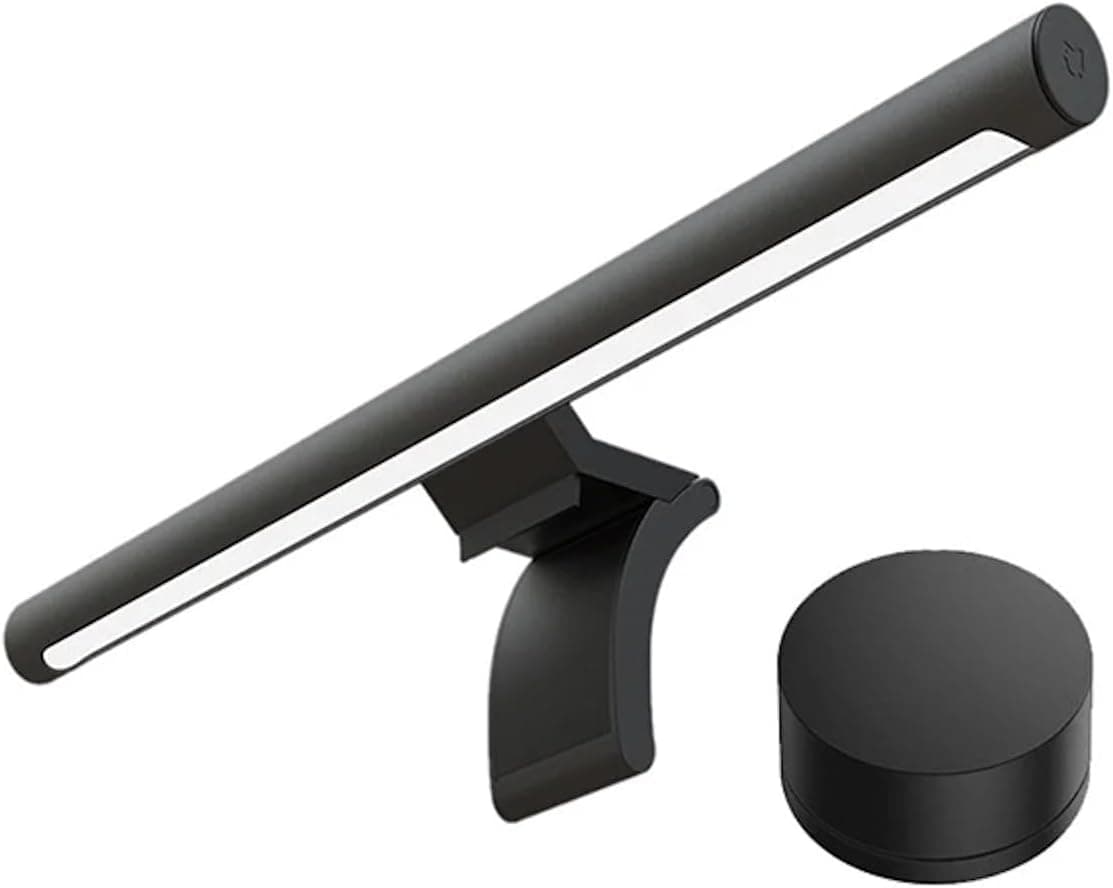
+ Xiaomi brand brings clean industrial design and solid quality control
From our guide: Best Screen Glow Bars for Monitors (2026)
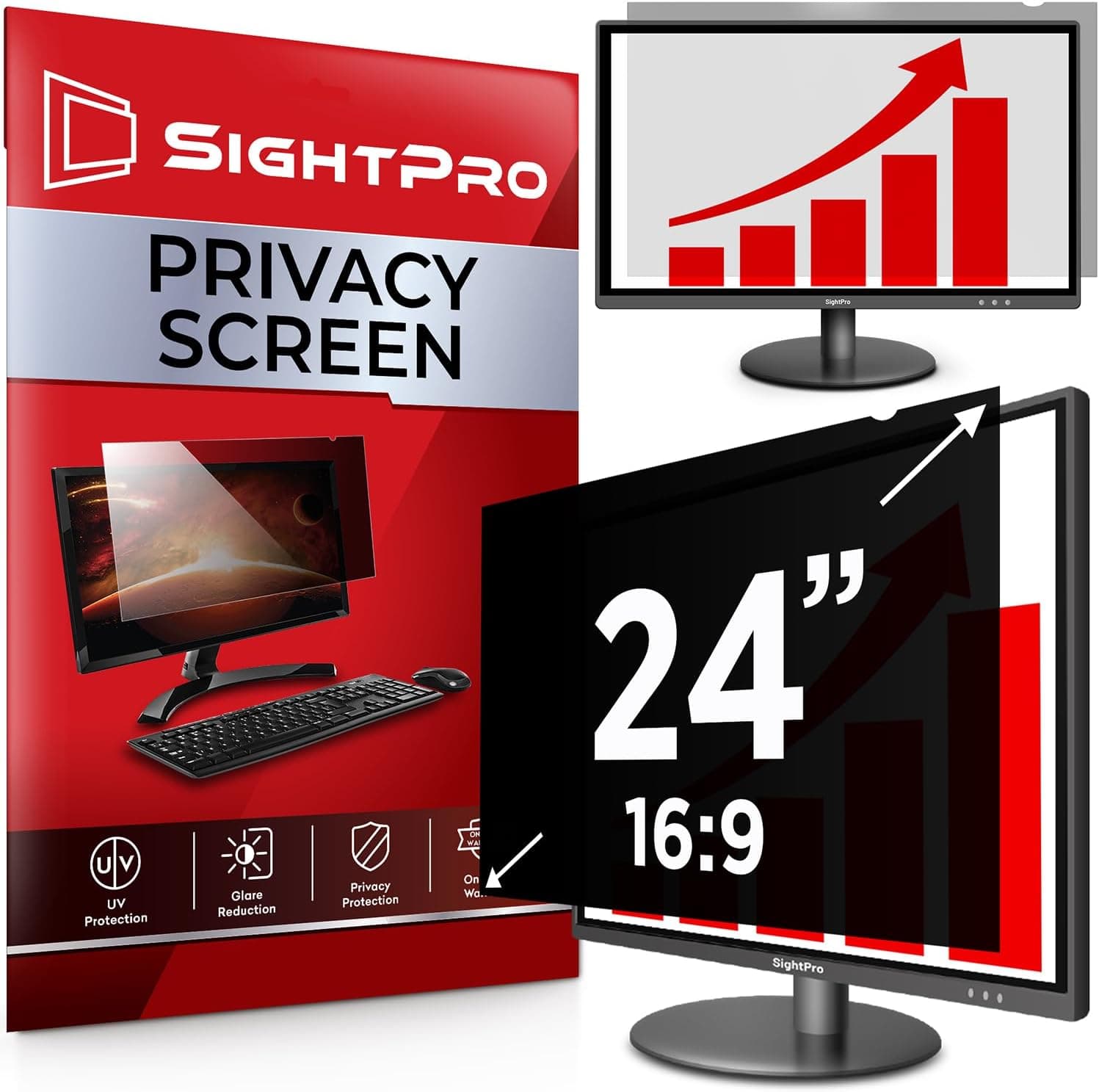
+ Narrows viewing angles so people beside you cannot read the screen
From our guide: Best Monitor Privacy Filters (2026)
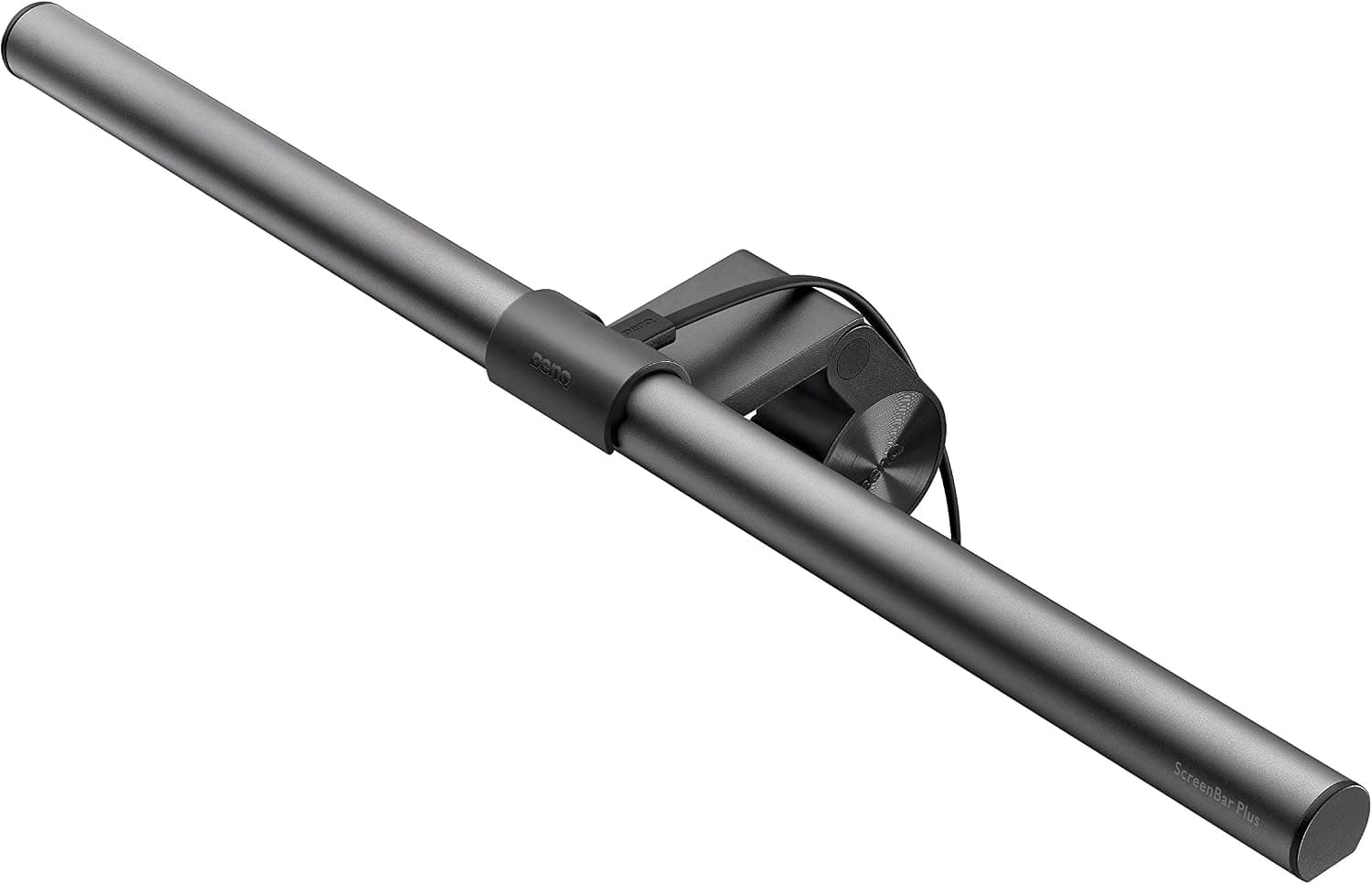
+ Sits on top of the monitor, taking zero desk space
From our guide: Best Monitor Light Bars (2026)
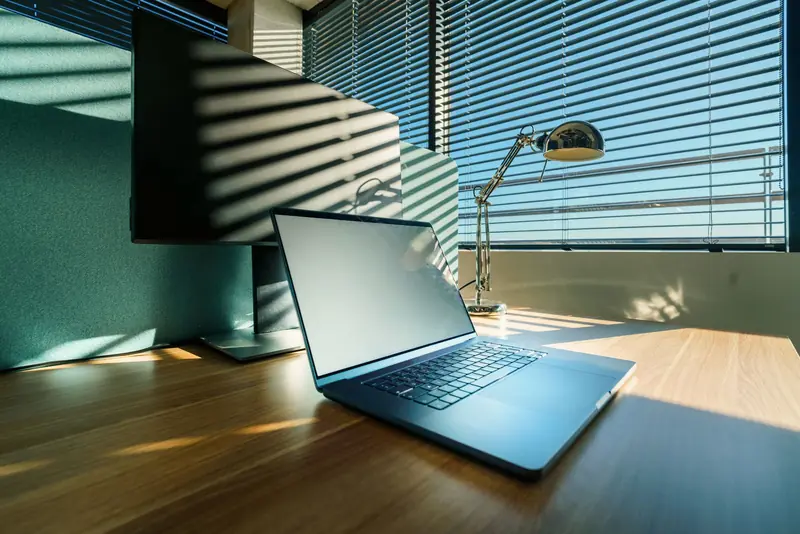
Start with placement. Position your monitor so it sits at a right angle to any window, not directly in front of or behind it. Light coming from the side is far less likely to bounce off the panel into your eyes. If you cannot move the desk, a simple blind or curtain to soften midday sun makes a big difference.
Next, look at your lighting. Harsh overhead lights often reflect straight off a glossy screen. A dedicated desk lamp or a monitor light bar lets you light your work surface without lighting up the screen itself. Warmer, dimmer ambient light in the evening also helps reduce contrast between the screen and the room.
If reflections persist, a matte screen or an anti-glare filter can help, and turning your monitor brightness down to match the room usually does more for comfort than any accessory. Add a little bias lighting behind the monitor to ease the contrast, and take regular short breaks to let your eyes reset.
Popular right now
- Best Ergonomic Split Keyboards (2026)Buying guide
- Best Under-Monitor Storage Organizers (2026)Buying guide
- Best Monitor Privacy Filters (2026)Buying guide
- Best Corner Desks for Home Offices (2026)Buying guide
- Best UPS Battery Backups for Home Offices (2026)Buying guide
- Docking station explainedGlossary
Based on the last 28 days of search and visitor data.