Desk Depth and Layout
Published How we research
Desk size gets plenty of attention, but depth is the dimension that quietly determines whether your setup feels comfortable. Depth is the measurement from the front edge to the back, and it controls how far you can place your monitor from your eyes. A desk that is too shallow forces the screen too close, while a deep desk gives you room to sit back and see comfortably.
Products from this article
The highest-scoring picks from the buying guides this article links to. Scores are our editorial assessment, not customer ratings.
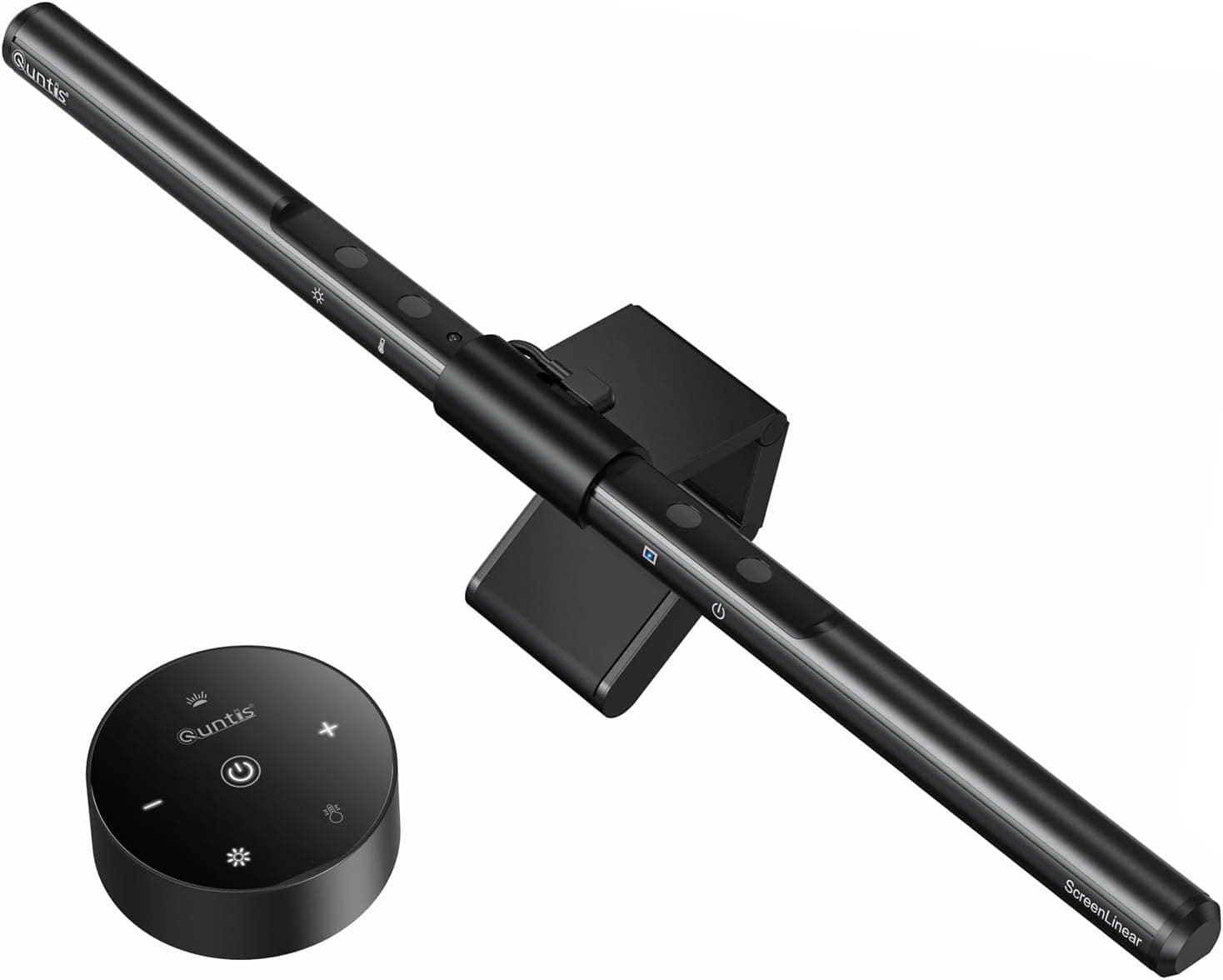
+ Desktop dial controls brightness and color without reaching up
From our guide: Best Monitor Light Bars (2026)
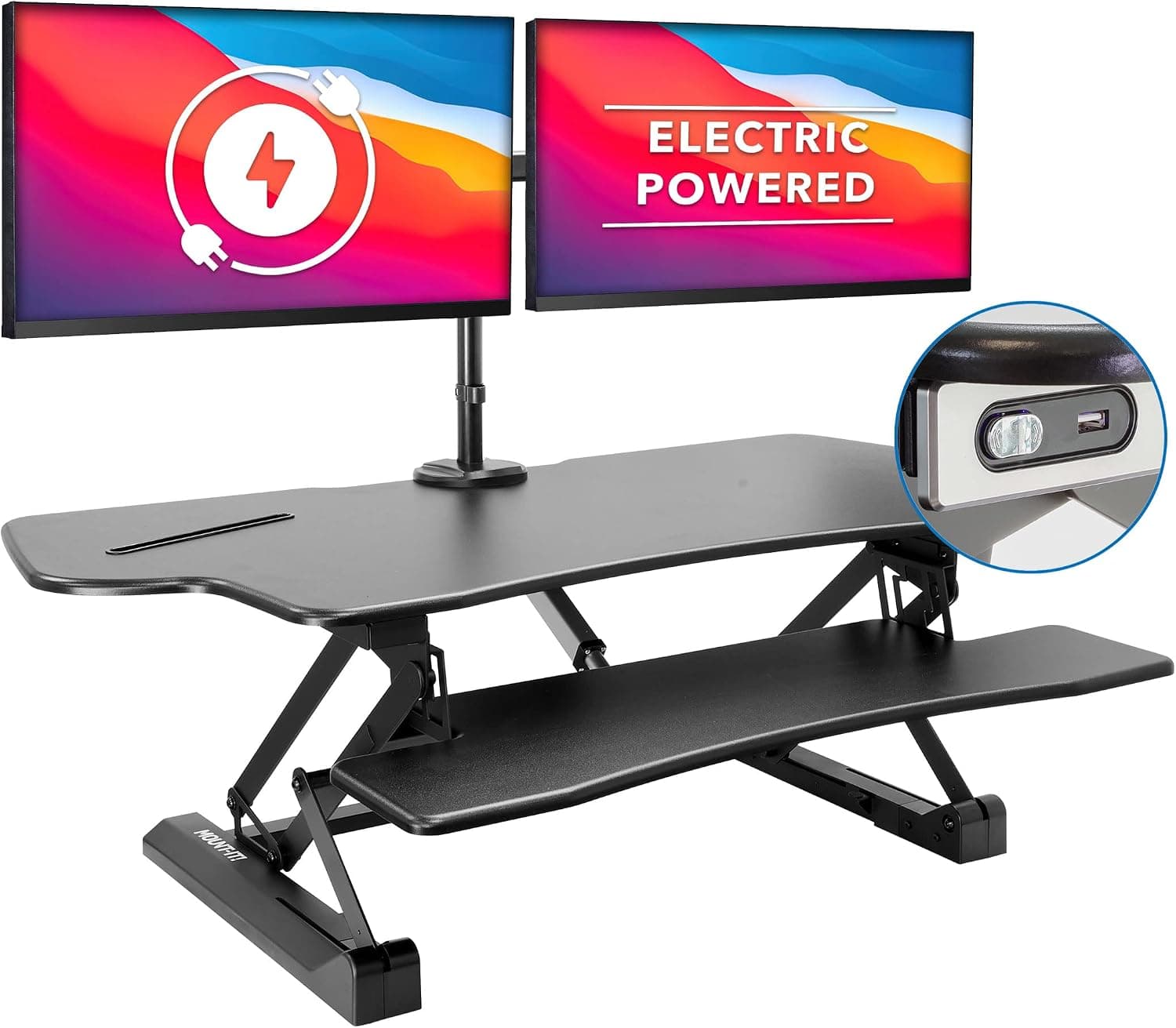
+ Electric lift raises a full dual-screen setup without the manual effort of spring risers
From our guide: Best Standing Desk Converters for Home Offices (2026)
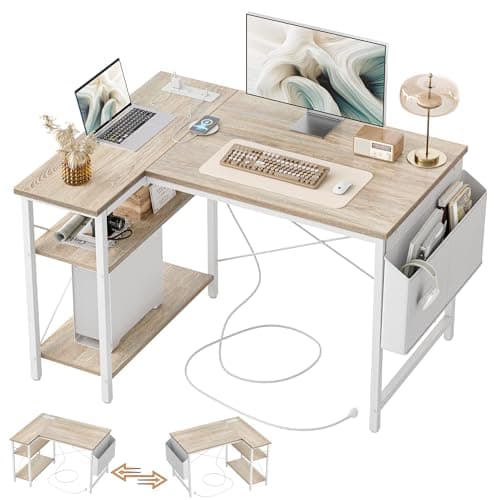
+ Built-in power strip with two AC outlets, one USB port and one Type-C port keeps charging cables off the floor.
From our guide: Best Corner Desks for Home Offices (2026)
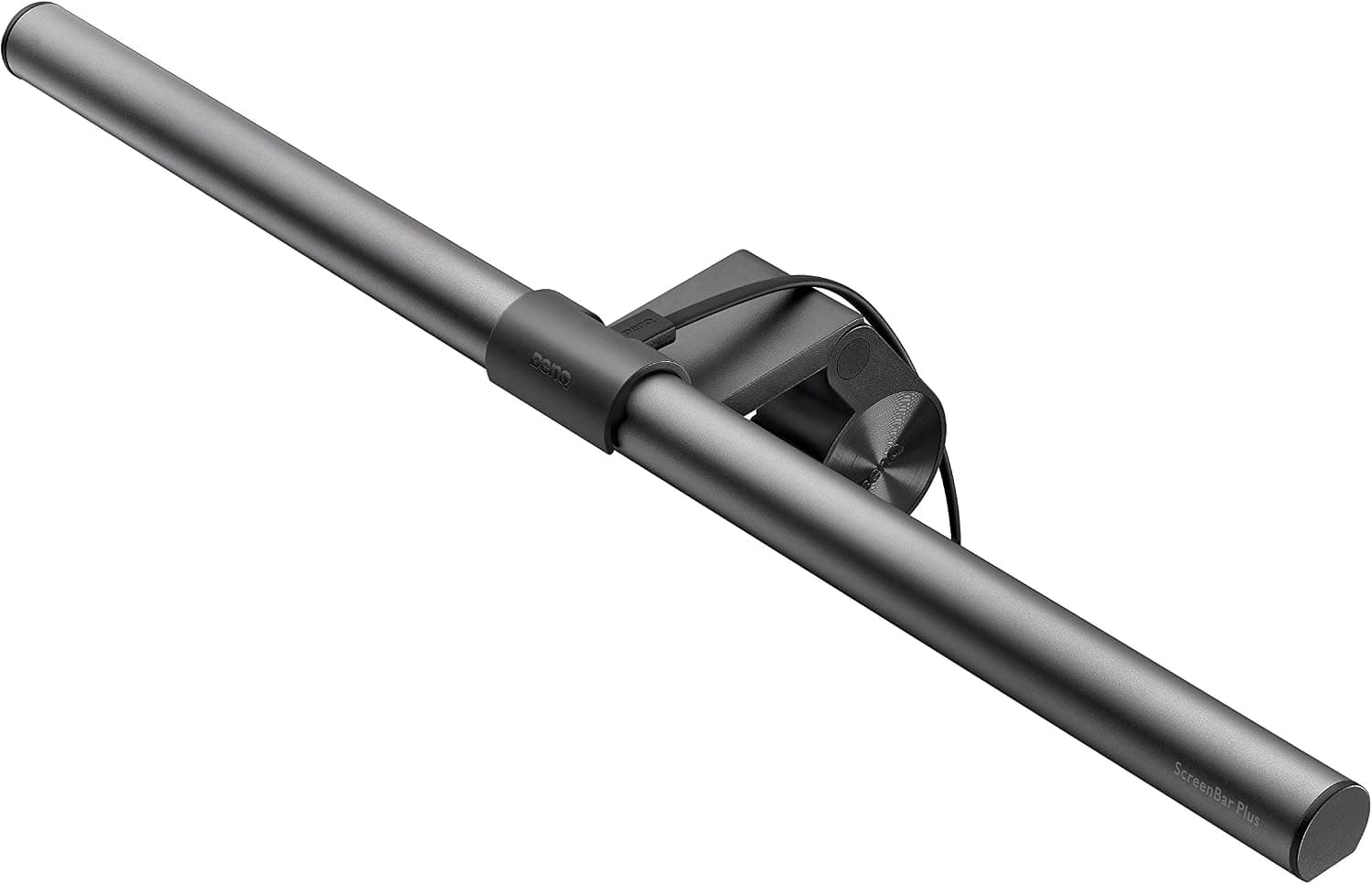
+ Sits on top of the monitor, taking zero desk space
From our guide: Best Monitor Light Bars (2026)
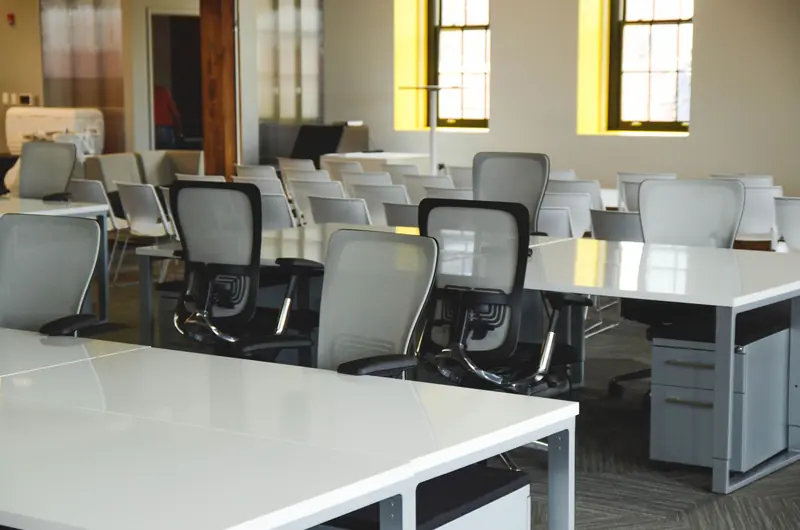
For a single monitor, you generally want enough depth to place the screen at about an arm's length while still leaving room in front for your keyboard, mouse, and hands. Shallow desks often push the monitor uncomfortably close, which strains the eyes and encourages leaning back awkwardly to compensate. If your desk is shallow, a monitor arm that pushes the screen back and even over the rear edge can reclaim the distance you need.
Layout is about zones. Think of your desk in three areas: the primary zone right in front of you for your keyboard and mouse, a secondary zone within easy reach for your phone, notebook, or a drink, and an outer zone for items you use less often. Keeping daily tools in the primary and secondary zones means less reaching and twisting throughout the day.
Width matters mostly for how much you spread out. A wider desk suits dual monitors, paperwork, or creative work that needs space, while a narrow desk keeps a compact, focused setup. Match the width to your actual tasks rather than simply buying the biggest desk that fits the room.
Whatever the dimensions, leave clear space directly in front of your keyboard so your wrists and forearms have somewhere to rest and you have room to write. A surface crowded right up to the edge forces cramped postures. Protecting that open landing zone is one of the simplest ways to make any desk feel more comfortable to work at.
Popular right now
- Best Ergonomic Split Keyboards (2026)Buying guide
- Best Under-Monitor Storage Organizers (2026)Buying guide
- Best Monitor Privacy Filters (2026)Buying guide
- Best Corner Desks for Home Offices (2026)Buying guide
- Best UPS Battery Backups for Home Offices (2026)Buying guide
- Docking station explainedGlossary
Based on the last 28 days of search and visitor data.