How to Reduce Eye Strain at Your Desk
Published How we research
Staring at a screen for hours leaves many people with tired, dry, or achy eyes by the afternoon. This digital eye strain is common, but it is also largely preventable with a few adjustments to how you set up and use your screen. The causes usually come down to distance, glare, infrequent breaks, and text that is too small, and each has a simple fix.
Products from this article
The highest-scoring picks from the buying guides this article links to. Scores are our editorial assessment, not customer ratings.
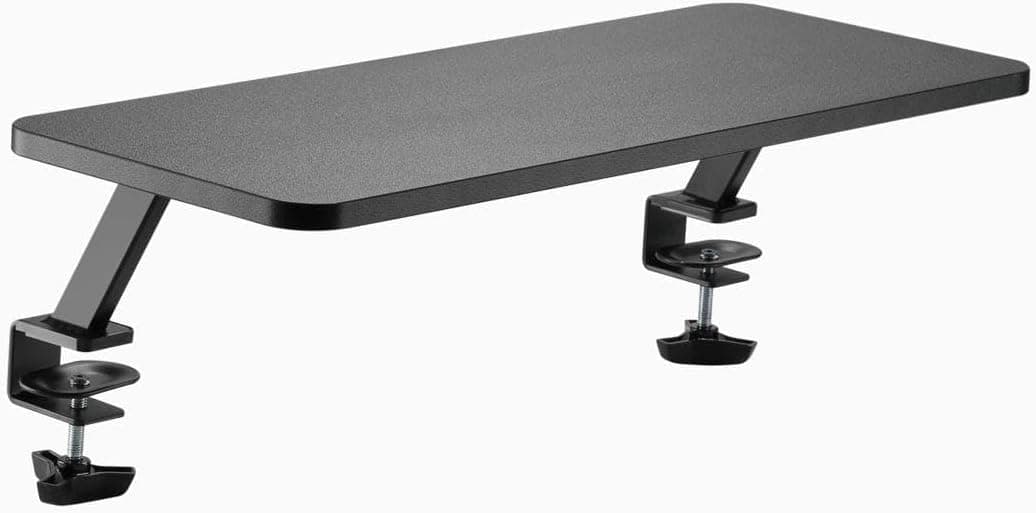
+ Double width shelf holds two monitors on one level surface
From our guide: Best Monitor Risers for Desks (2026)
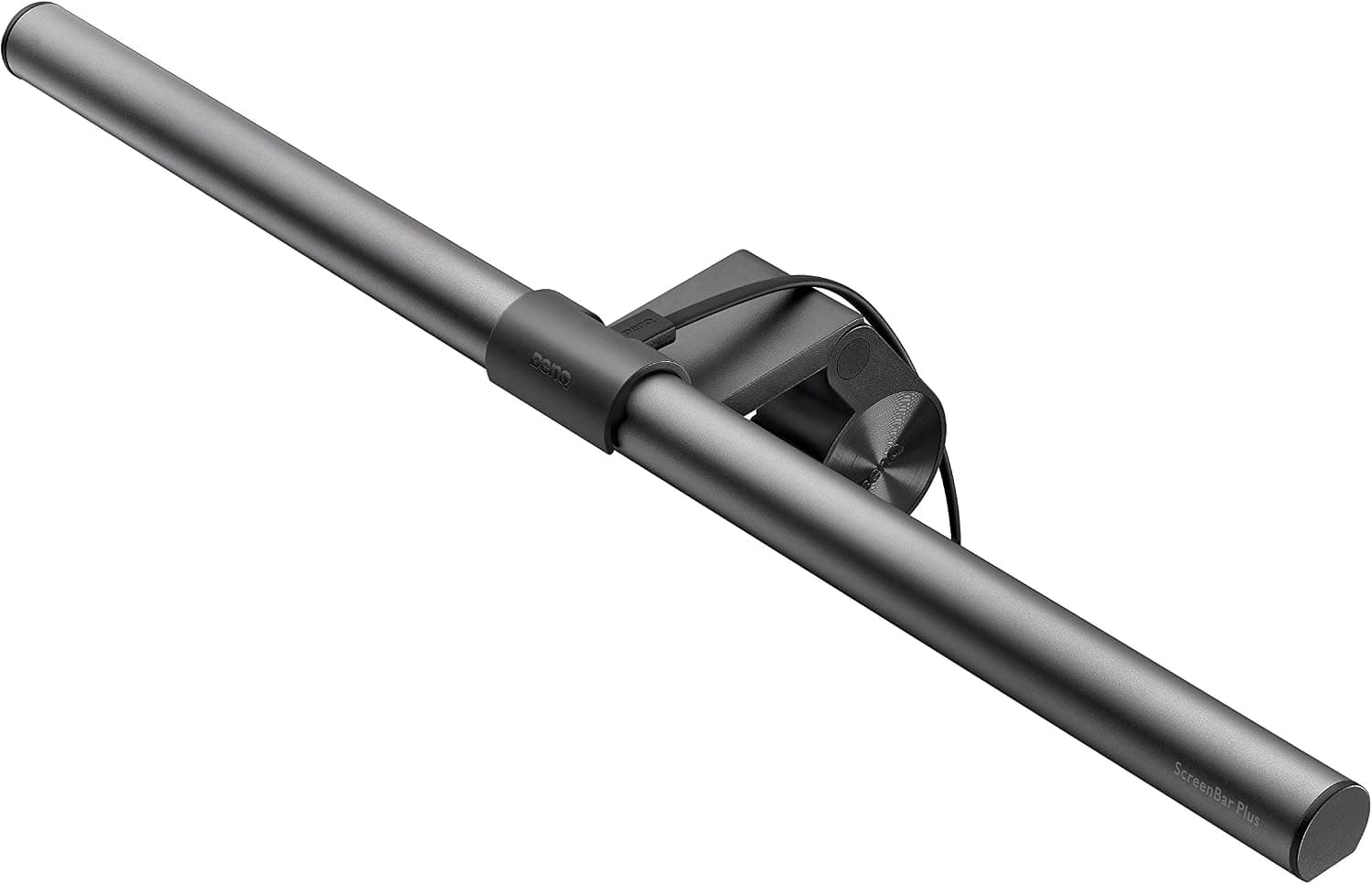
+ Desktop dial controls brightness and color without reaching up
From our guide: Best Monitor Light Bars (2026)
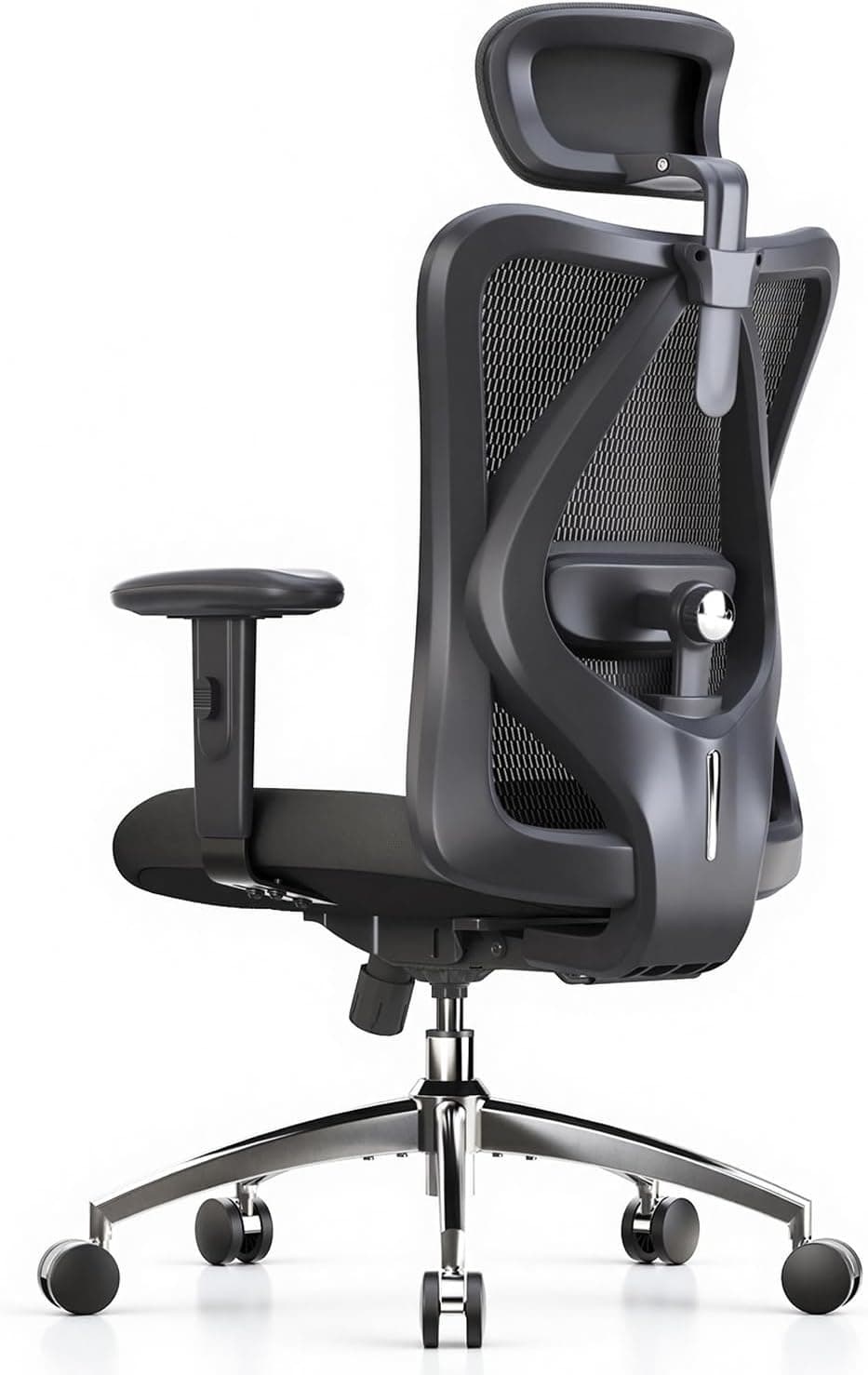
+ SIHOO M18 is a widely sold model with a long record in home offices
From our guide: Best Ergonomic Office Chairs for Home Offices (2026)
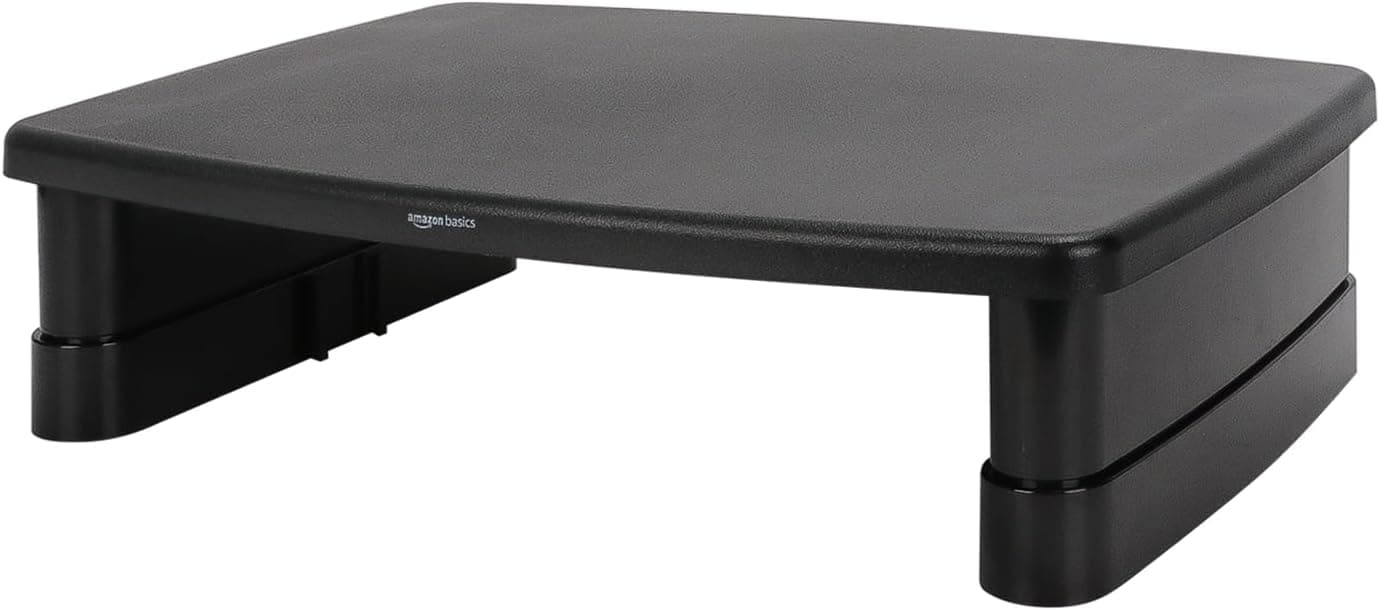
+ 3-level stackable design lets you pick a low, medium or tall height
From our guide: Best Monitor Risers for Desks (2026)

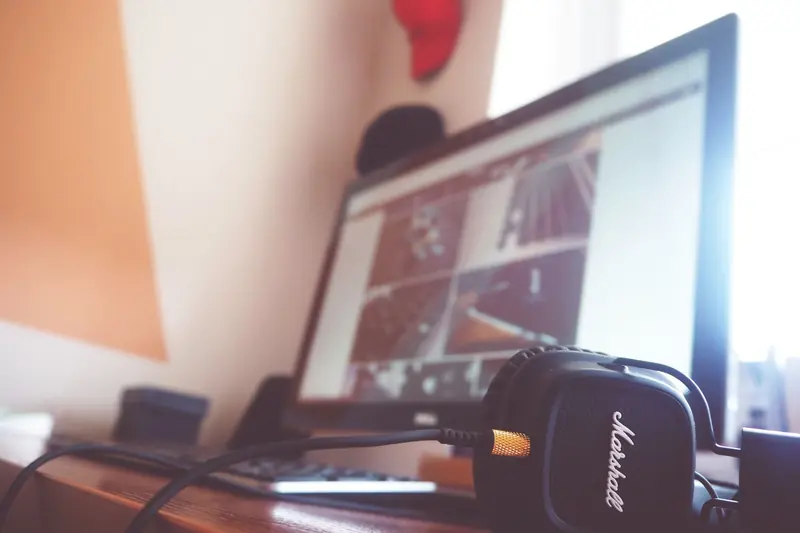
Start with screen distance and position. Keep your monitor about an arm's length away and set so your eyes fall on the upper third of the display. If you find yourself leaning in, the answer is almost always to increase your text size rather than to move the screen closer. Larger, comfortably readable text is one of the easiest ways to relax your eyes.
Breaks are essential because your eyes fatigue from focusing at the same close distance for long stretches. A helpful habit is to look at something far away for a short pause at regular intervals, letting your focusing muscles relax. Standing up, blinking deliberately, and glancing out a window all give your eyes the change of focus they need.
Lighting and glare play a big role too. A screen that is far brighter than the room forces your eyes to work harder, so aim to keep room brightness reasonably close to your screen. Watch for reflections from windows and overhead lights on your display, and reposition your screen or lighting to eliminate any glare you have to squint against.
Finally, pay attention to dryness, since people blink less while concentrating on screens. Making a conscious effort to blink fully, keeping the air from getting too dry, and taking regular breaks all help keep your eyes comfortable. If strain persists despite these changes, it is worth checking with an eye professional to rule out a vision issue that glasses might address.
Popular right now
- Best Ergonomic Split Keyboards (2026)Buying guide
- Best Under-Monitor Storage Organizers (2026)Buying guide
- Best Monitor Privacy Filters (2026)Buying guide
- Best Corner Desks for Home Offices (2026)Buying guide
- Best UPS Battery Backups for Home Offices (2026)Buying guide
- Docking station explainedGlossary
Based on the last 28 days of search and visitor data.