Monitor Arms & Laptop Stands
Monitor placement prevents neck strain. Arms, risers and laptop stands bring screens up to eye level and free up desk space.

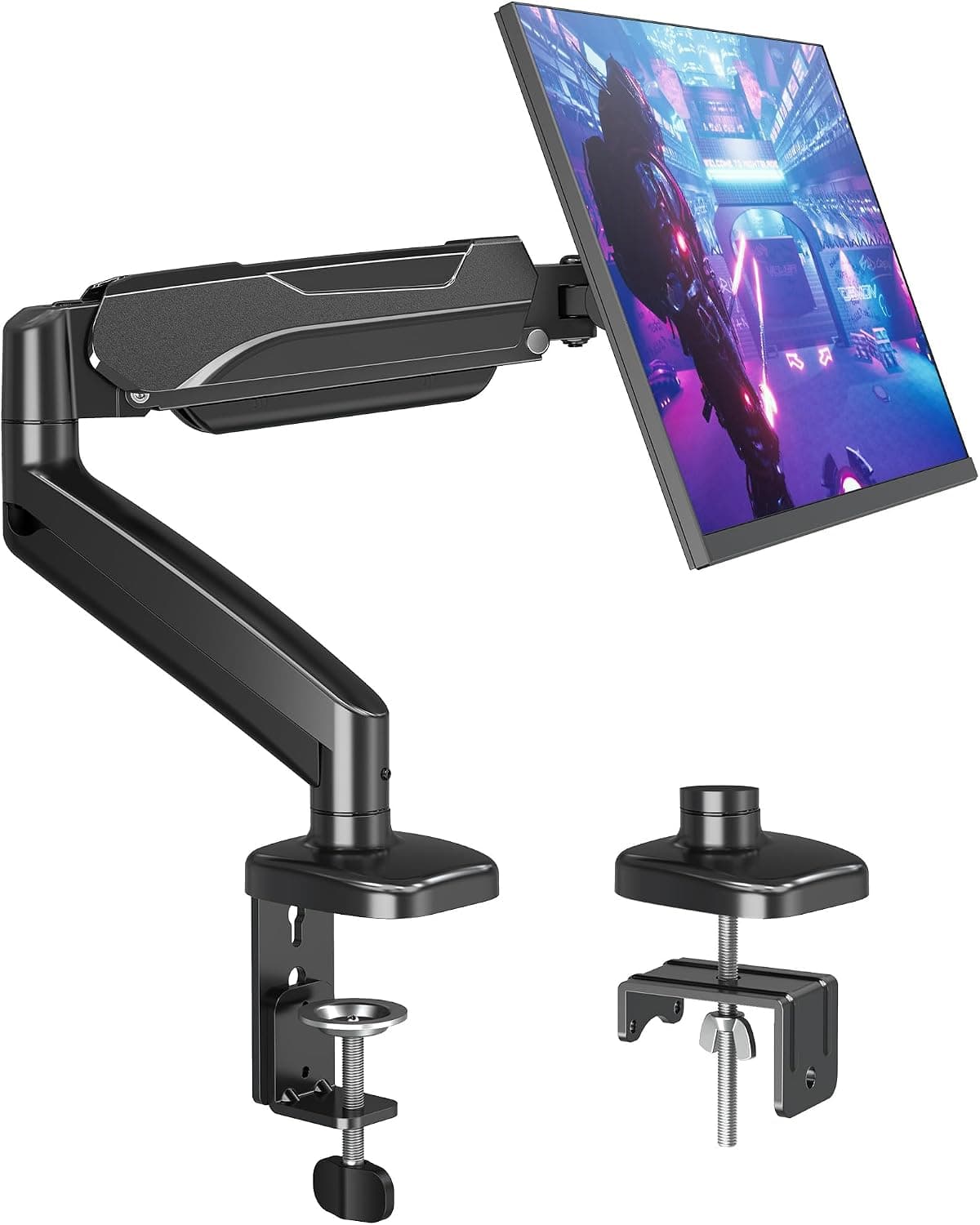
Best Single Monitor Arms for Home Offices (2026)
Compare the best single monitor arms for home offices. How to choose weight rating, VESA fit, clamp style, and adjustment range to free desk space.
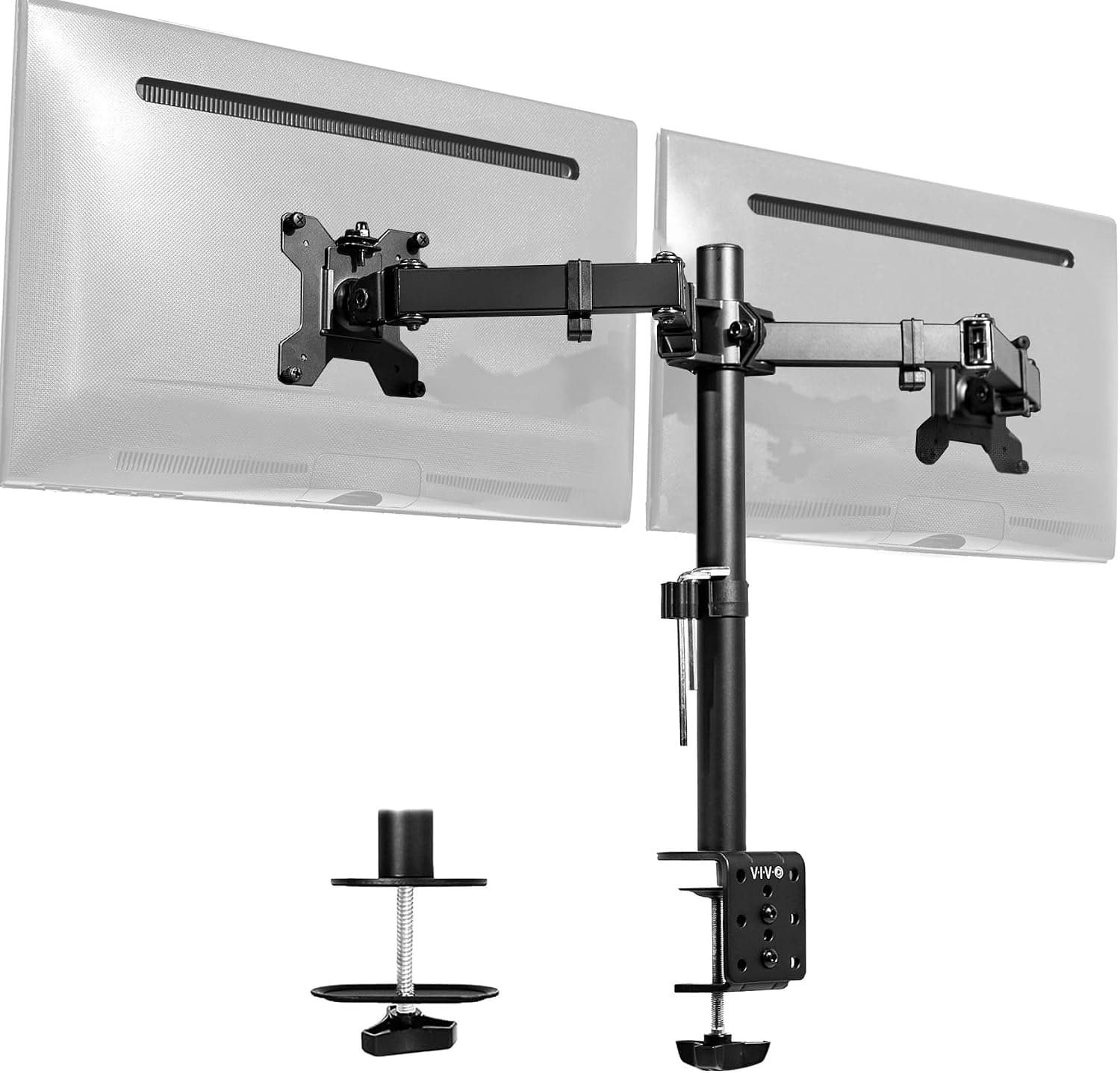
Best Dual Monitor Arms for Home Offices (2026)
Compare the best dual monitor arms for home offices. What to know about combined weight rating, VESA fit, arm reach, and stability for two screens.
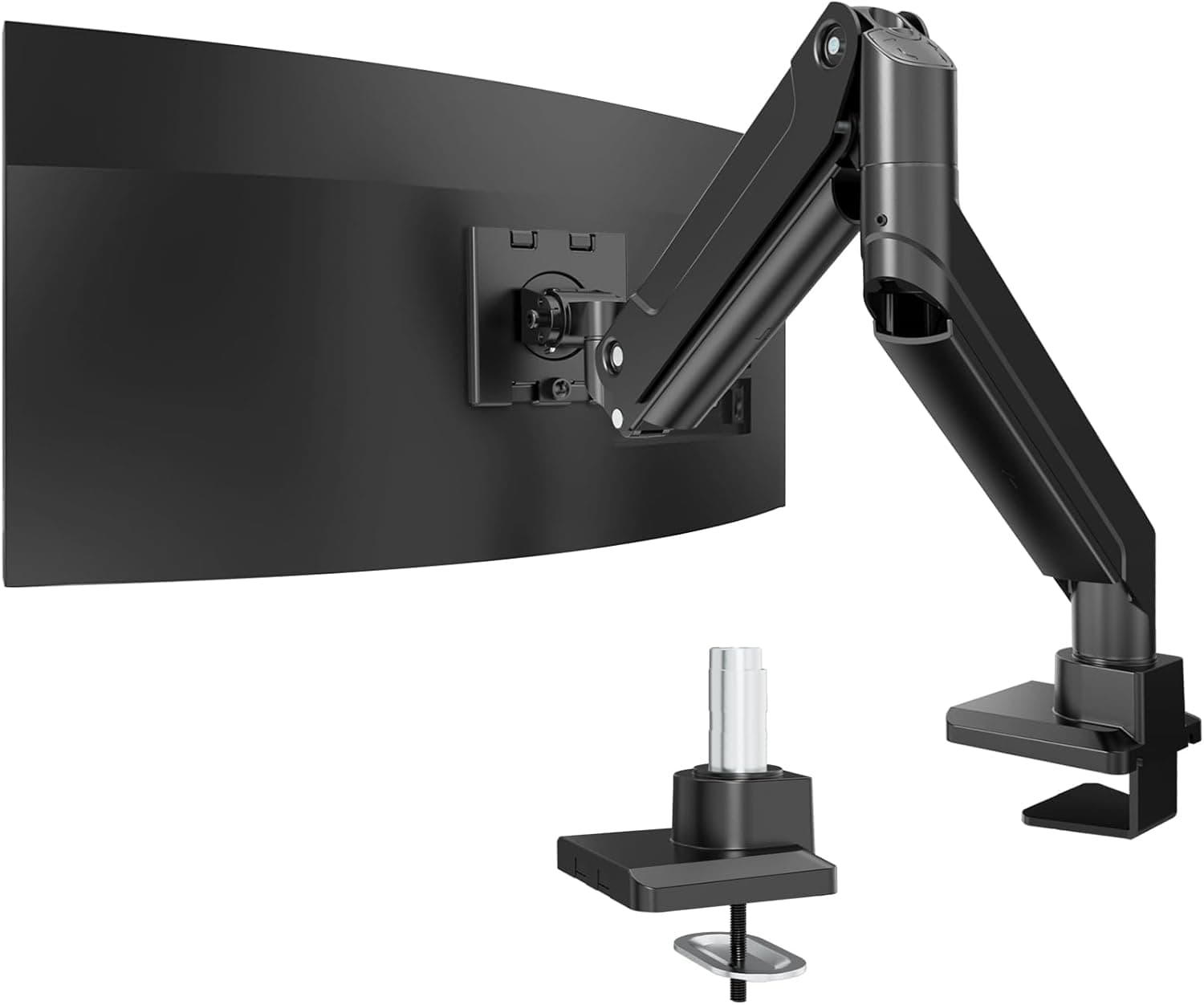
Best Ultrawide Monitor Mounts for Home Offices (2026)
Compare the best ultrawide monitor mounts for home offices. How to choose weight capacity, VESA fit, arm strength, and stability for large curved screens.
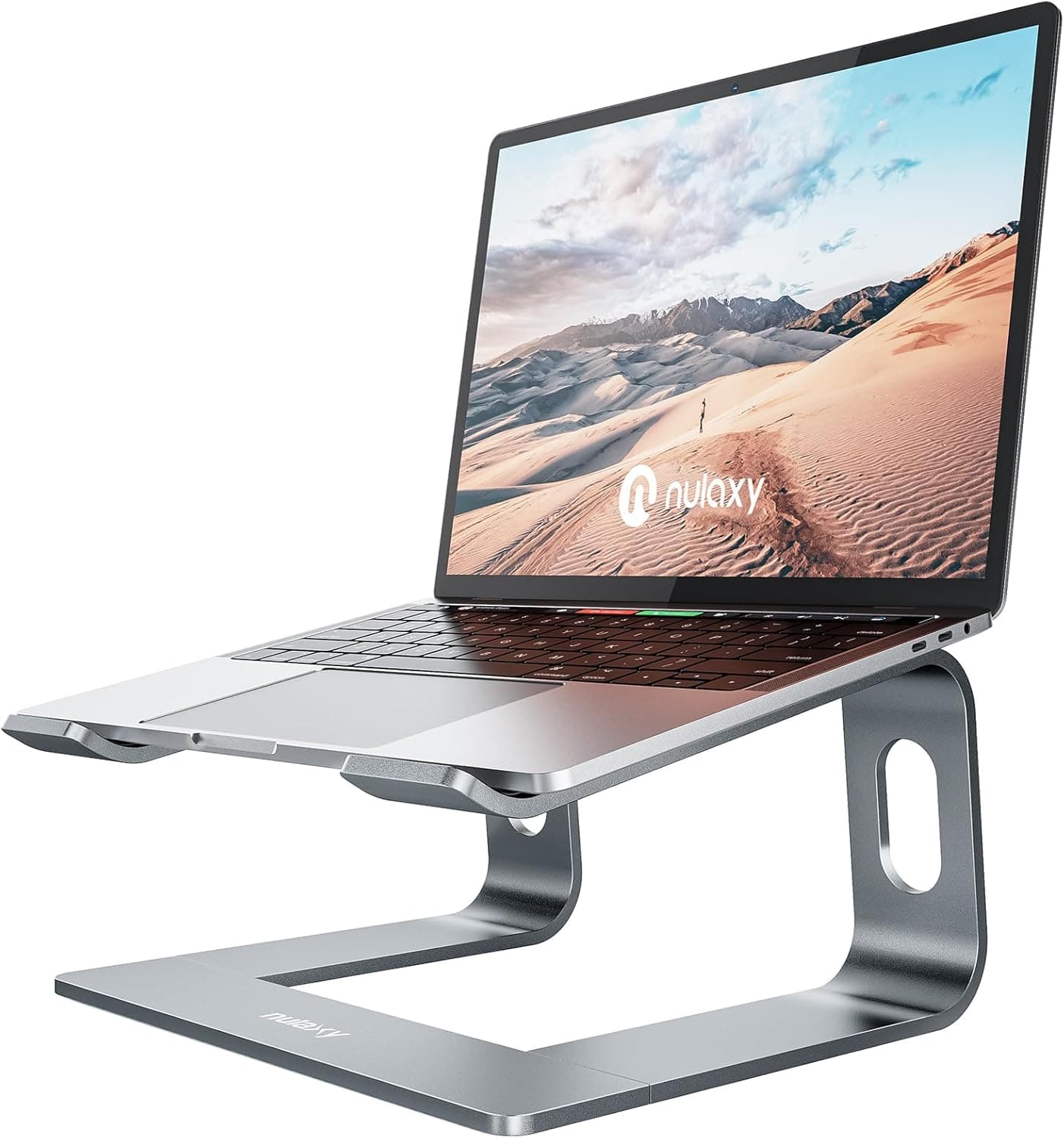
Best Laptop Stands for Home Offices (2026)
Compare the best laptop stands for home offices. What to know about height, stability, material, portability, and cooling to improve posture.
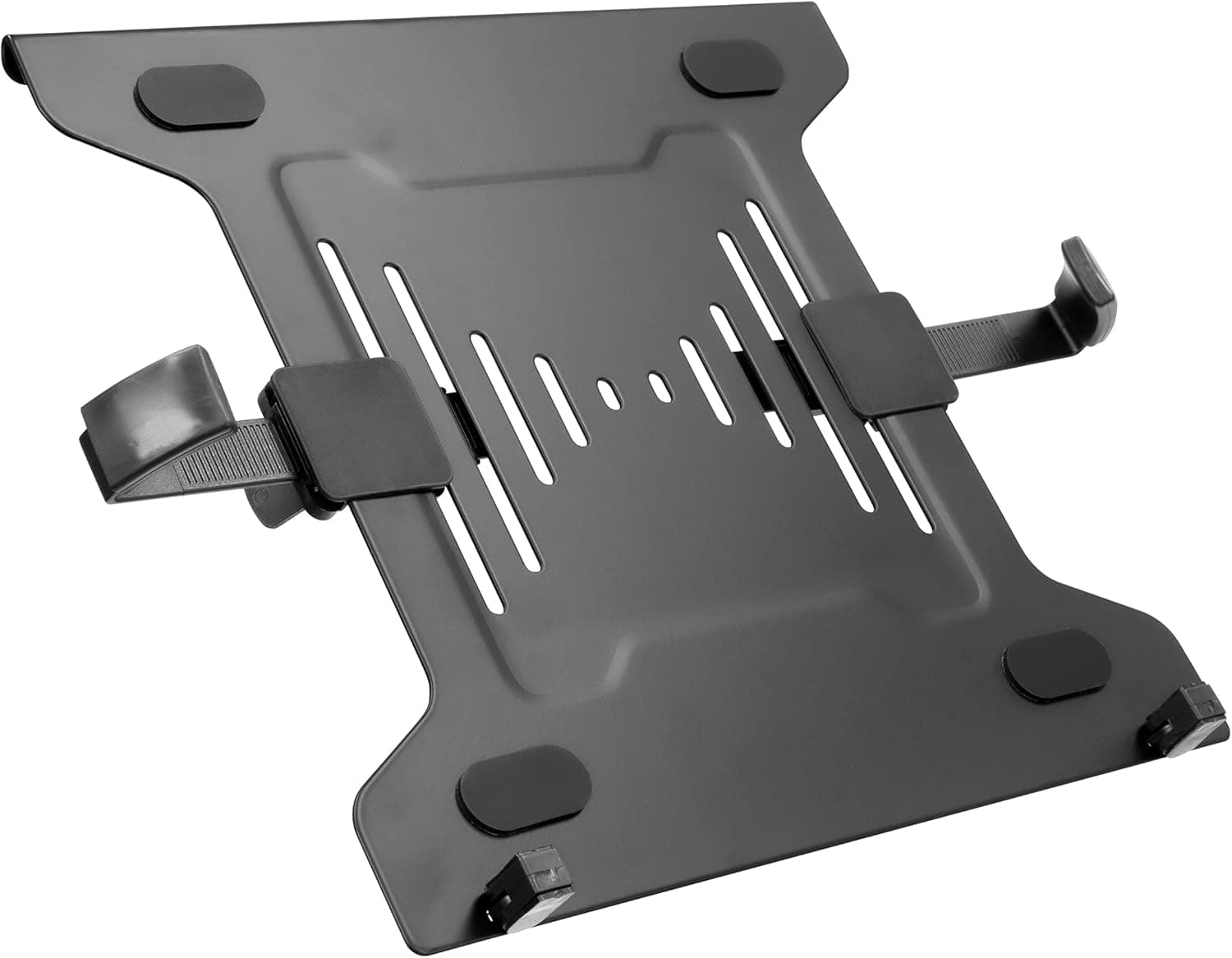
Best Sit-Stand Laptop Mounts for Home Offices (2026)
Compare the best sit-stand laptop mounts for home offices. How to choose height range, tray size, stability, and mounting style for standing work.
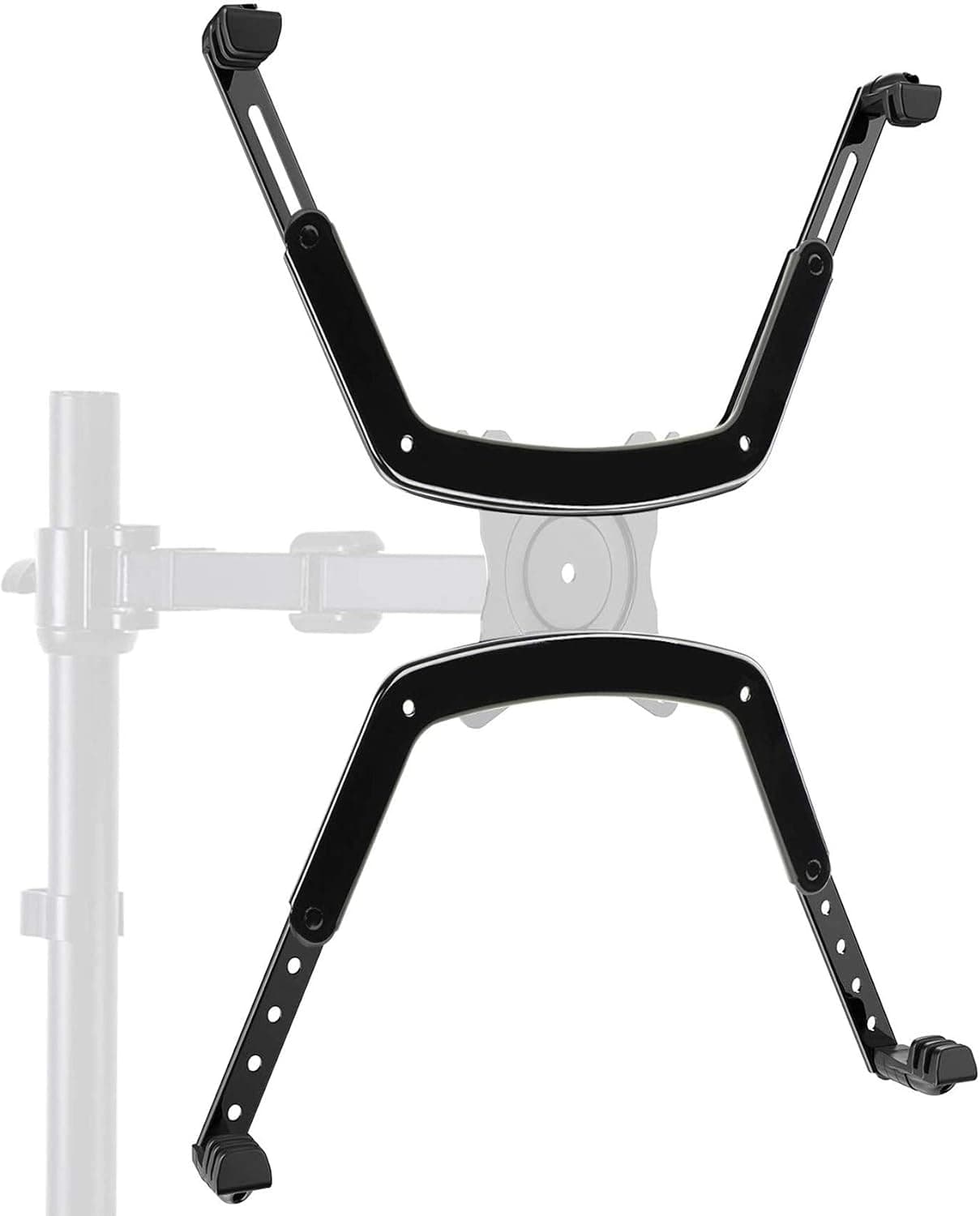
Best VESA Mount Adapters for Home Offices (2026)
Compare the best VESA mount adapters for home offices. What to know about pattern conversion, laptop and non-VESA fit, weight limits, and compatibility.
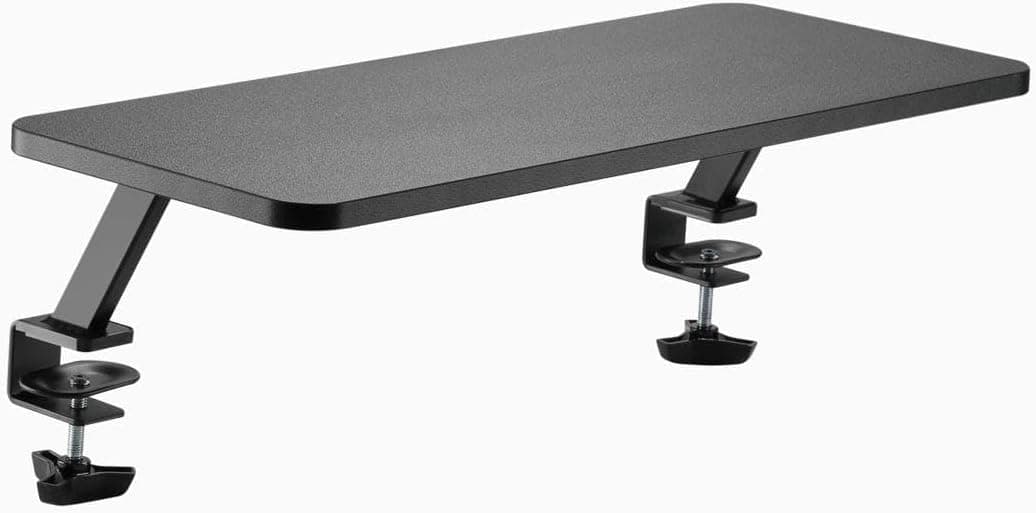
Best Monitor Risers for Desks (2026)
Compare the best monitor risers to lift your screen to eye level, cut neck strain, and free up desk space. Materials, heights, and who they suit.
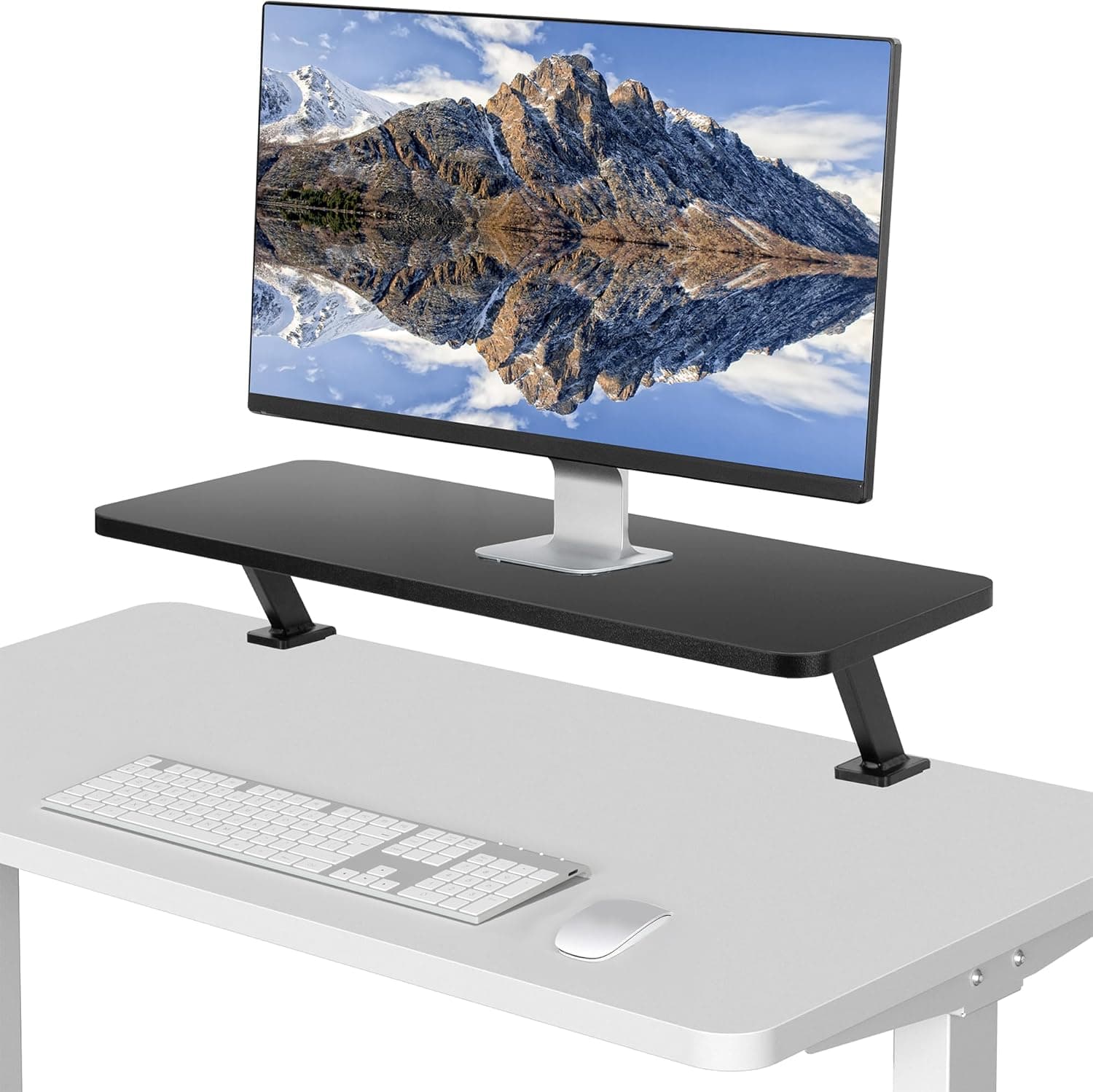
Best Monitor Shelves for Home Offices (2026)
Find the best monitor shelves to raise your display and add tidy storage underneath. Compare clamp-on and freestanding styles, sizes, and load limits.
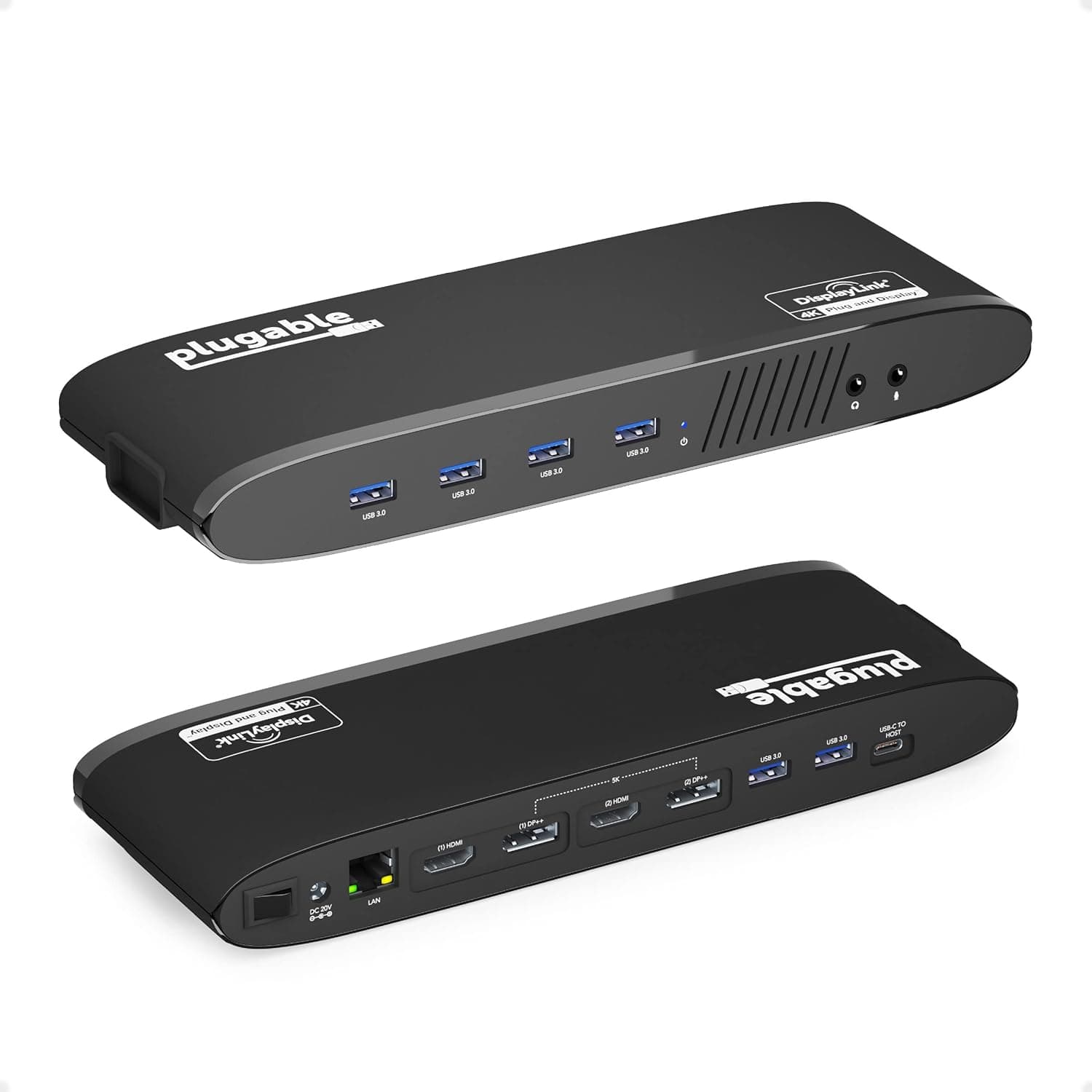
Best Laptop Docking Stations for WFH (2026)
Compare the best laptop docking stations to run monitors, peripherals, and charging from one cable. Ports, power delivery, and compatibility explained.
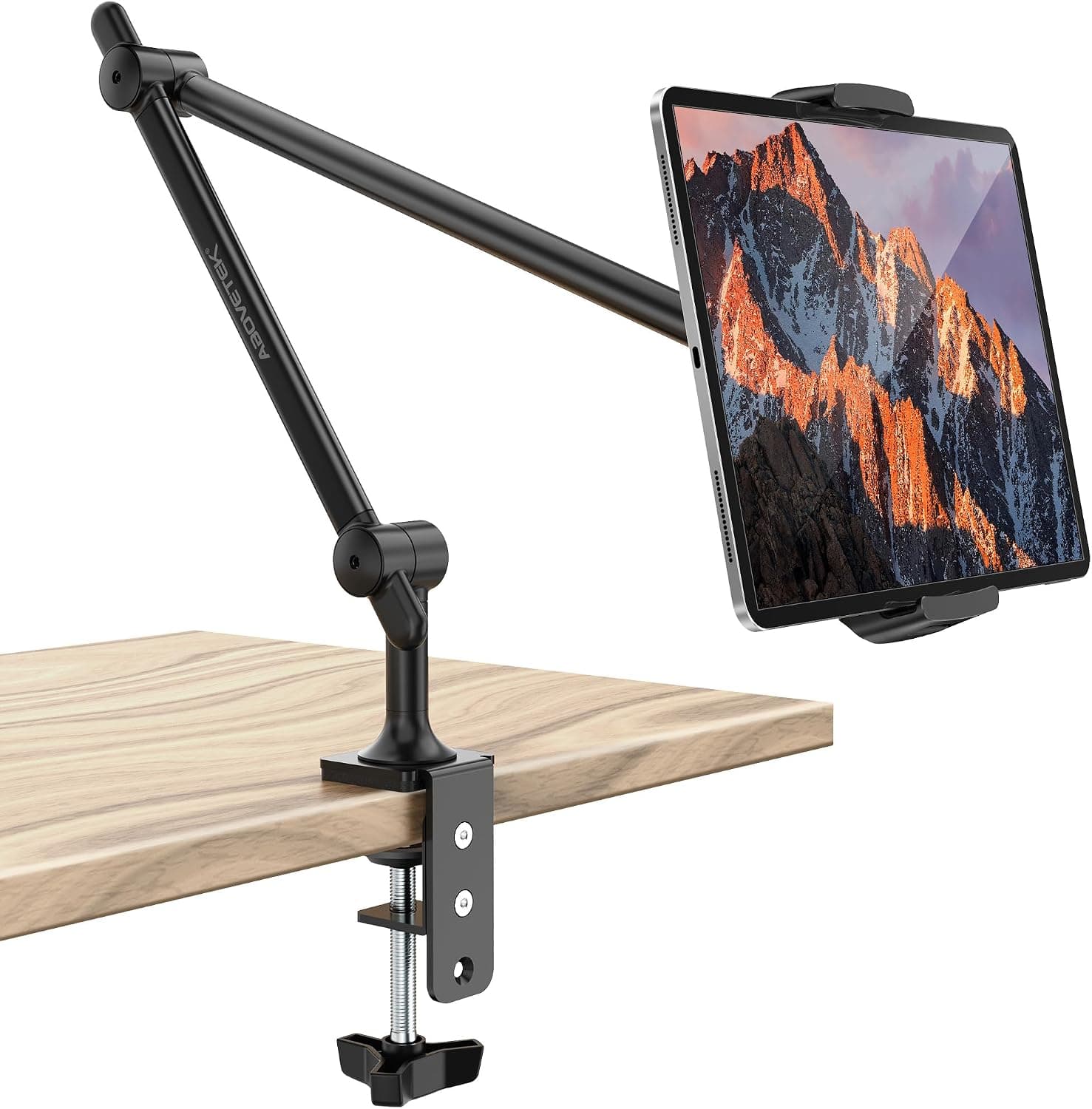
Best Tablet Stands for Desks (2026)
Find the best tablet stands for your desk, from adjustable arms to compact folding docks. Compare stability, angles, and charging-friendly designs.
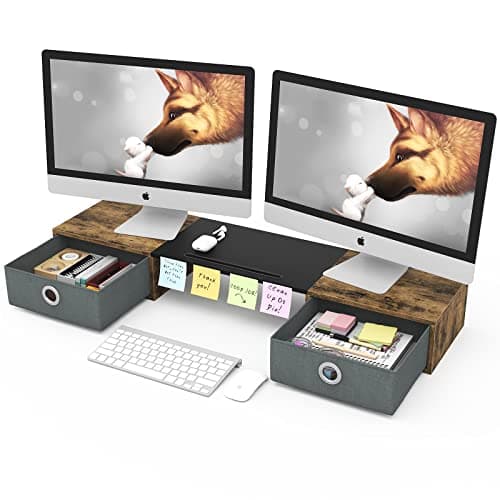
Best Under-Monitor Storage Organizers (2026)
Compare under-monitor storage organizers that reclaim desk space with drawers, shelves, and slots. Sizes, materials, and layouts for a tidy setup.
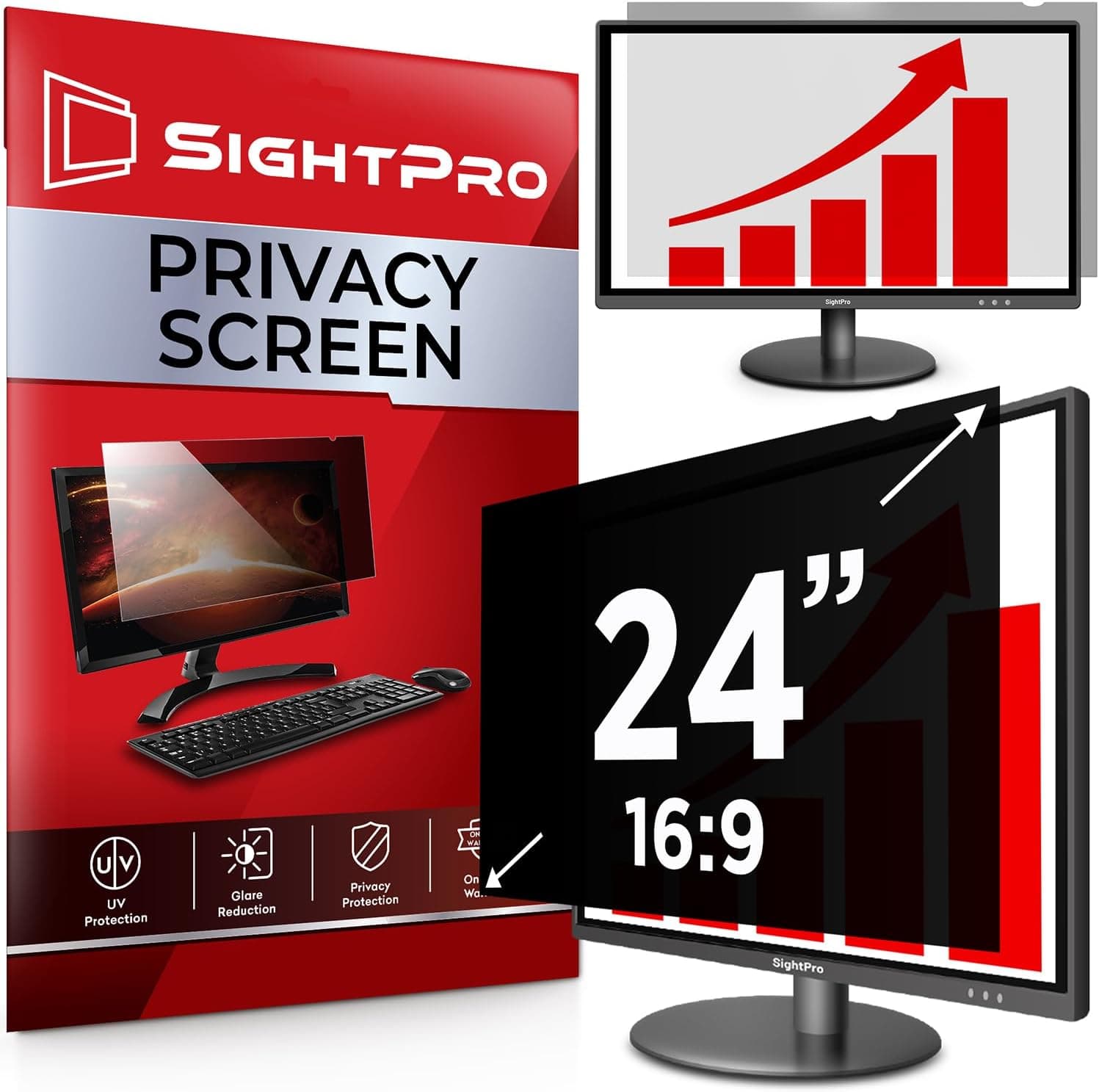
Best Monitor Privacy Filters (2026)
Find the best monitor privacy filters to block side viewing angles and reduce glare. Compare sizes, attachment styles, and clarity for home and office.
How to choose
- Place the top of the screen at or slightly below eye level.
- Keep screens about an arm's length away.
- Check VESA pattern and weight limits before buying an arm.
- Raise laptops and use an external keyboard and mouse.
Common questions
How high should my monitor be?
The top of the screen should sit at or slightly below eye level so you look slightly down at the middle of the screen.
Do monitor arms save space?
Yes. They lift screens off the desk, free the surface and make height, depth and angle easy to adjust.