Best Laptop Docking Stations for WFH (2026)
Updated How we research
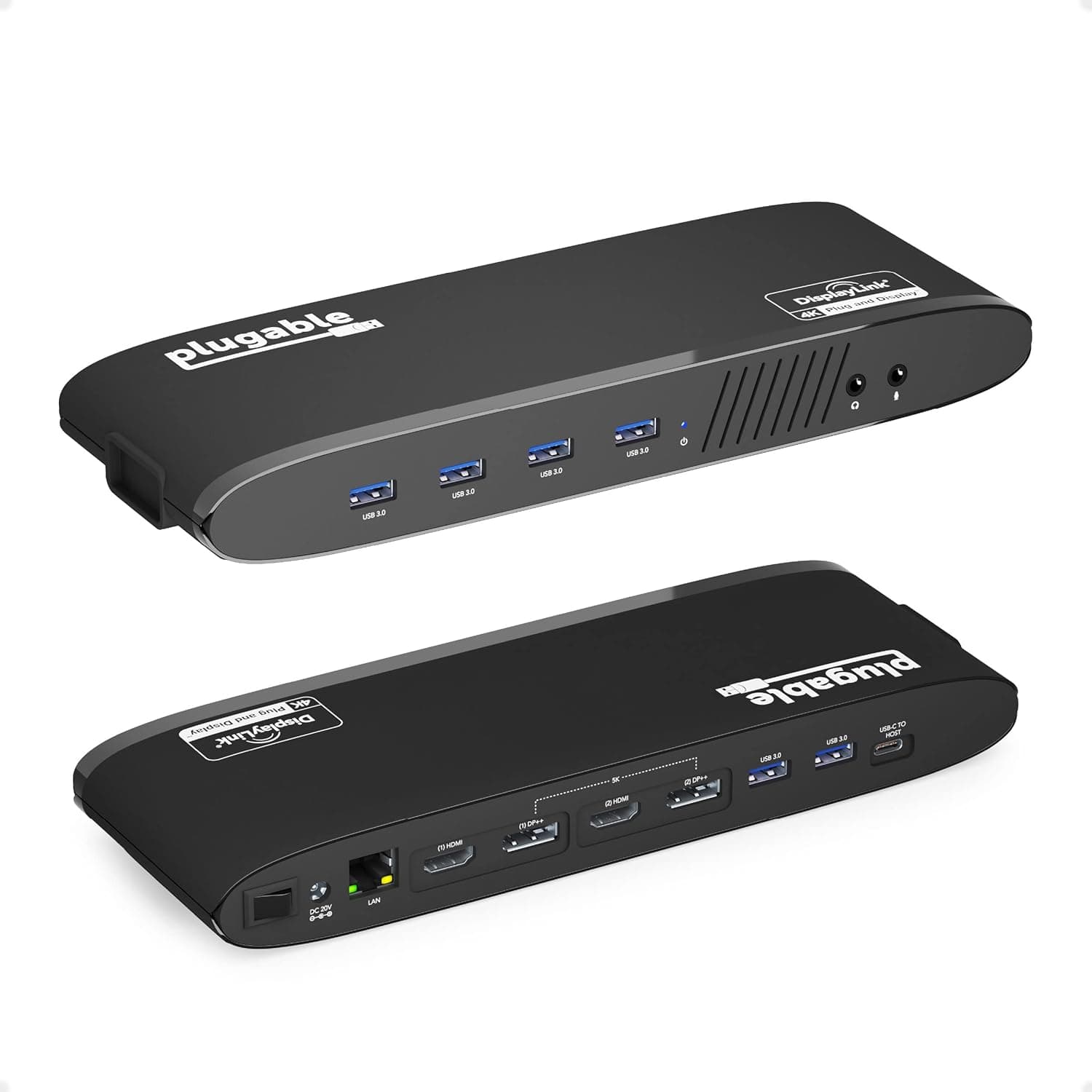
Plugable Universal Laptop Docking Station, 4K Dual Monitor, DisplayPort/HDMI, USB-C or USB 3.0
Plugable universal laptop docking station with 4K dual monitor output over DisplayPort/HDMI, using USB-C or USB 3.0.
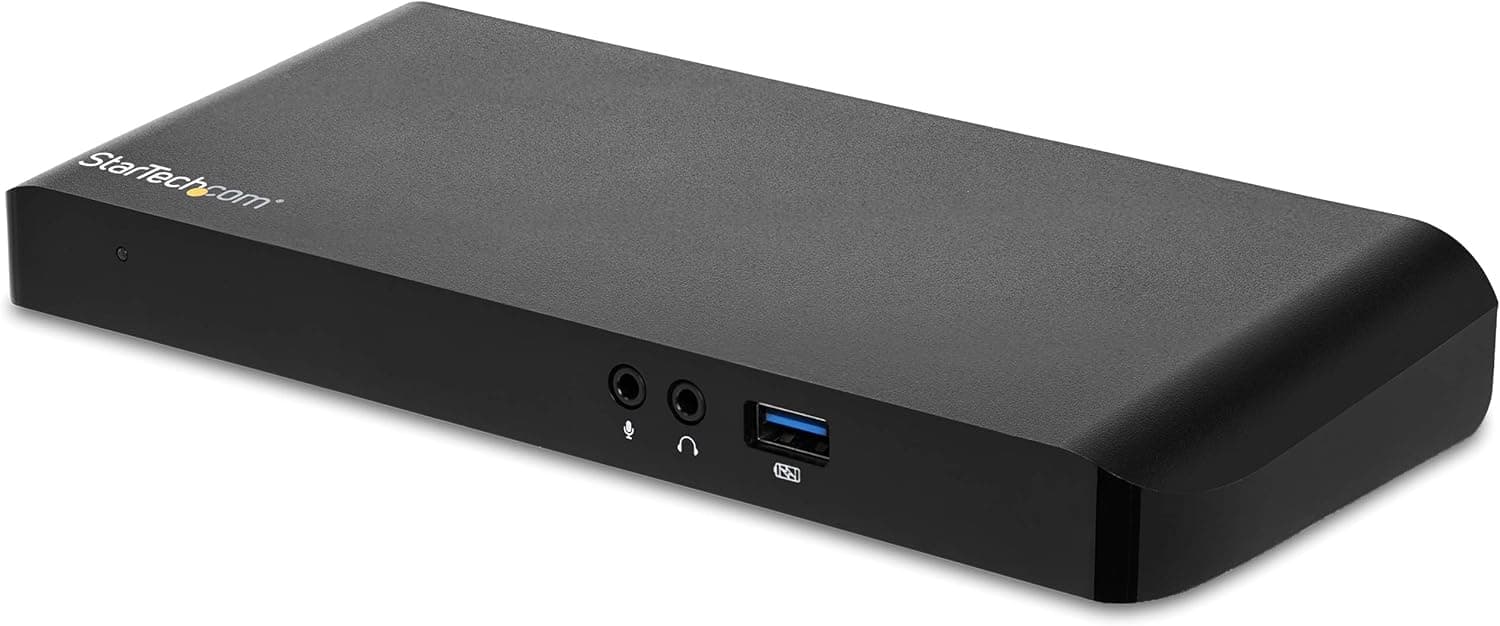
StarTech.com Dual Monitor USB-C Laptop Docking Station, 4K HDMI, DisplayPort, 60W PD (MST30C2DPPD)
StarTech.com dual monitor USB-C laptop docking station with 4K HDMI, DisplayPort and 60W PD charging.
A docking station turns your laptop into a full desktop with a single connection, so you plug in once and get external monitors, wired accessories, ethernet, and charging all at once. Start with your laptop's port and standard, since Thunderbolt, USB4, and standard USB-C docks differ in display bandwidth and speed. Then count the ports you actually need: how many monitors, whether you want HDMI or DisplayPort, plus USB-A, card readers, and audio. Match the dock's display support to the number and resolution of screens you plan to drive. Power delivery is the detail people miss. If you want the dock to charge your laptop over the same cable, check that its wattage meets your machine's needs, especially for larger laptops. Consider whether you prefer a compact travel dock or a full desktop hub with its own power brick. This suits hybrid workers who dock and undock daily, anyone running multiple monitors, and people tired of juggling separate cables. Always verify compatibility with your specific laptop model before buying.
The short version
We compared 8 picks. Our scores range from 7.0 to 8.4 out of 10.
- Best overall:Plugable Universal Laptop Docking Station, 4K Dual Monitor, DisplayPort/HDMI, USB-C or USB 3.0. Highest overall score in this guide at 8.4/10.
- Also great value:Selore USB C Docking Station Dual Monitor, 14-in-1, 3 Monitors, 2 HDMI, VGA, 100W PD. Value score of 8/10, overall 8.1/10.
- Solid build:StarTech.com Dual Monitor USB-C Laptop Docking Station, 4K HDMI, DisplayPort, 60W PD (MST30C2DPPD). Build and materials score of 8/10, overall 8.2/10.
- Feature-rich:HODO USB C Docking Station 15-in-1, Dual 4K HDMI + 8K DP + VGA, Ethernet. Features score of 9/10, overall 8.1/10.
Scores are our editorial assessment, not customer ratings. How we score
- 1.Plugable Universal Laptop Docking Station, 4K Dual Monitor, DisplayPort/HDMI, USB-C or USB 3.08.4/10See on AmazonCheck price
- 2.StarTech.com Dual Monitor USB-C Laptop Docking Station, 4K HDMI, DisplayPort, 60W PD (MST30C2DPPD)8.2/10See on AmazonCheck price
- 3.Selore USB C Docking Station Dual Monitor, 14-in-1, 3 Monitors, 2 HDMI, VGA, 100W PD8.1/10See on AmazonCheck price
- 4.HODO USB C Docking Station 15-in-1, Dual 4K HDMI + 8K DP + VGA, Ethernet8.1/10See on AmazonCheck price
- 5.TOBENONE 13-in-1 USB C Docking Station Dual Monitor, Dual HDMI, DP, Audio7.8/10See on AmazonCheck price
- 6.USB C Docking Station 3 Monitors, Dual HDMI, 4K DisplayPort, PD, Ethernet, 7 Ports7.6/10See on AmazonCheck price
- 7.USB C Docking Station Dual Monitor, 13-in-1, Dual HDMI, DP, 65W, Gigabit Ethernet7.6/10See on AmazonCheck price
- 8.Docking Station Dual Monitor 8-in-1 USB C Hub, Dual HDMI Adapter, PD/SD/TF7.0/10See on AmazonCheck price
 #1
#1Plugable universal laptop docking station with 4K dual monitor output over DisplayPort/HDMI, using USB-C or USB 3.0.
Fit for the job 9/10 · Features and specs 8/10 · Build and materials 8/10 · Value 8/10
- + Works over USB-C or USB 3.0, so older laptops can use it too
- + 4K dual monitor support drives two external displays at once
- + Plugable is a respected dock brand with good driver support
- - Universal docks rely on display drivers that need installing
- - Video over USB can lag in fast gaming compared with native ports
 #2
#2StarTech.com dual monitor USB-C laptop docking station with 4K HDMI, DisplayPort and 60W PD charging.
Fit for the job 9/10 · Features and specs 8/10 · Build and materials 8/10 · Value 7/10
- + 60W PD charges many laptops through the same single USB-C cable
- + 4K HDMI and DisplayPort outputs support two external monitors
- + StarTech.com is a trusted business dock brand
- - 60W may not be enough for power-hungry workstation laptops
- - MacBooks may mirror rather than extend both monitors over MST
 #3
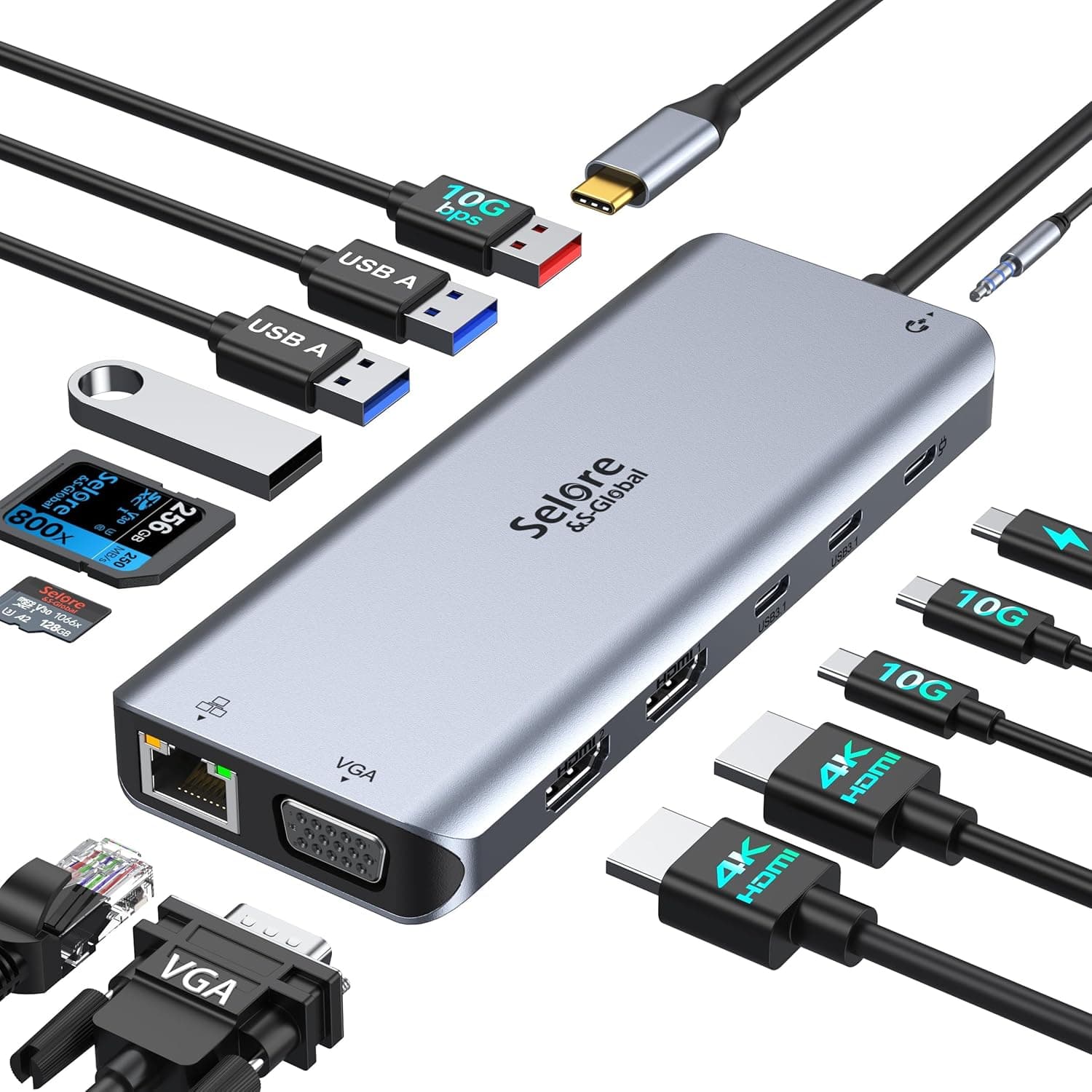
#3Selore 14-in-1 USB C docking station for 3 monitors with 2 HDMI, VGA and 100W PD charging.
Fit for the job 8/10 · Features and specs 9/10 · Build and materials 7/10 · Value 8/10
- + 100W PD input supports charging for power-hungry laptops
- + 3 monitors via HDMI and VGA suit older displays too
- + 14-in-1 layout covers most desk connection needs
- - VGA output looks softer than digital HDMI on modern screens
- - Triple display mode depends on laptop and OS support
 #4
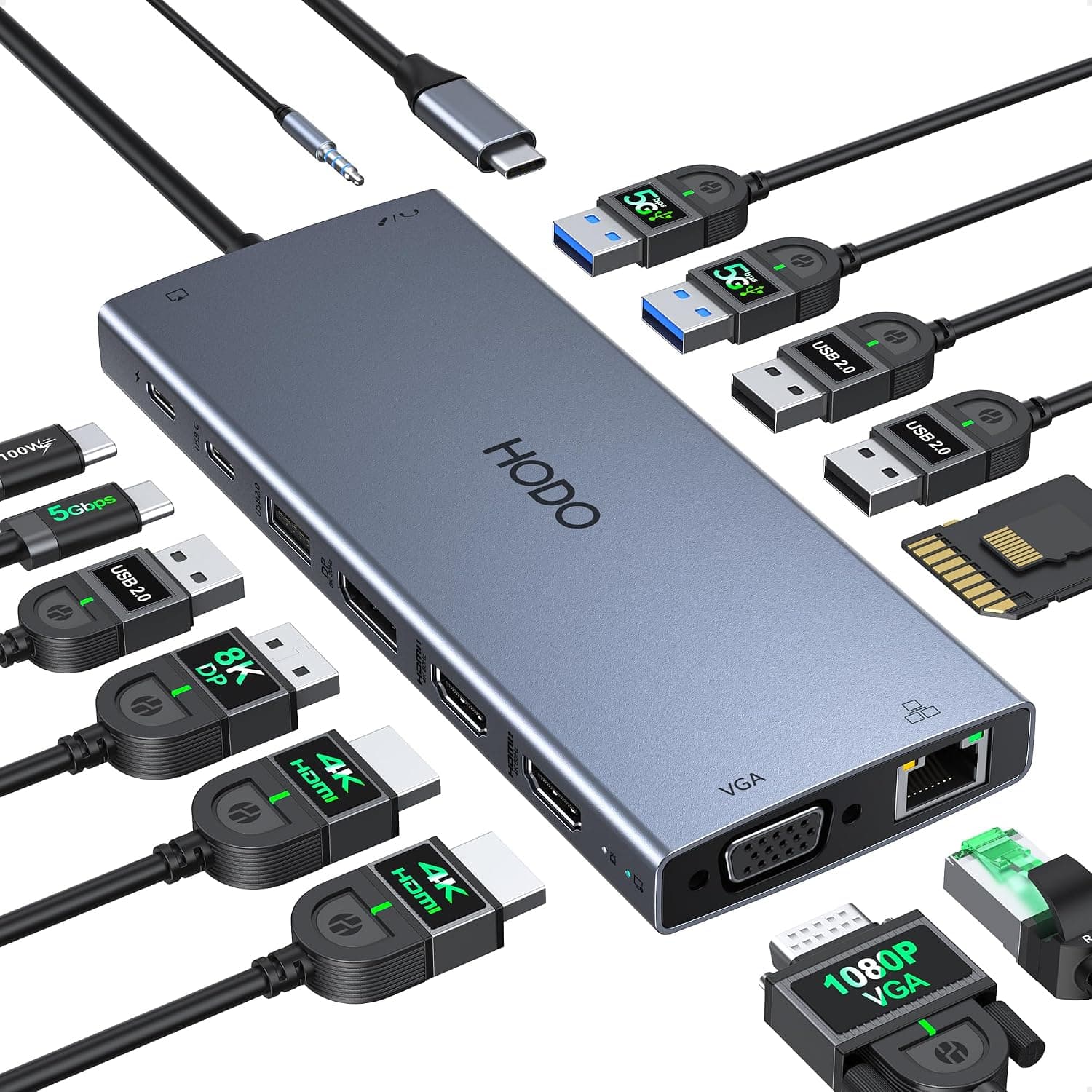
#4HODO 15-in-1 USB C docking station with dual 4K HDMI, 8K DP, VGA and Ethernet, the most port-rich dock here.
Fit for the job 8/10 · Features and specs 9/10 · Build and materials 7/10 · Value 8/10
- + 15-in-1 layout gives the widest range of ports in this group
- + 8K DP output supports high-resolution displays for creative work
- + Dual 4K HDMI plus VGA covers new and legacy monitors
- - 8K output needs a compatible laptop and cable to work
- - Large dock with many ports can clutter the desk with cables
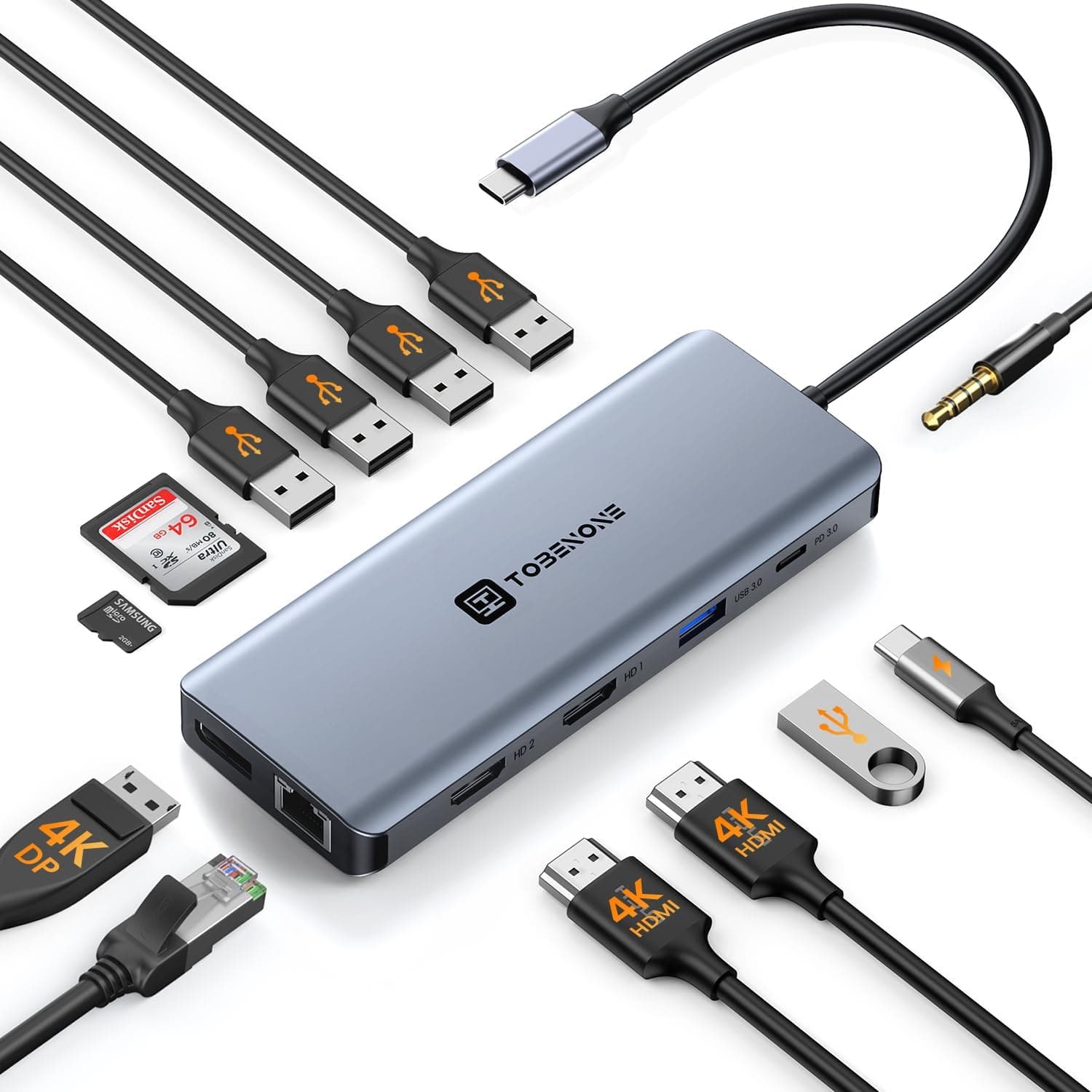 #5
#5TOBENONE 13-in-1 USB C docking station for dual monitors with dual HDMI, DP and audio ports.
Fit for the job 8/10 · Features and specs 8/10 · Build and materials 7/10 · Value 8/10
- + 13-in-1 port count covers displays, USB, audio and more
- + Dual HDMI plus DP gives flexible dual monitor connections
- + Single dock simplifies connecting a laptop at a home desk
- - Dual monitor extend mode depends on laptop USB-C support
- - TOBENONE is a smaller brand with less firmware support
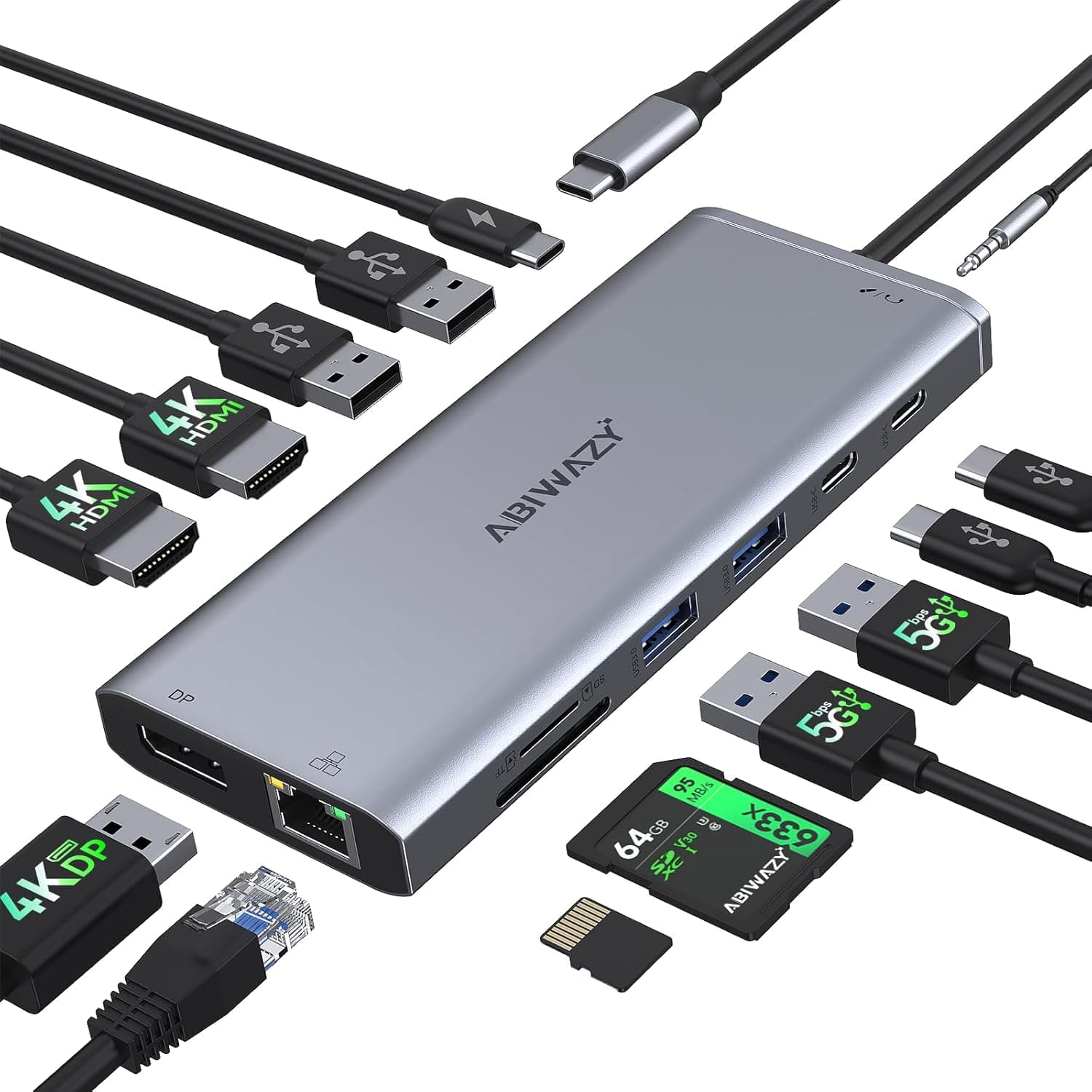 #6
#6A USB C docking station for 3 monitors with dual HDMI, 4K DisplayPort, PD, Ethernet and 7 ports.
Fit for the job 8/10 · Features and specs 8/10 · Build and materials 6/10 · Value 8/10
- + Supports 3 monitors for a large multi-screen workspace
- + Ethernet port gives a stable wired connection for calls
- + PD passthrough keeps the laptop charging while docked
- - Triple monitor output needs a laptop that supports it
- - Generic brand offers little firmware or driver support
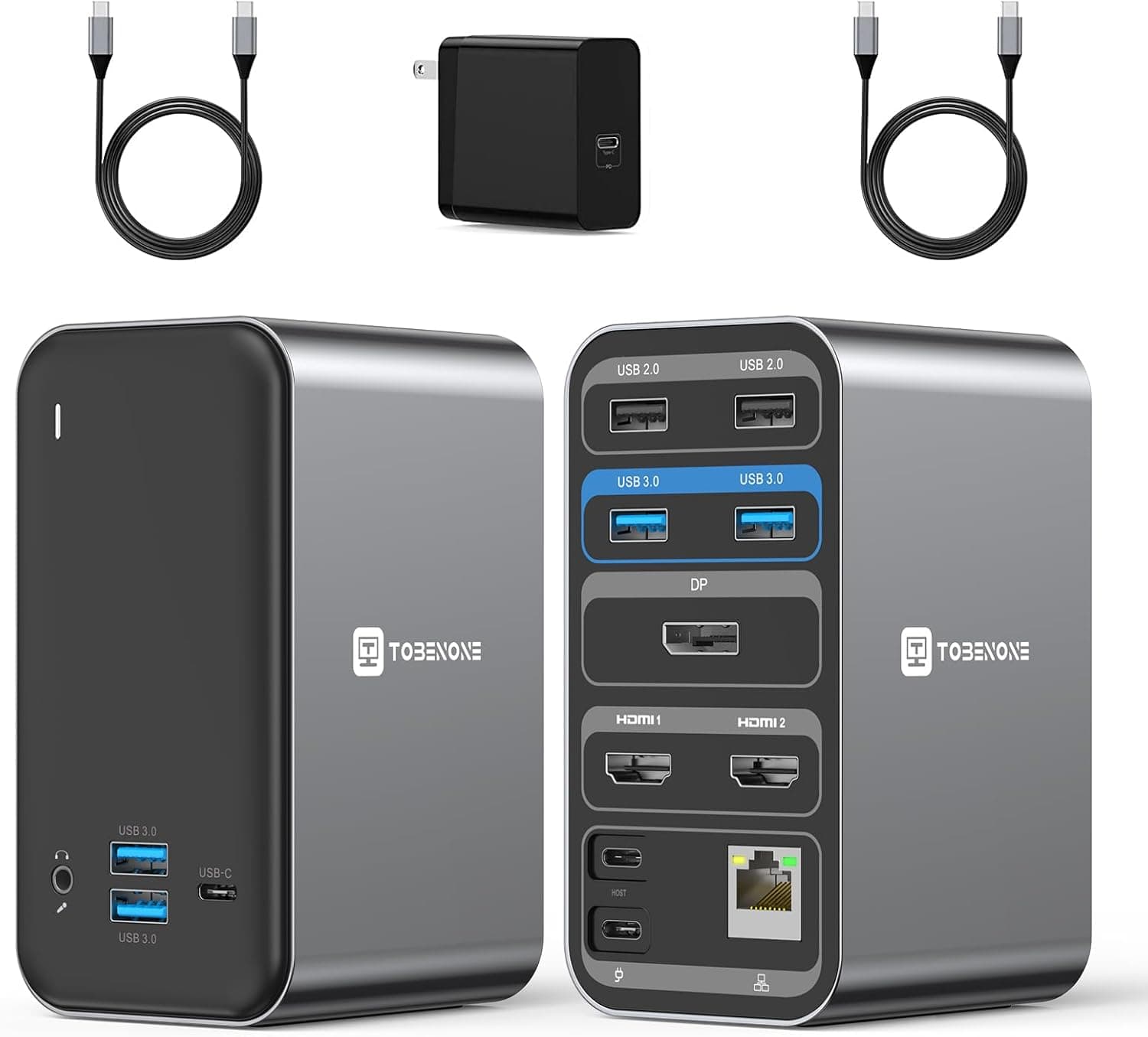 #7
#7A 13-in-1 USB C docking station for dual monitors with dual HDMI, DP, 65W charging and Gigabit Ethernet.
Fit for the job 8/10 · Features and specs 8/10 · Build and materials 6/10 · Value 8/10
- + 65W charging passthrough powers most ultrabooks while docked
- + Gigabit Ethernet provides fast wired internet for large uploads
- + Dual HDMI plus DP allows two monitors with varied cables
- - 65W limit can slow charging on high-end laptops
- - Keep the dock in a ventilated spot since multi-port hubs run warm under load
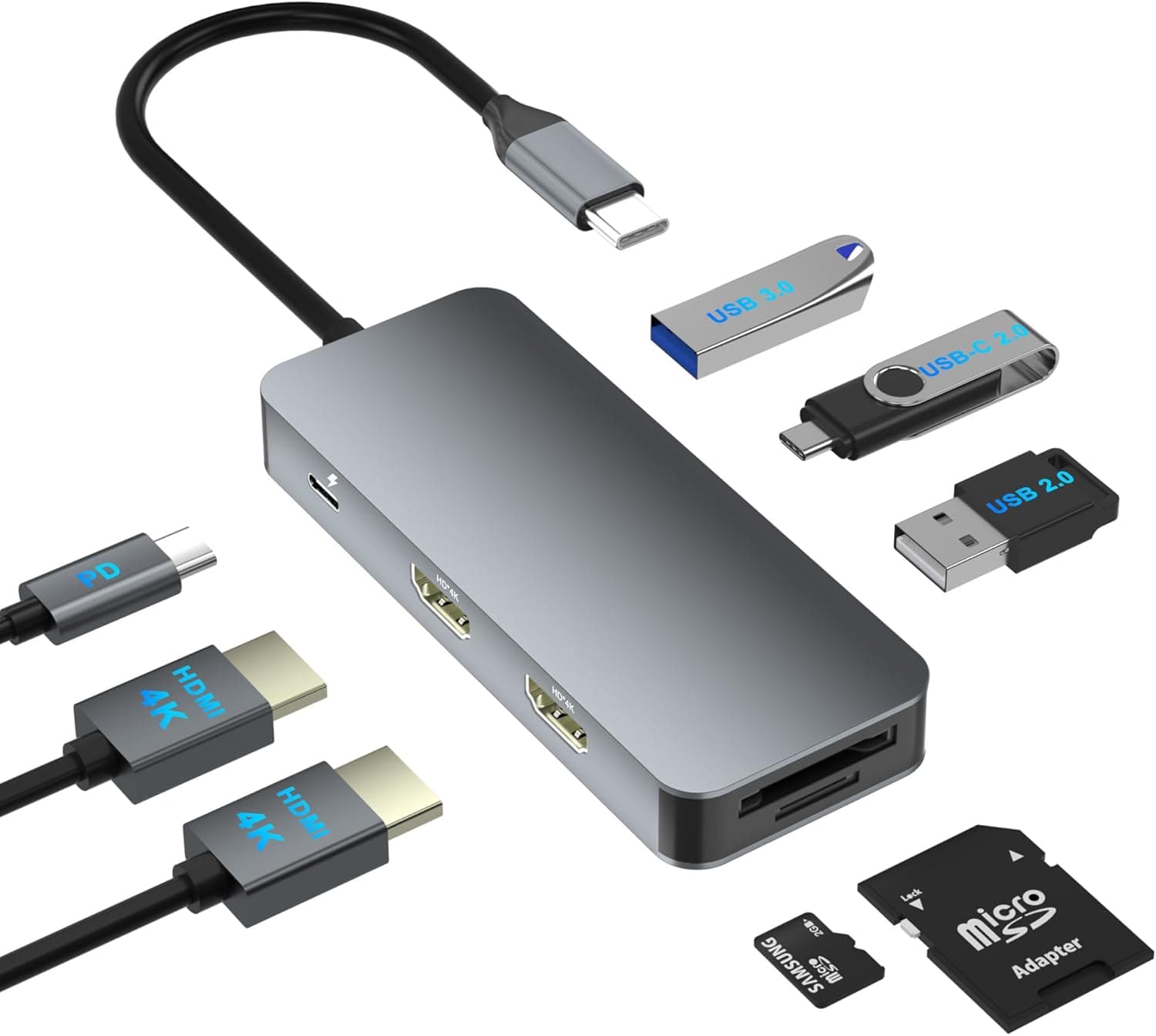 #8
#8An 8-in-1 USB C hub docking station for dual monitors with dual HDMI adapters, PD, SD and TF card slots.
Fit for the job 7/10 · Features and specs 7/10 · Build and materials 6/10 · Value 8/10
- + SD and TF slots are handy for photographers and drone users
- + Dual HDMI adapter drives two displays from one USB C port
- + Compact 8-in-1 hub travels easily in a laptop bag
- - Fewer ports than larger docks, limiting USB accessories
- - No Ethernet port for wired networking
Before you buy: trade-offs we flagged
No pick is perfect. These are the main compromises we noted for the top products in this guide, so you can check they will not matter for you.
- Universal docks rely on display drivers that need installing (Plugable Universal Laptop Docking Station, 4K...)
- 60W may not be enough for power-hungry workstation laptops (StarTech.com Dual Monitor USB-C Laptop...)
- VGA output looks softer than digital HDMI on modern screens (Selore USB C Docking Station Dual Monitor,...)
- 8K output needs a compatible laptop and cable to work (HODO USB C Docking Station 15-in-1, Dual 4K...)
- Dual monitor extend mode depends on laptop USB-C support (TOBENONE 13-in-1 USB C Docking Station Dual...)
- Triple monitor output needs a laptop that supports it (USB C Docking Station 3 Monitors, Dual HDMI,...)
Frequently asked questions
›What is the best choice among laptop docking stations for wfh (2026)?
Plugable Universal Laptop Docking Station, 4K Dual Monitor, DisplayPort/HDMI, USB-C or USB 3.0 is our top overall pick. Plugable universal laptop docking station with 4K dual monitor output over DisplayPort/HDMI, using USB-C or USB 3.0. It earns our score of 8.4/10, based on fit for the job, features, build and value.
›What is a good budget option?
StarTech.com Dual Monitor USB-C Laptop Docking Station, 4K HDMI, DisplayPort, 60W PD (MST30C2DPPD) is the strongest low-cost pick in this guide. StarTech.com dual monitor USB-C laptop docking station with 4K HDMI, DisplayPort and 60W PD charging.
›How much should I expect to spend?
Picks in this guide span See on Amazon price bands (roughly: $ = under $30, $$ = $30 to $100, $$$ = over $100). We never display exact prices because they change constantly, so the buttons above always show Amazon's current price.
›How were these products chosen?
We shortlist products that fit the job this guide solves and compare their published specifications, such as size, capacity, materials and what is included. Each pick gets an editorial score out of 10 for fit, features, build and value, and we write the pros and cons from those details. Our score is not an Amazon customer rating. We earn a commission if you buy through our links, which never affects the ranking.
Desk Upgrade Nest independently selects every product; we may earn a commission from links above.
Popular right now
- Best Ergonomic Split Keyboards (2026)Buying guide
- Best Under-Monitor Storage Organizers (2026)Buying guide
- Best Monitor Privacy Filters (2026)Buying guide
- Best Corner Desks for Home Offices (2026)Buying guide
- Best UPS Battery Backups for Home Offices (2026)Buying guide
- Docking station explainedGlossary
Based on the last 28 days of search and visitor data.