Keyboard and Mouse Ergonomics to Avoid Wrist Pain
Published How we research
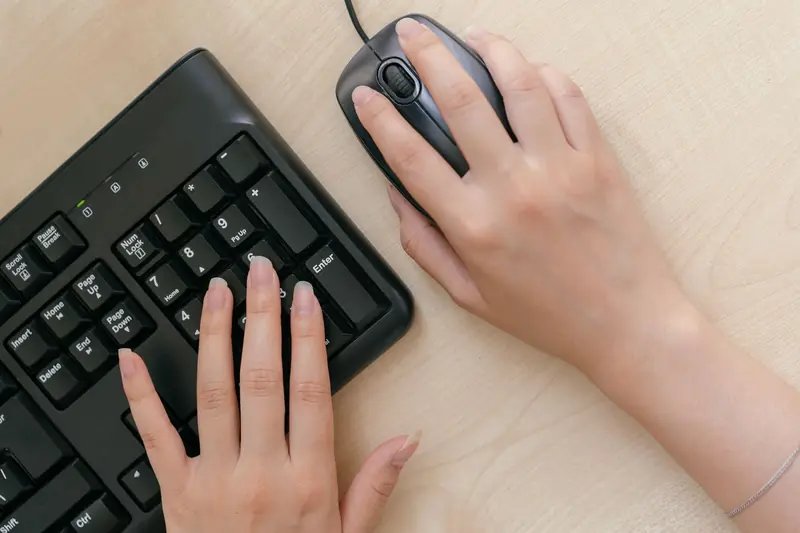
Wrist and hand discomfort is one of the most common complaints among people who type all day, and it usually builds up quietly from small, repeated stresses. The key to avoiding it is keeping your wrists in a neutral position, meaning straight and relaxed rather than bent up, down, or off to the side. Most wrist pain comes from holding an awkward angle for hours, not from typing itself.
Products from this article
The highest-scoring picks from the buying guides this article links to. Scores are our editorial assessment, not customer ratings.
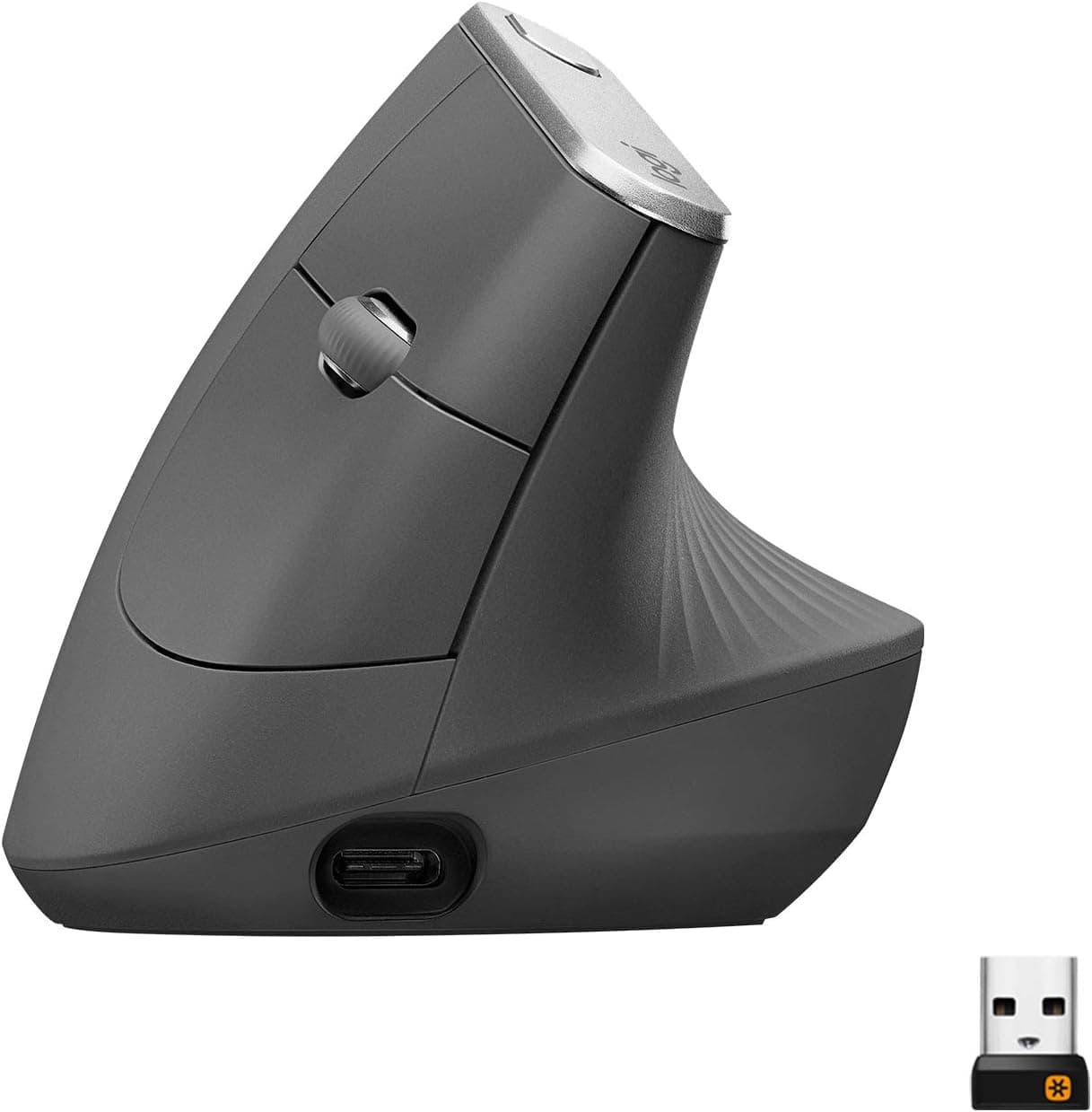
+ Vertical angle keeps the forearm in a neutral handshake position
From our guide: Best Vertical Mice for Wrist Comfort (2026)
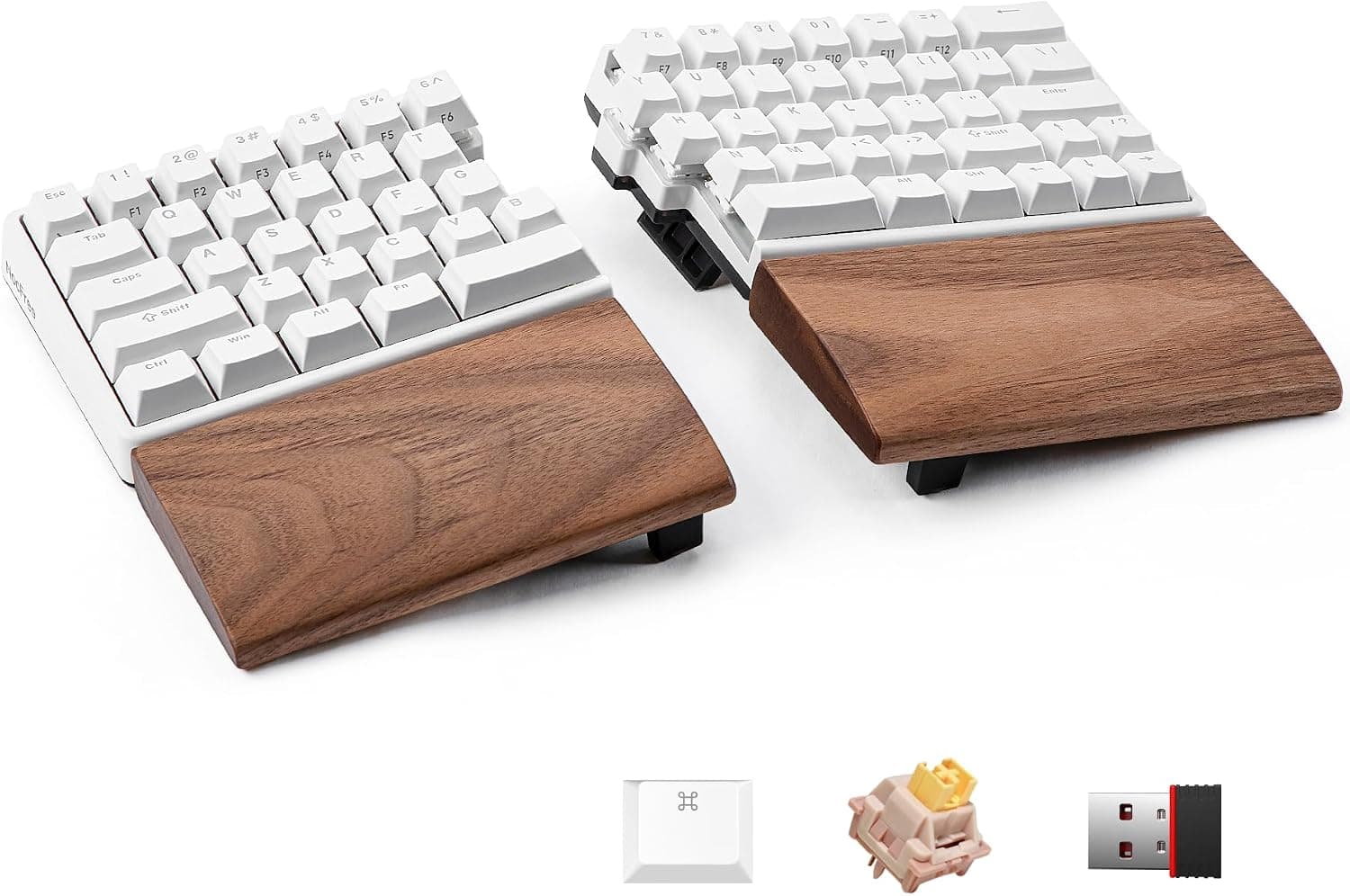
+ Split halves let shoulders stay open for a more natural posture
From our guide: Best Ergonomic Split Keyboards (2026)
+ Adjustable hinge tilts the mouse for a more natural wrist angle
From our guide: Best Trackball Mice
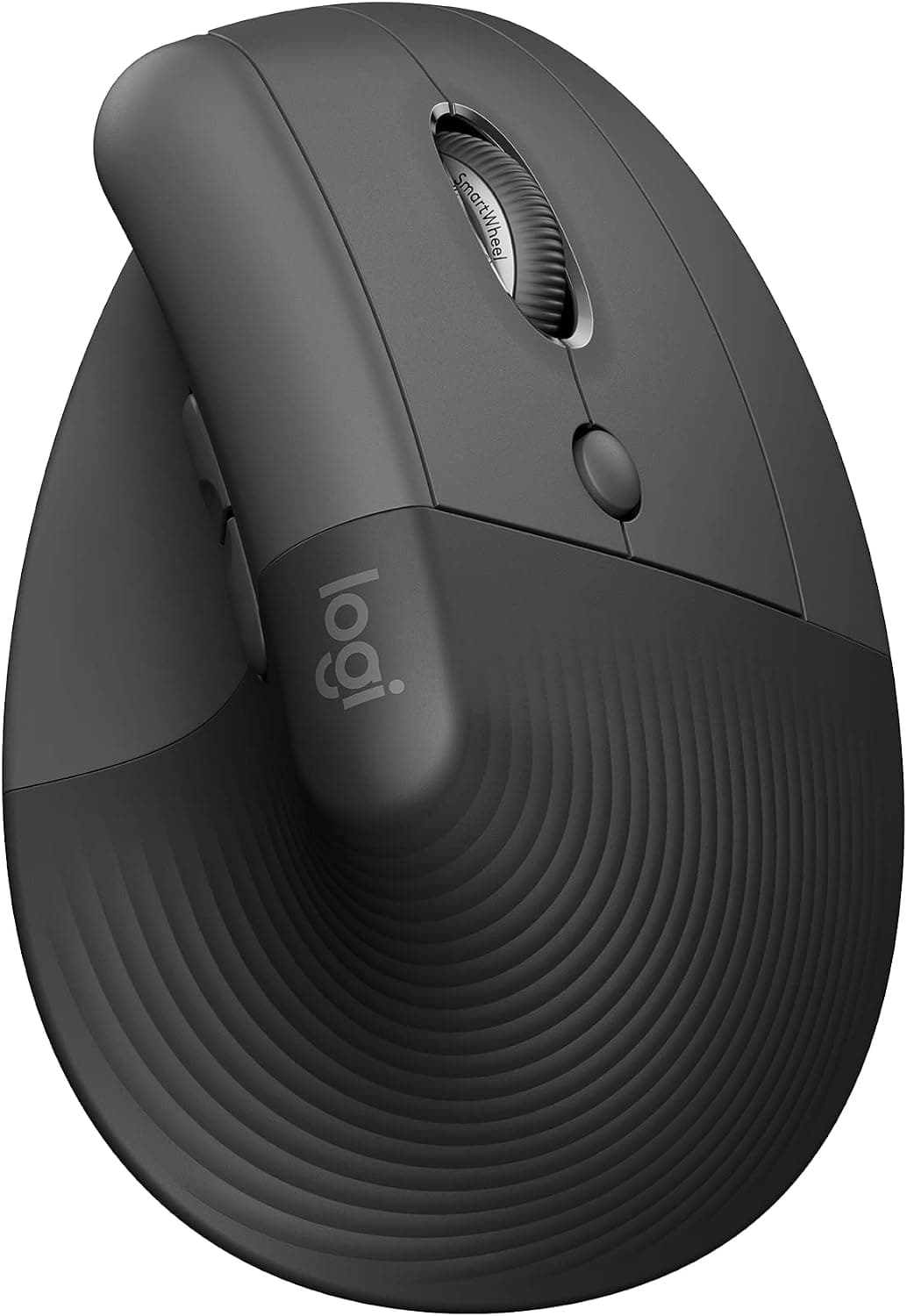
+ Lift is sized for small to medium hands that find MX Vertical big
From our guide: Best Vertical Mice for Wrist Comfort (2026)

Start with height and elbow angle. Your keyboard should sit at a height where your elbows bend at roughly a right angle and your forearms stay close to parallel with the floor. If the surface is too high, your wrists bend upward; too low, and you drop them down. Adjusting your chair and adding a footrest is often the simplest way to reach the right height.
Keep your keyboard flat or even tilted slightly away from you rather than propped up on its rear feet. Those little feet feel natural but actually bend your wrists backward, which increases pressure over time. A flat or negatively tilted position keeps the wrist straighter and more relaxed.
For the mouse, keep it close to the keyboard so you are not reaching out to the side, which strains the shoulder and wrist together. Move the mouse from your elbow and shoulder rather than pivoting from a planted wrist. Gripping lightly instead of clenching also reduces tension you may not notice until later.
Be cautious with wrist rests. They are meant to support your palms during pauses, not to plant your wrists on while typing. Resting the wrist and pivoting on it can concentrate pressure right where problems start. Above all, take regular micro-breaks to shake out your hands and stretch, since frequent short pauses do more to prevent pain than any single piece of equipment.
Popular right now
- Best Ergonomic Split Keyboards (2026)Buying guide
- Best Under-Monitor Storage Organizers (2026)Buying guide
- Best Monitor Privacy Filters (2026)Buying guide
- Best Corner Desks for Home Offices (2026)Buying guide
- Best UPS Battery Backups for Home Offices (2026)Buying guide
- Docking station explainedGlossary
Based on the last 28 days of search and visitor data.