How to Set Up Your Desk for Better Video Calls
Published How we research
Video calls have become a core part of working from home, yet many setups leave people looking dim, sounding muffled, or filmed from an unflattering angle. The good news is that a few simple adjustments to your existing desk make a noticeable difference, often with no new equipment at all. The goal is to appear clear, well-lit, and easy to hear.
Products from this article
The highest-scoring picks from the buying guides this article links to. Scores are our editorial assessment, not customer ratings.
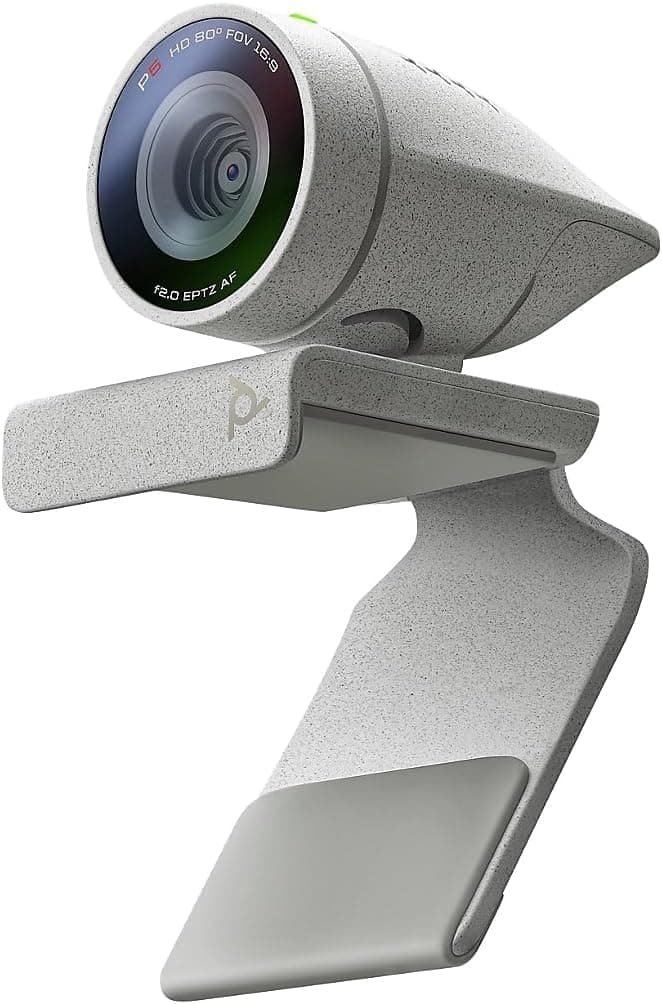
+ Poly Studio P5 is designed for professional video conferencing
From our guide: Best Webcams for Remote Work and Video Calls (2026)
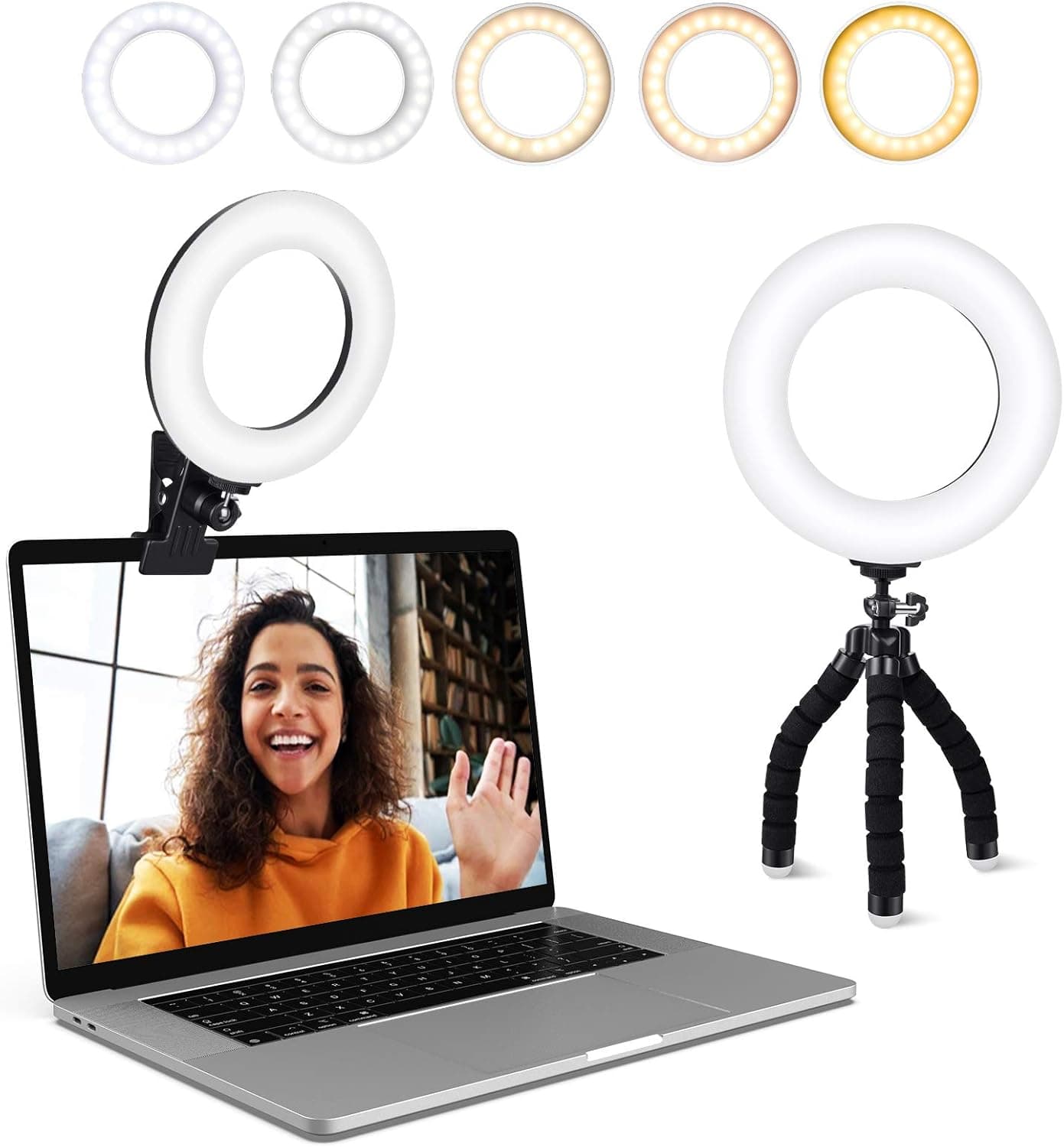
+ Clip-on ring light brightens your face on video calls
From our guide: Best Ring Lights for Video Calls and WFH (2026)
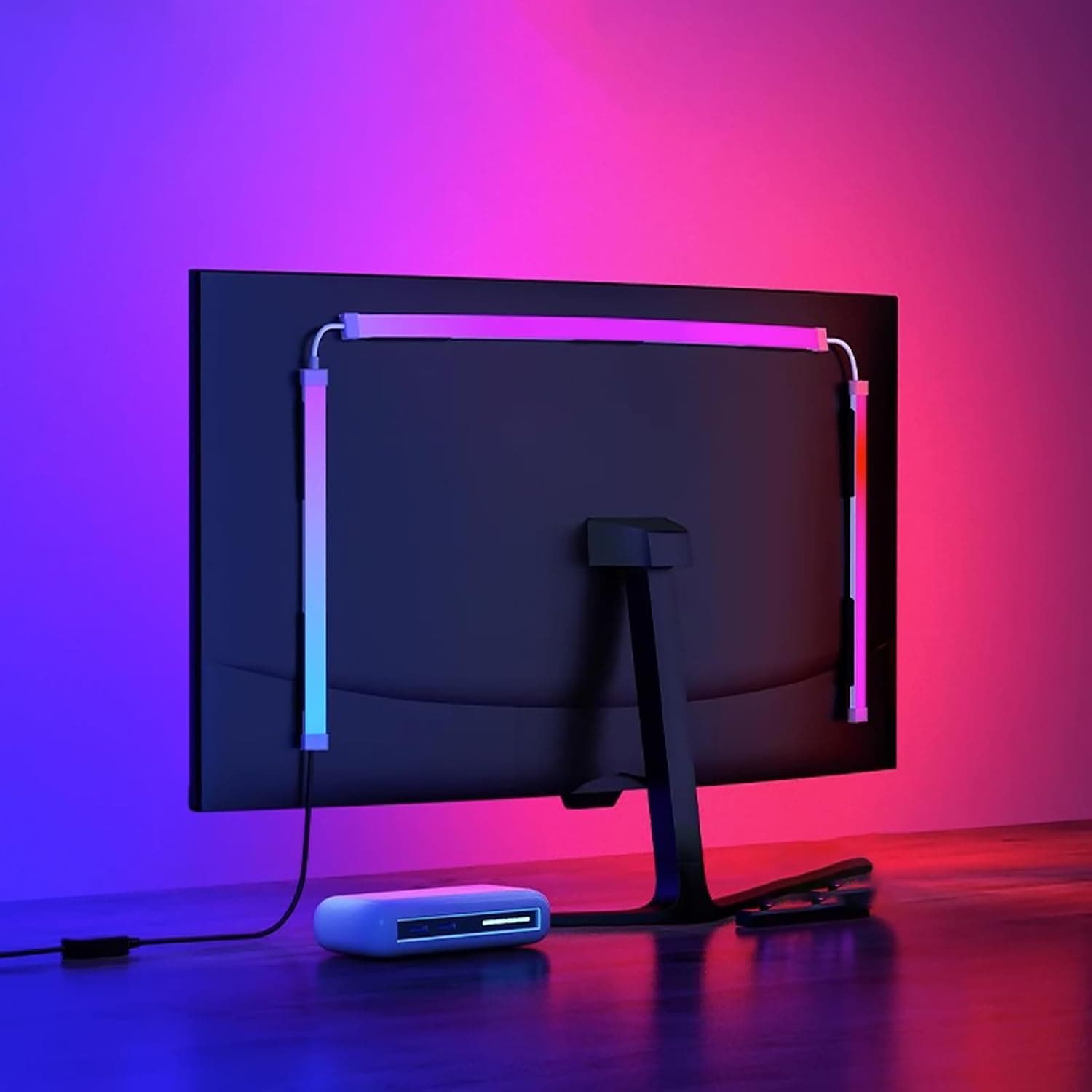
+ Screen sync extends on-screen colours onto the wall for immersion
From our guide: Best LED Strip Lighting for Desks (2026)
+ Logitech webcams work with most platforms out of the box
From our guide: Best Webcams for Remote Work and Video Calls (2026)
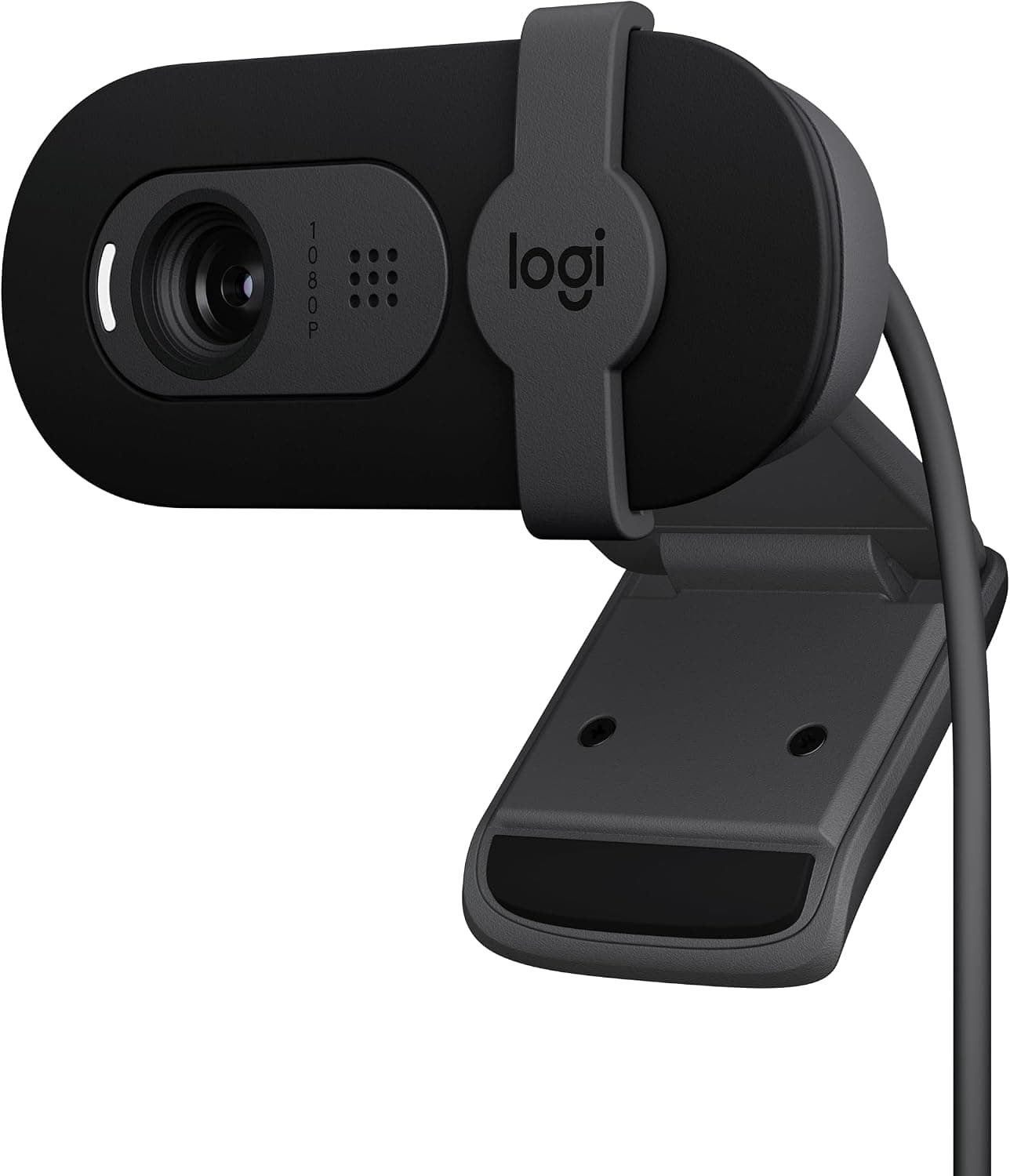
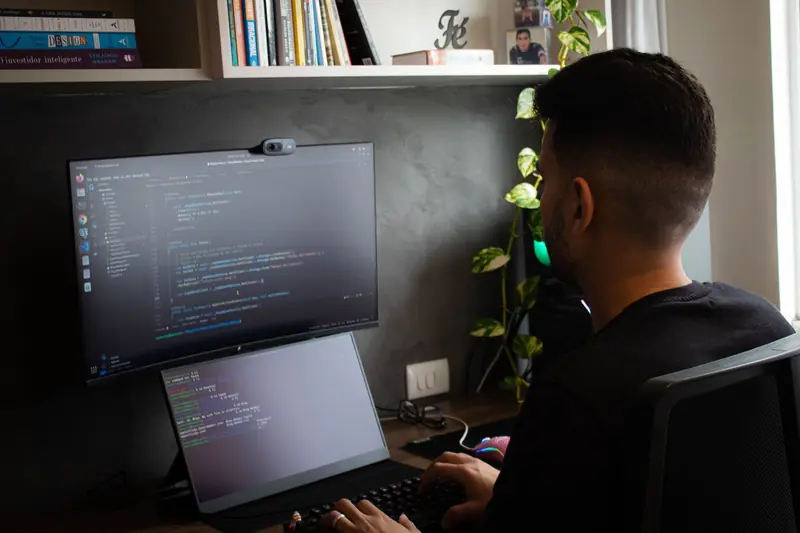
Camera height is the first thing to fix. A webcam or laptop camera should sit at roughly eye level so others see you straight on rather than looking up at you. Laptop cameras are almost always too low, giving an unflattering upward angle, so raise the laptop on a stand or a stack of books and use an external keyboard. If you use an external webcam, mount it at the top of your monitor near eye level.
Lighting comes next, and the main rule is to face your light source rather than sitting with a bright window behind you. Light in front of you, such as a window or a lamp placed just behind your camera, illuminates your face evenly. A window at your back turns you into a silhouette, so if you cannot move your desk, close the blinds and rely on front-facing light instead.
Audio often matters more than video for how professional a call feels. Built-in laptop microphones pick up echo and room noise, so a headset or a dedicated microphone improves clarity noticeably. Sitting closer to the mic and reducing background noise, such as a fan or open window, also helps others hear you clearly.
Finally, consider your background and framing. A tidy, simple background keeps attention on you, and positioning yourself with a little space above your head looks natural. Test your setup by starting a quick call with yourself or a friend, then adjust the camera angle, lighting, and volume until everything looks and sounds right before your next real meeting.
Popular right now
- Best Ergonomic Split Keyboards (2026)Buying guide
- Best Under-Monitor Storage Organizers (2026)Buying guide
- Best Monitor Privacy Filters (2026)Buying guide
- Best Corner Desks for Home Offices (2026)Buying guide
- Best UPS Battery Backups for Home Offices (2026)Buying guide
- Docking station explainedGlossary
Based on the last 28 days of search and visitor data.