Logitech Brio 101 Full HD 1080p Webcam for Streaming and Meetings Review (2026)
Updated September 14, 2026 · Research-based review
Our verdict
The Brio 101 suits anyone whose laptop camera looks flat or grainy on video calls and wants a simple Full HD upgrade from a trusted brand. Auto light correction and a privacy shutter cover the basics well, though the built-in microphone and lack of extra features keep it an entry-level pick.
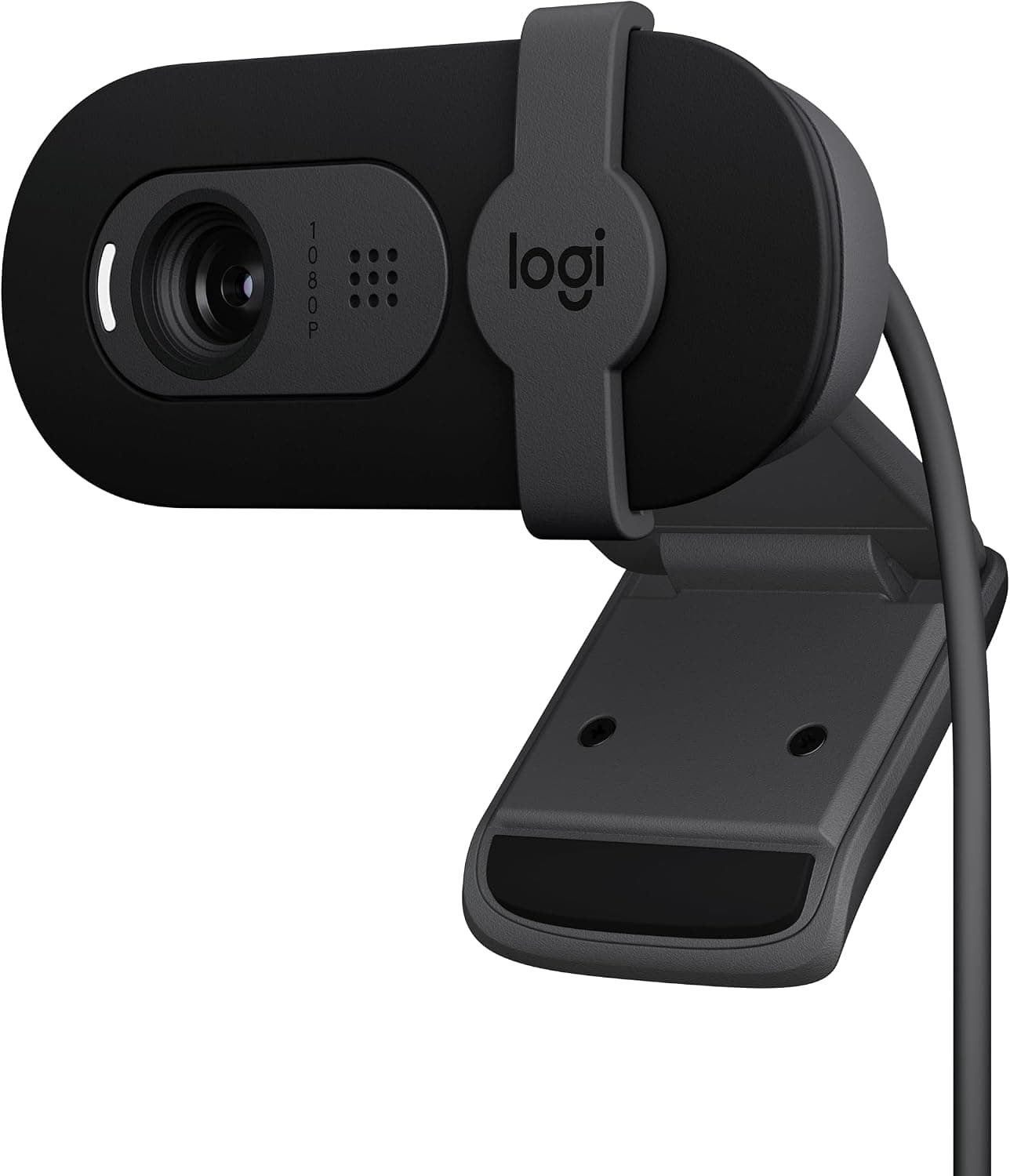
Logitech Brio 101 full HD 1080p webcam for streaming and meetings, an entry-level camera from a top webcam brand.
Price range: See on Amazon
What we liked
- + Logitech webcams work with most platforms out of the box
- + Brio 101 brings brand quality at an entry-level price
- + Full HD 1080p gives a clear, natural image for calls
Trade-offs
- - Entry-level model lacks the advanced features of higher Brio models
- - Built-in mics are basic compared with a separate microphone
Who this webcam fits
This webcam is aimed at remote workers, students and anyone on frequent video calls who wants a noticeably clearer picture than a laptop's built-in camera without spending on a premium streaming setup. It suits people using Microsoft Teams, Zoom or Google Meet for daily meetings, since Logitech designs the Brio line to work smoothly with those platforms out of the box. It is a sensible pick for a first external webcam purchase, since it plugs in over USB-A and needs no separate software to function. It is a weaker match for streamers or content creators who want 4K capture, background replacement or advanced exposure control, since those features live in Logitech's higher-end Brio models rather than this entry-level 101.
Image quality and features explained
The Brio 101 captures Full HD 1080p video and includes Logitech's RightLight auto light-balance feature, which the company states can boost brightness by up to 50 percent and reduce shadows on the face, useful for home offices with mixed or dim lighting rather than a dedicated studio light. A built-in microphone is included so the webcam can function as a self-contained camera and audio source for calls, though it is a basic single microphone rather than a multi-mic array built for streaming-quality audio. An integrated privacy shutter sits over the lens, letting the camera be physically covered when not on a call, a straightforward, no-batteries way to address privacy without pulling the plug. The camera connects over USB-A with a built-in cable rather than a removable one.
Setting it up and using it day to day
Setup is plug and play, connecting the USB-A cable to a computer is enough for most video calling apps to recognize the camera without installing drivers first, and Logitech's Logi Options+ software is available separately for anyone who wants to adjust settings like field of view or exposure beyond the defaults. Day to day, the auto light correction does most of the work adjusting for a bright window behind you or a dim room, so there is little manual tweaking needed for typical home office lighting. The webcam is made with a minimum of 77 percent post-consumer recycled plastic, a detail some buyers weigh when comparing similarly priced webcams. Because the microphone is built-in and basic, anyone recording podcasts or doing regular voiceover work should still plan on a separate microphone.
Trade-offs and how it compares
As an entry-level model, the Brio 101 leaves out the 4K resolution, HDR and advanced auto-framing features found on higher Brio models, and its built-in microphone is a clear step down from a dedicated USB microphone in clarity and noise handling. Compared with the Poly Studio P5, a similarly priced professional 1080p webcam aimed at business video calls, the two compete closely on image quality, with the Brio 101 having the edge of Logitech's broader platform compatibility and brand familiarity. Compared with basic no-name 1080p webcams with tripod stands bundled in, the Brio 101 skips the tripod but generally delivers more consistent auto exposure and color handling, an area where established camera brands tend to outperform lesser-known competitors.
Verdict and who should pick something else
For anyone who wants a dependable, plug-and-play upgrade over a laptop's built-in camera for daily video calls, the Brio 101 is a strong value pick, matching our score of 8.3 out of 10 which leans heavily on value and ease of use for the price. Streamers, podcasters and anyone who wants 4K capture or advanced framing features should look further up the Brio lineup or a dedicated streaming camera instead, and anyone planning to record audio-heavy content should pair this webcam with a separate microphone rather than relying on its built-in mic. For everyday meetings, though, it covers the essentials well.
Frequently asked questions
Does the Brio 101 need software installed to work?
No, it works as a plug-and-play USB-A camera with most video calling apps, though Logitech's Logi Options+ software is available separately for extra settings.
Does it include a privacy cover?
Yes, it has a built-in shutter that can be closed over the lens when the camera is not in use.
What resolution does it record at?
It records Full HD 1080p video, without the 4K support found on higher-tier Logitech Brio models.
Is the built-in microphone good enough for podcasting?
It is a basic single microphone meant for video calls rather than studio-quality audio, so a separate microphone is a better choice for recording or podcasting.
Prices change often, so check the current price and availability on Amazon.
Check price on AmazonDesk Upgrade Nest may earn a commission from the link above.