How to Set Up an Ergonomic Workstation at Home
Published How we research
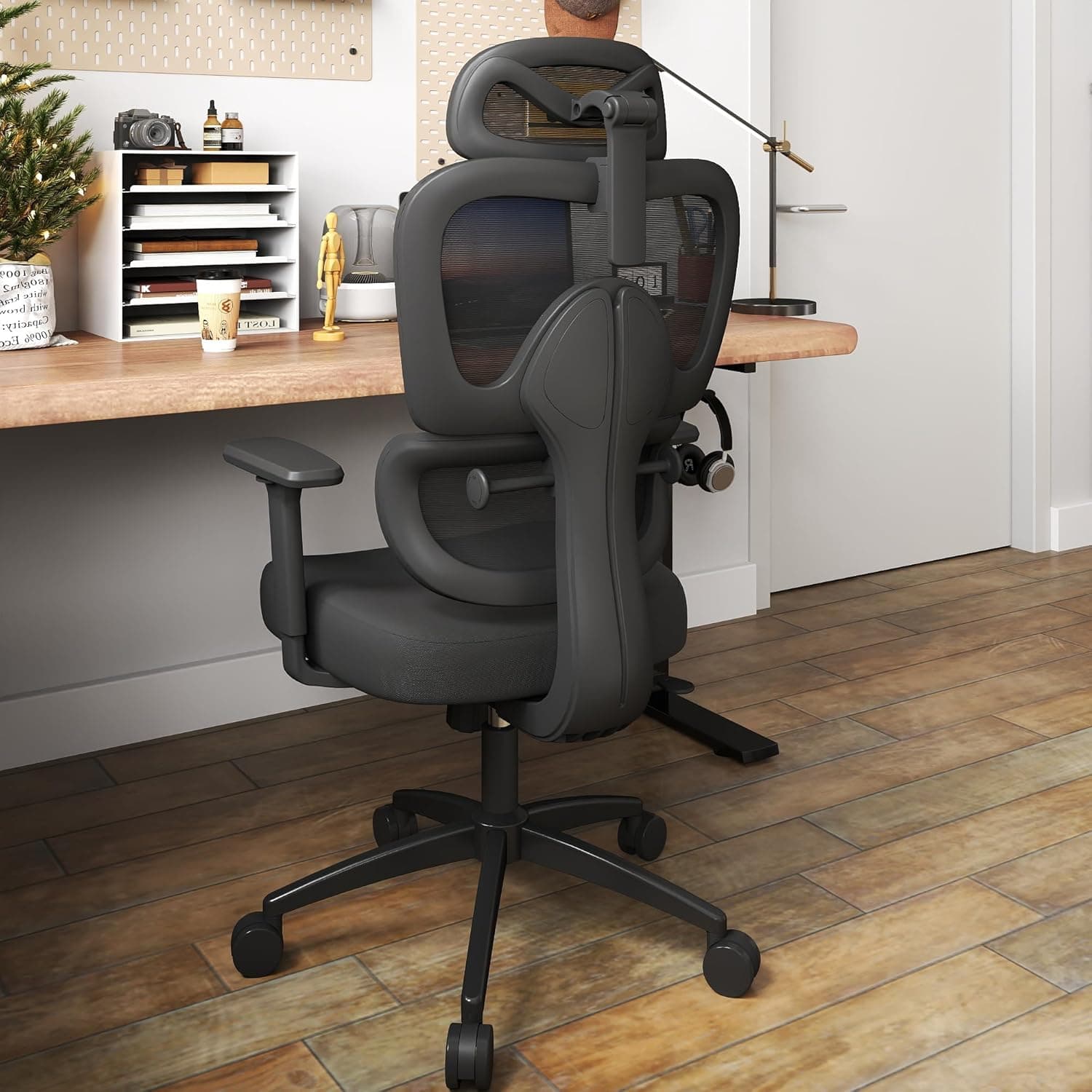
Set chair height so feet rest flat and thighs are roughly parallel to the floor, adding a footrest if feet dangle. Set desk and keyboard height so elbows bend near a right angle with forearms parallel to the floor and shoulders relaxed. Position the monitor top around eye level, about an arm's length away, to keep the neck neutral. Keep frequently used items within reach and take a short break to stand or stretch every half hour, since no setup replaces movement. An ergonomic workstation is not about buying the most expensive gear. It is about arranging what you have so your body stays in a neutral, relaxed position while you work. The goal is simple: your joints should sit in the middle of their comfortable range, not at the extremes. When that happens, you feel less fatigue at the end of the day and lower your risk of aches that build up over months.
Products from this article
The highest-scoring picks from the buying guides this article links to. Scores are our editorial assessment, not customer ratings.
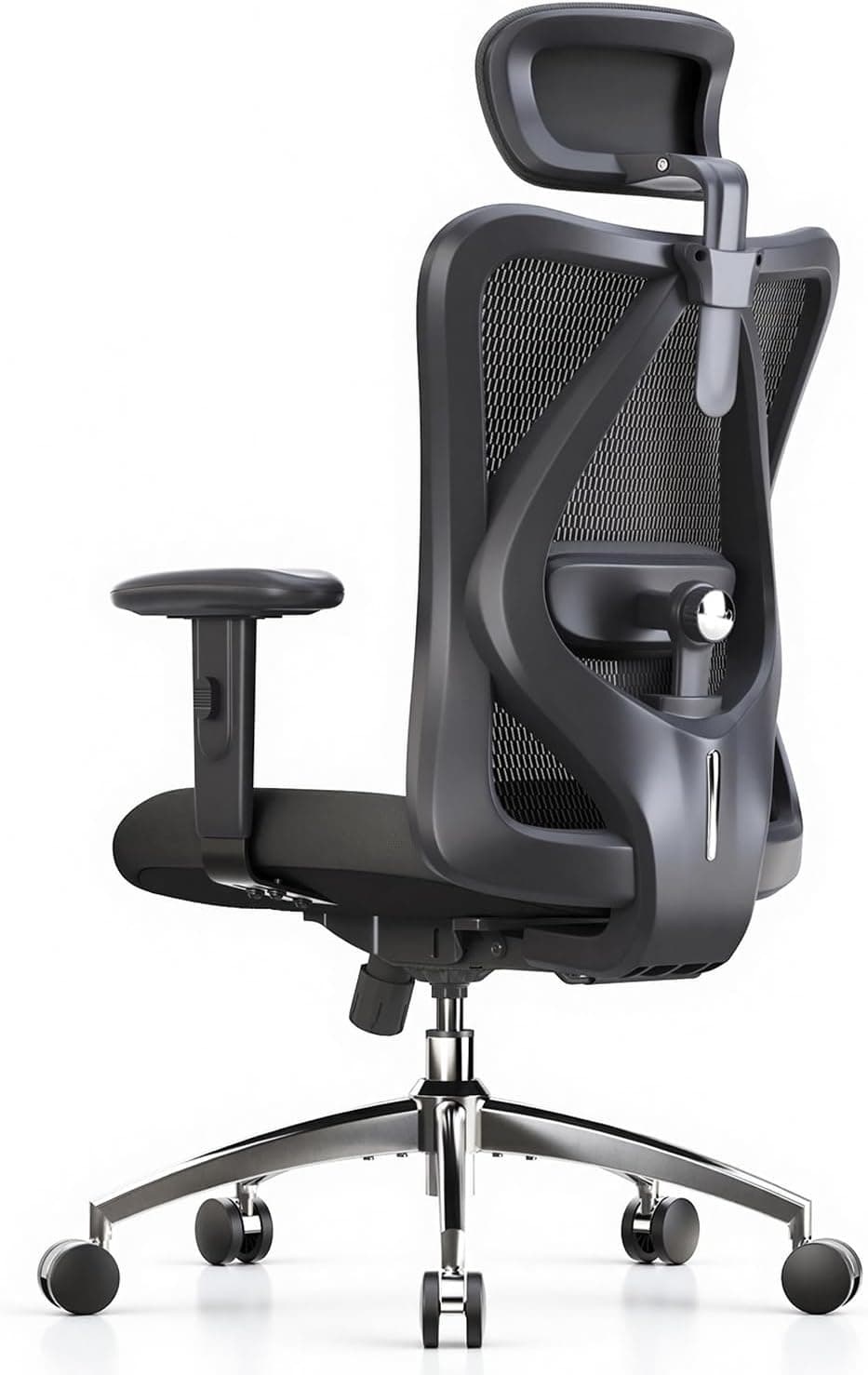
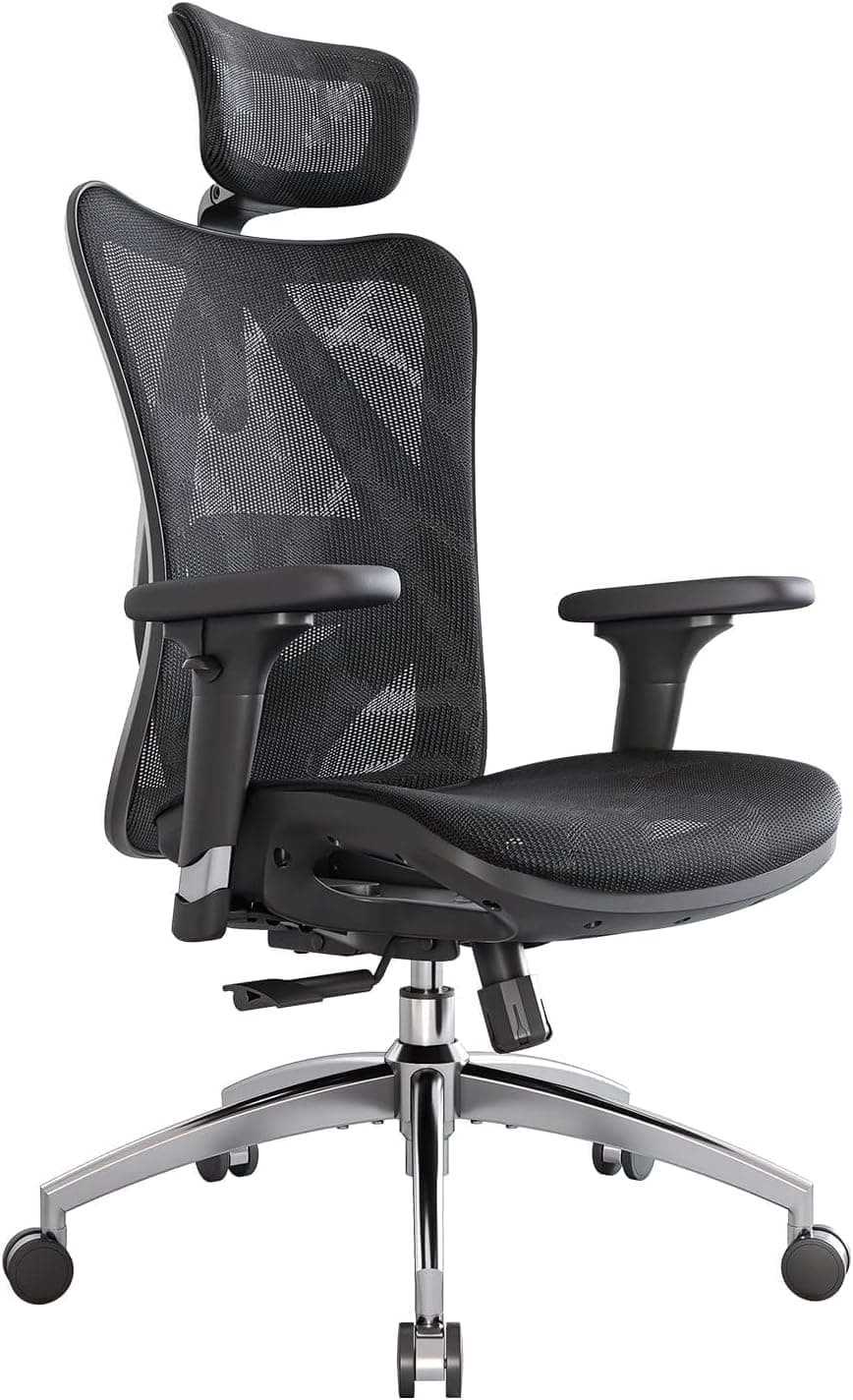
+ SIHOO M18 is a widely sold model with a long record in home offices
From our guide: Best Ergonomic Office Chairs for Home Offices (2026)
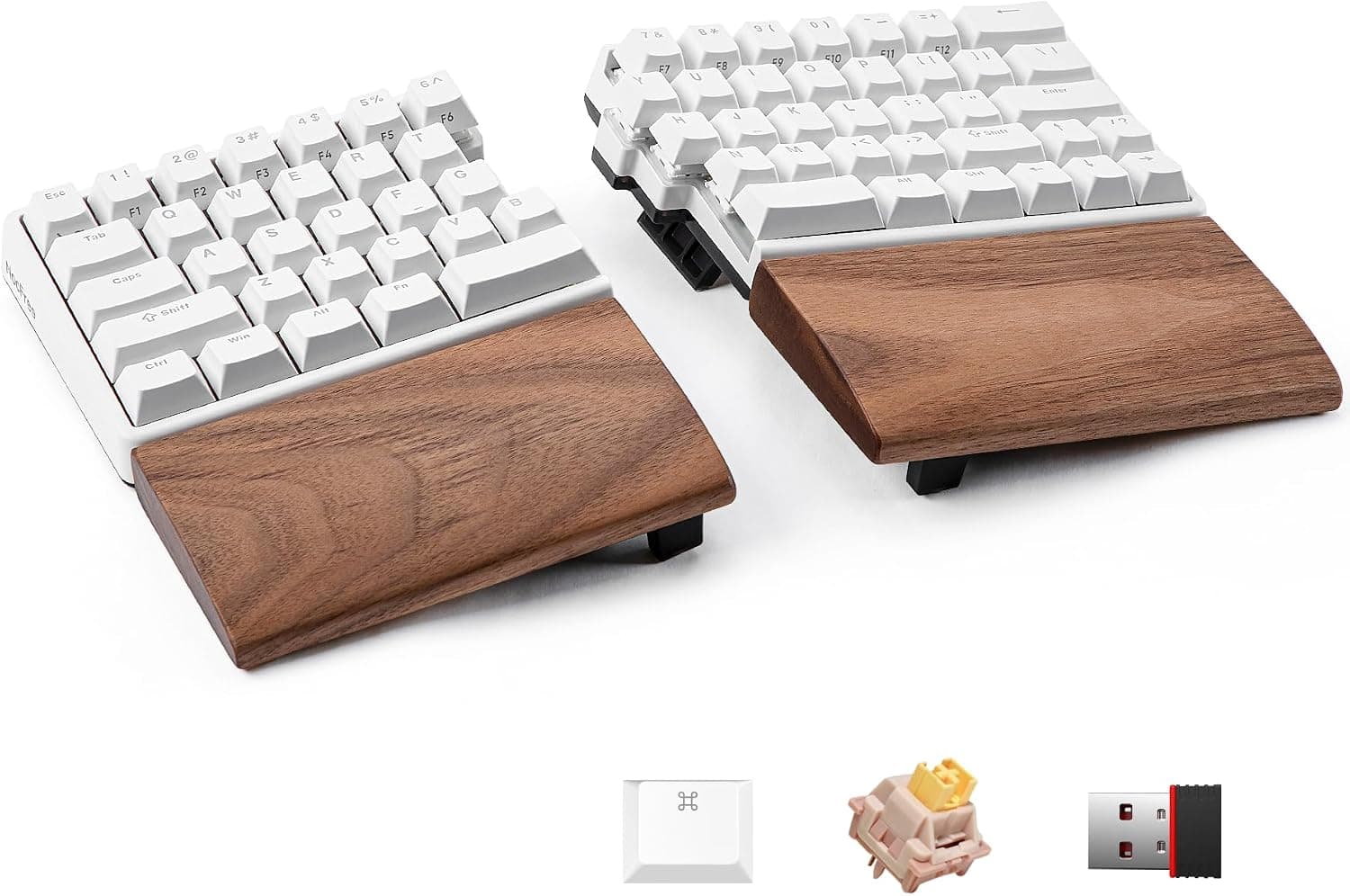
+ Split halves let shoulders stay open for a more natural posture
From our guide: Best Ergonomic Split Keyboards (2026)
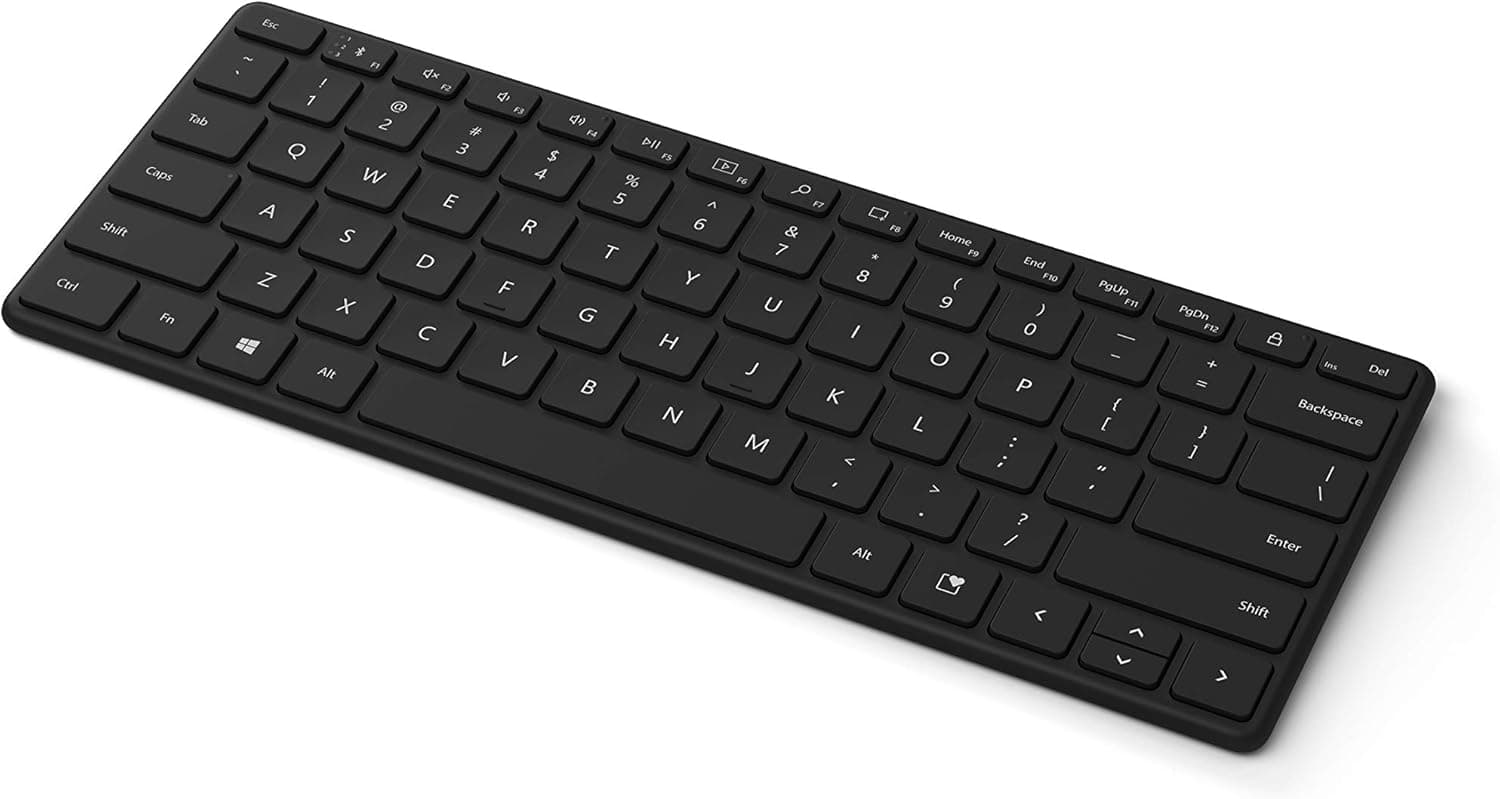
+ Microsoft build quality and Windows integration are reliable
From our guide: Best Wireless Keyboards for Home Offices (2026)
+ 3D armrests adjust in height and angle, so forearms rest level with the desk
From our guide: Best Ergonomic Office Chairs for Home Offices (2026)
Start with your chair
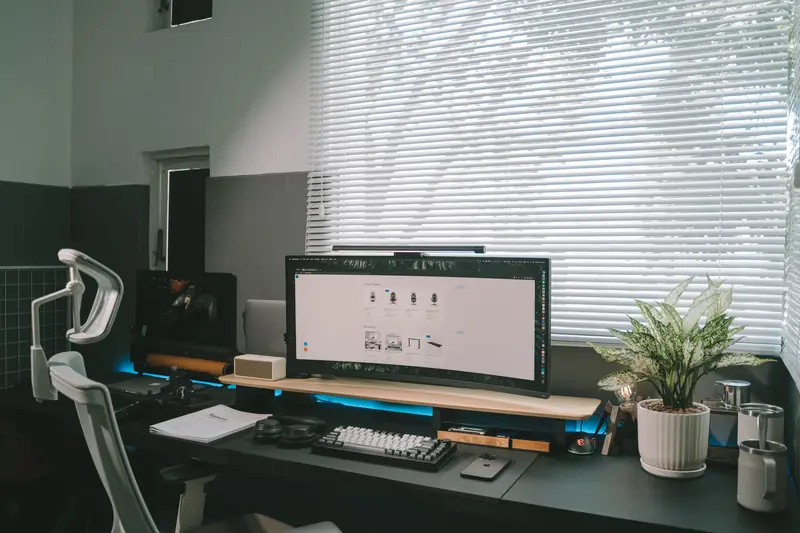
Start with your chair, because it sets the reference point for everything else. Adjust the seat height so your feet rest flat on the floor and your thighs are roughly parallel to the ground. Your knees should sit at about hip level or slightly lower. If your feet dangle, add a footrest or a sturdy box so your legs are supported rather than hanging.
Desk and keyboard height
Next, set your desk and keyboard height so your elbows bend at roughly a right angle when your hands rest on the keys. Your forearms should be close to parallel with the floor and your shoulders relaxed, not hunched up toward your ears. If your desk is too high and cannot be lowered, raising your chair and adding a footrest is a reliable workaround.
Positioning your screen
Now position your screen. The top of the monitor should sit around eye level so your gaze falls slightly downward when looking at the center. Place it about an arm's length away. This keeps your neck neutral instead of tilted forward, which is one of the most common causes of end-of-day stiffness.
Small habits that make ergonomics work over time
Finally, think about the small habits that make ergonomics work over time. Keep frequently used items within easy reach so you are not twisting or overreaching. Take a short break to stand, stretch, or walk every half hour or so. Even the best setup cannot replace movement, and your body benefits far more from regular position changes than from holding one perfect pose all day.
Frequently asked questions
How should I set my chair height for an ergonomic desk? So your feet rest flat on the floor and your thighs are roughly parallel to the ground, with knees at about hip level. Add a footrest if your feet dangle.
Where should my monitor sit for good posture? With the top of the screen around eye level and about an arm's length away, so your gaze falls slightly downward and your neck stays neutral instead of tilted forward.
What keyboard height is ergonomic? One where your elbows bend at roughly a right angle with your hands on the keys, forearms close to parallel with the floor and shoulders relaxed, not hunched.
Is buying ergonomic furniture enough to prevent strain? No. Even the best setup cannot replace movement, so take a short break to stand, stretch, or walk every half hour or so.
Popular right now
- Best Ergonomic Split Keyboards (2026)Buying guide
- Best Under-Monitor Storage Organizers (2026)Buying guide
- Best Monitor Privacy Filters (2026)Buying guide
- Best Corner Desks for Home Offices (2026)Buying guide
- Best UPS Battery Backups for Home Offices (2026)Buying guide
- Docking station explainedGlossary
Based on the last 28 days of search and visitor data.