Standing vs Sitting
Published How we research
The standing versus sitting debate is often framed as if one option is clearly healthier. The more accurate answer is that the best position is the next one. Staying static in any single posture for hours is what causes trouble, whether you are seated or standing. The real win comes from alternating between the two throughout the day.
Products from this article
The highest-scoring picks from the buying guides this article links to. Scores are our editorial assessment, not customer ratings.
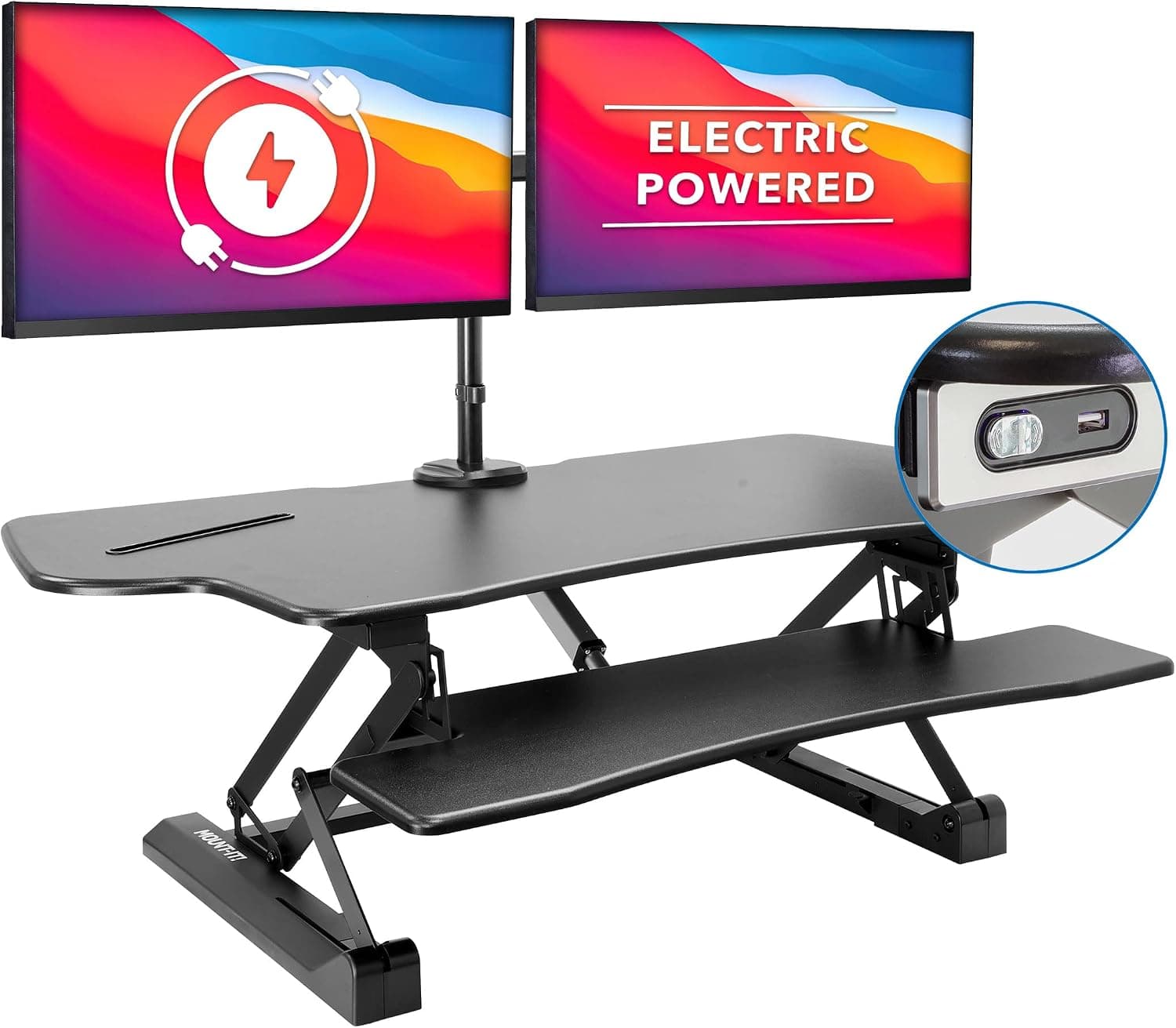
+ Electric lift raises a full dual-screen setup without the manual effort of spring risers
From our guide: Best Standing Desk Converters for Home Offices (2026)
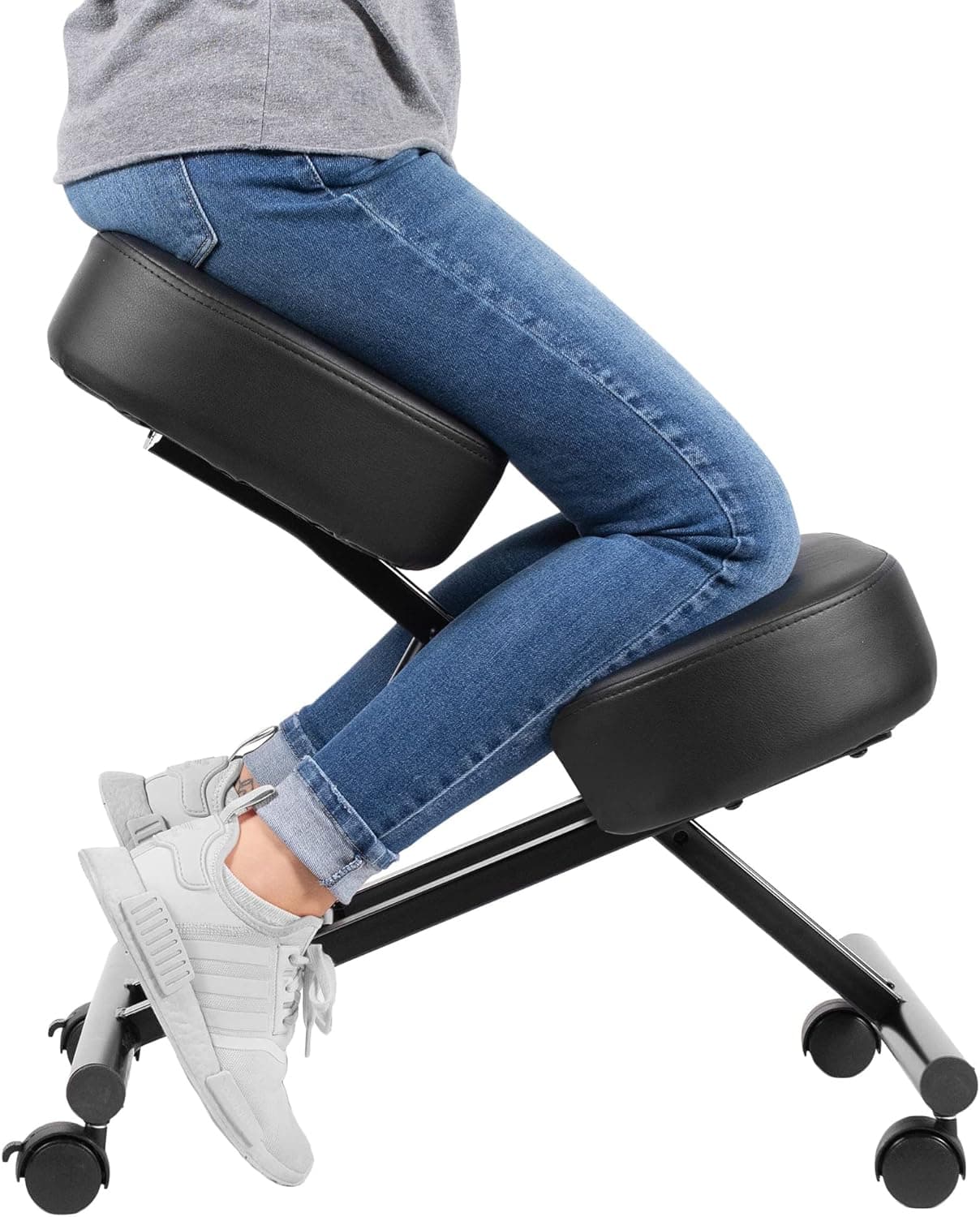
+ Brake casters let it roll to position then lock so it stays put
From our guide: Best Kneeling Chairs for Home Offices (2026)
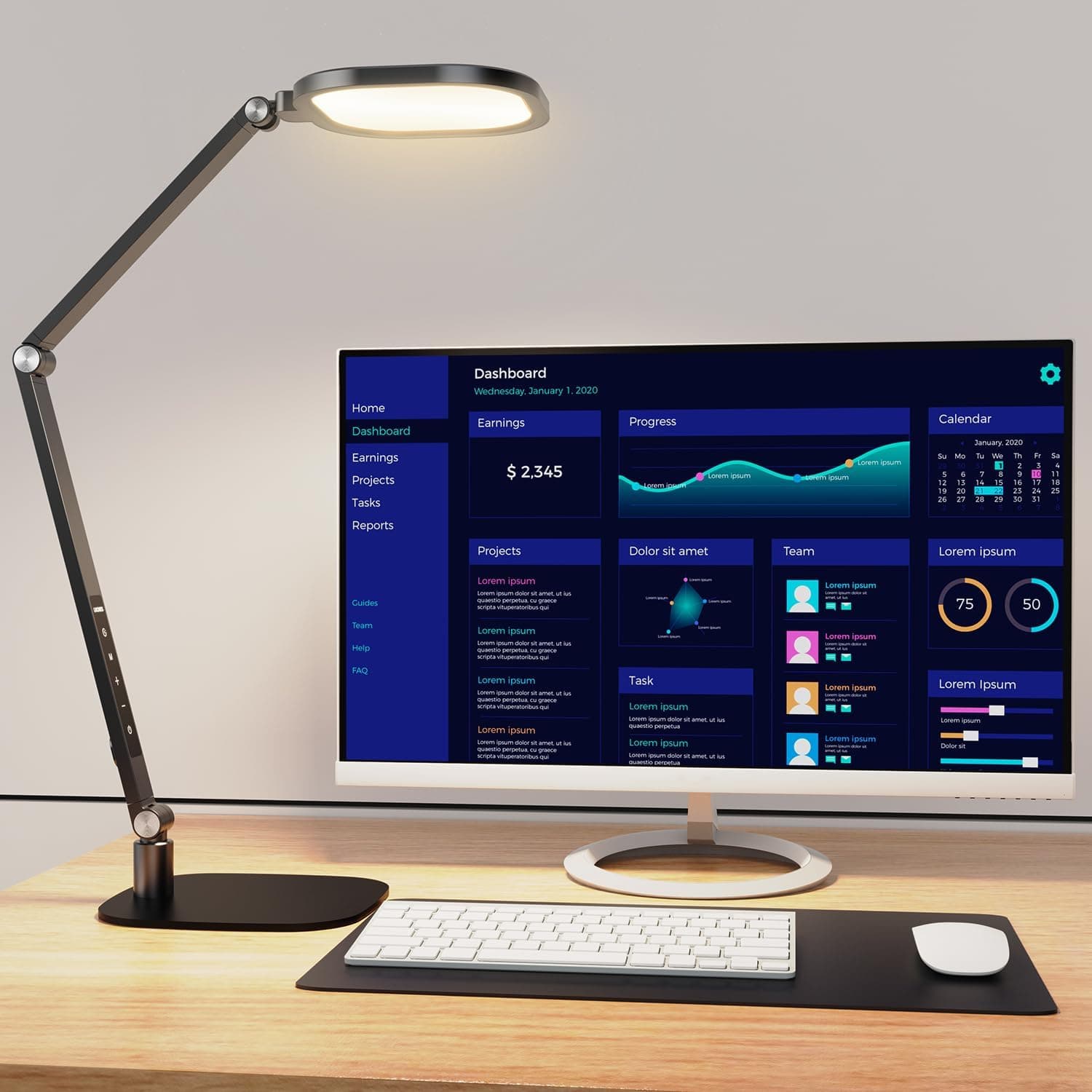
+ 3 color and 10 brightness levels suit reading, writing and screen work
From our guide: Best Desk Lamps for Home Offices (2026)
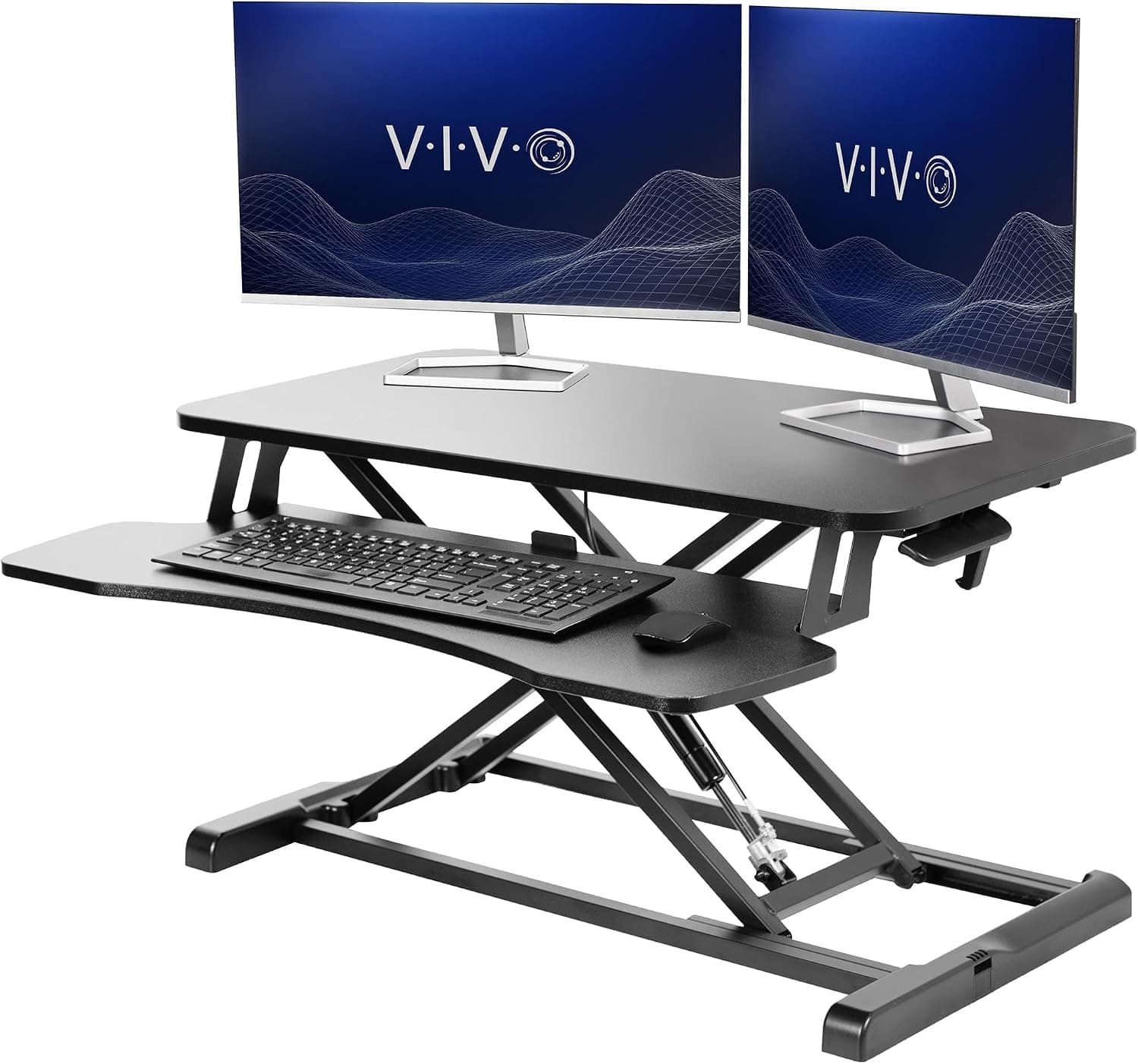
+ Wide keyboard tray fits a full-size keyboard and mouse below monitor height
From our guide: Best Standing Desk Converters for Home Offices (2026)
Sitting has clear advantages for focused, detail-heavy work. It is stable, low-effort, and comfortable for typing and fine tasks. The downside is that long uninterrupted sitting encourages slouching and reduces the gentle muscle activity that keeps your circulation moving. That is why prolonged sitting gets a bad reputation, even though sitting itself is not the villain.
Standing burns slightly more energy, keeps your core engaged, and often makes people feel more alert during meetings or calls. But standing all day brings its own problems, including foot fatigue, lower back tightness, and sore legs. Standing is not automatically better; it is simply a different load on your body that becomes uncomfortable when overdone.
A practical approach is to switch positions every thirty to sixty minutes based on how you feel. Many people sit for focused writing and stand for calls, reading, or lighter tasks. If you use a height-adjustable desk, save one or two preset heights so switching takes seconds and you actually do it rather than staying put out of inertia.
If a full standing desk is not in your budget, a desktop riser that sits on your existing surface can give you the same alternating benefit for less. Whatever you choose, pair standing time with an anti-fatigue mat and supportive shoes, and remember that the healthiest setup is one that keeps you moving between comfortable positions.
Popular right now
- Best Ergonomic Split Keyboards (2026)Buying guide
- Best Under-Monitor Storage Organizers (2026)Buying guide
- Best Monitor Privacy Filters (2026)Buying guide
- Best Corner Desks for Home Offices (2026)Buying guide
- Best UPS Battery Backups for Home Offices (2026)Buying guide
- Docking station explainedGlossary
Based on the last 28 days of search and visitor data.