How to Fix a Monitor Arm That Sags or Rises
Published How we research
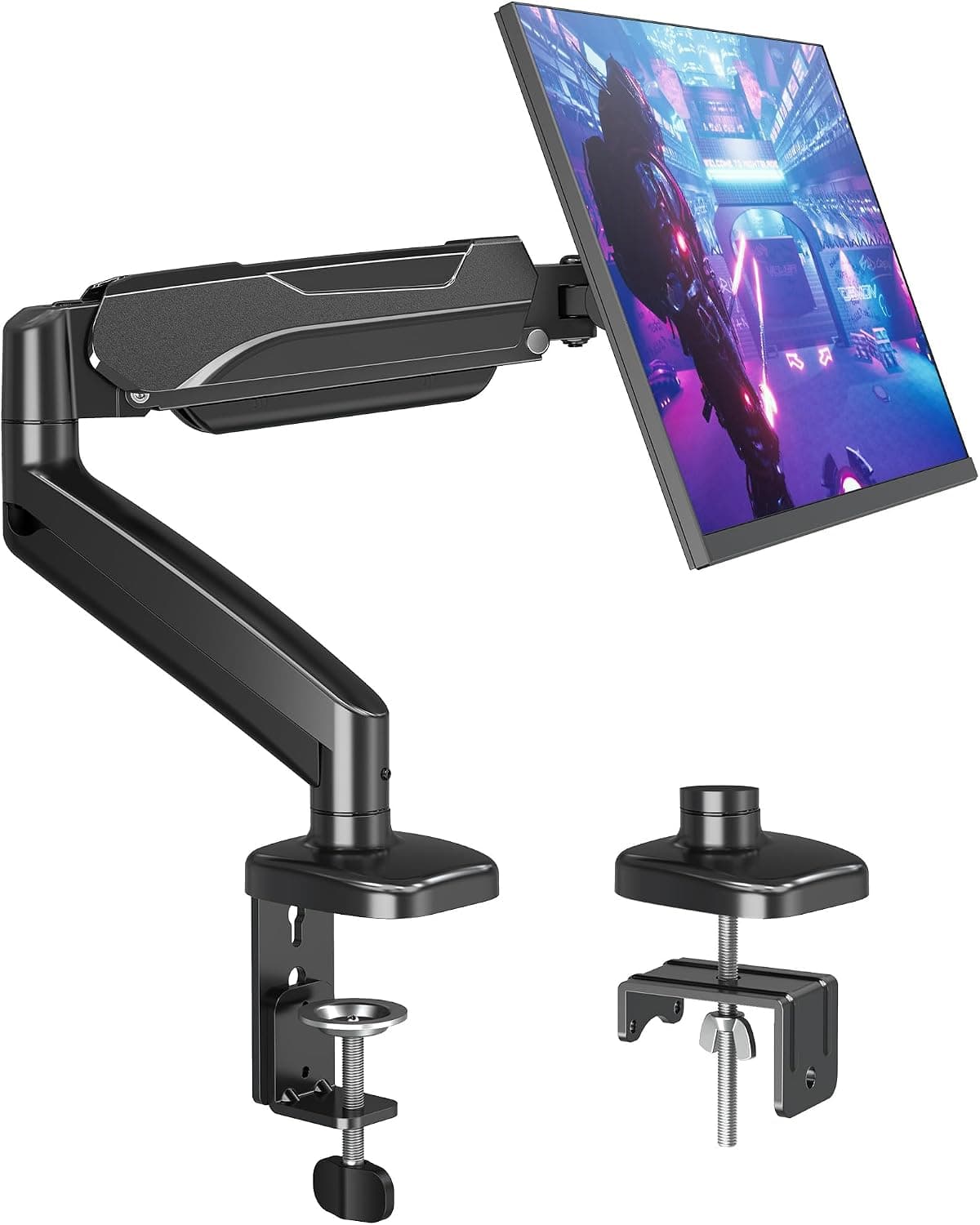
Monitor arms free up desk space and let you set the screen at a comfortable height, but a monitor that slowly droops or bounces back up defeats the purpose. Most gas spring and mechanical spring arms need to be adjusted to match the weight of your monitor, and many arrive set for a different load. A tension adjustment usually fixes the problem in minutes.
How gas spring arms work
Gas spring and mechanical spring arms use a spring to counterbalance the monitor's weight. When tension matches the weight, the monitor stays wherever you position it. If tension is too low, the monitor sinks; if it is too high, it rises.
Each arm has a supported weight range. A monitor at the very low or very high end of that range is harder to balance, so check the specifications for both the arm and your monitor, including any attached webcam or speaker.
Adjust tension correctly
Find the tension adjustment screw, usually near the elbow joint or under the arm, and use the included hex key. Most instructions indicate which direction increases tension, often marked with plus and minus symbols.
Before adjusting, move the arm to the middle of its range or as instructed by the manufacturer. Turn the screw in small increments and test the arm after each adjustment. Some arms need many turns before a noticeable change.
Tighten joints and tilt
If the monitor tilts forward or droops at the mounting plate, the tilt tension or VESA joint may need tightening. This is separate from the main height tension.
Loose clamps or grommet mounts can also make the arm sag. Tighten the desk clamp securely and check that it sits on a solid part of the desk, not a thin or hollow edge.
Check the desk and mounting position
Thin desks, glass desks and particleboard can flex under the leverage of a monitor arm, making the monitor sink over time. A reinforcement plate spreads the load and protects the desktop.
Mount the arm where there is enough support below, avoiding cable cut-outs and edges of drawers. On standing desks, check that the arm clamp does not interfere with the frame.
When to replace the arm
If the arm cannot hold the monitor even at maximum tension, the monitor is likely too heavy for the arm. Ultrawide and large monitors often need heavy-duty arms or a pole mount.
Gas springs can weaken over years of use. If an older arm no longer holds weight it once did, a replacement arm with a higher weight rating and a good warranty is usually the best fix.
Products from this article
The highest-scoring picks from the buying guides mentioned above. Scores are our editorial assessment, not customer ratings.
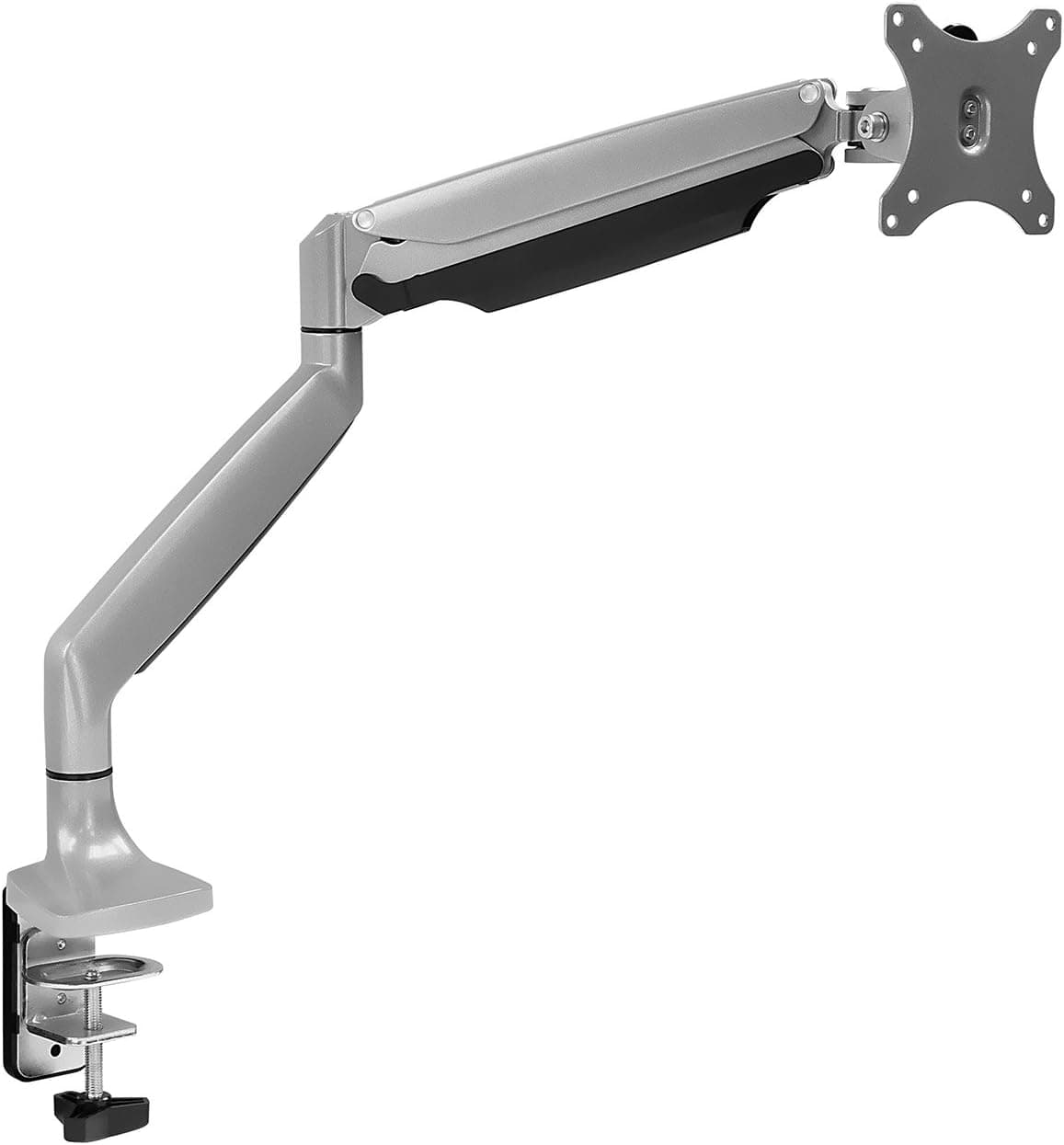
+ Gas spring lets you lift or lower the screen with a light push
From our guide: Best Single Monitor Arms for Home Offices (2026)
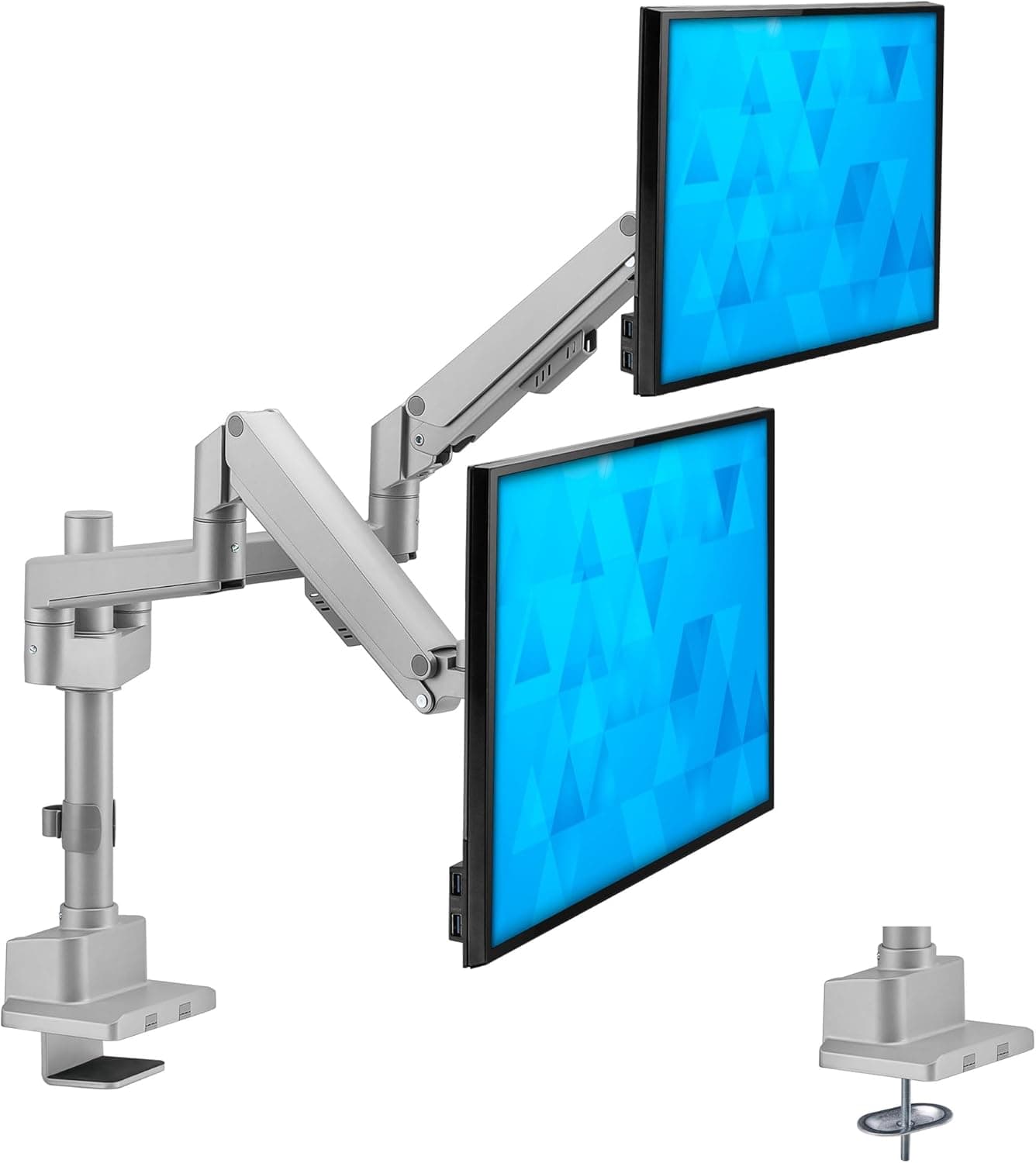
+ Gas spring arms move screens up and down with light pressure
From our guide: Best Dual Monitor Arms for Home Offices (2026)
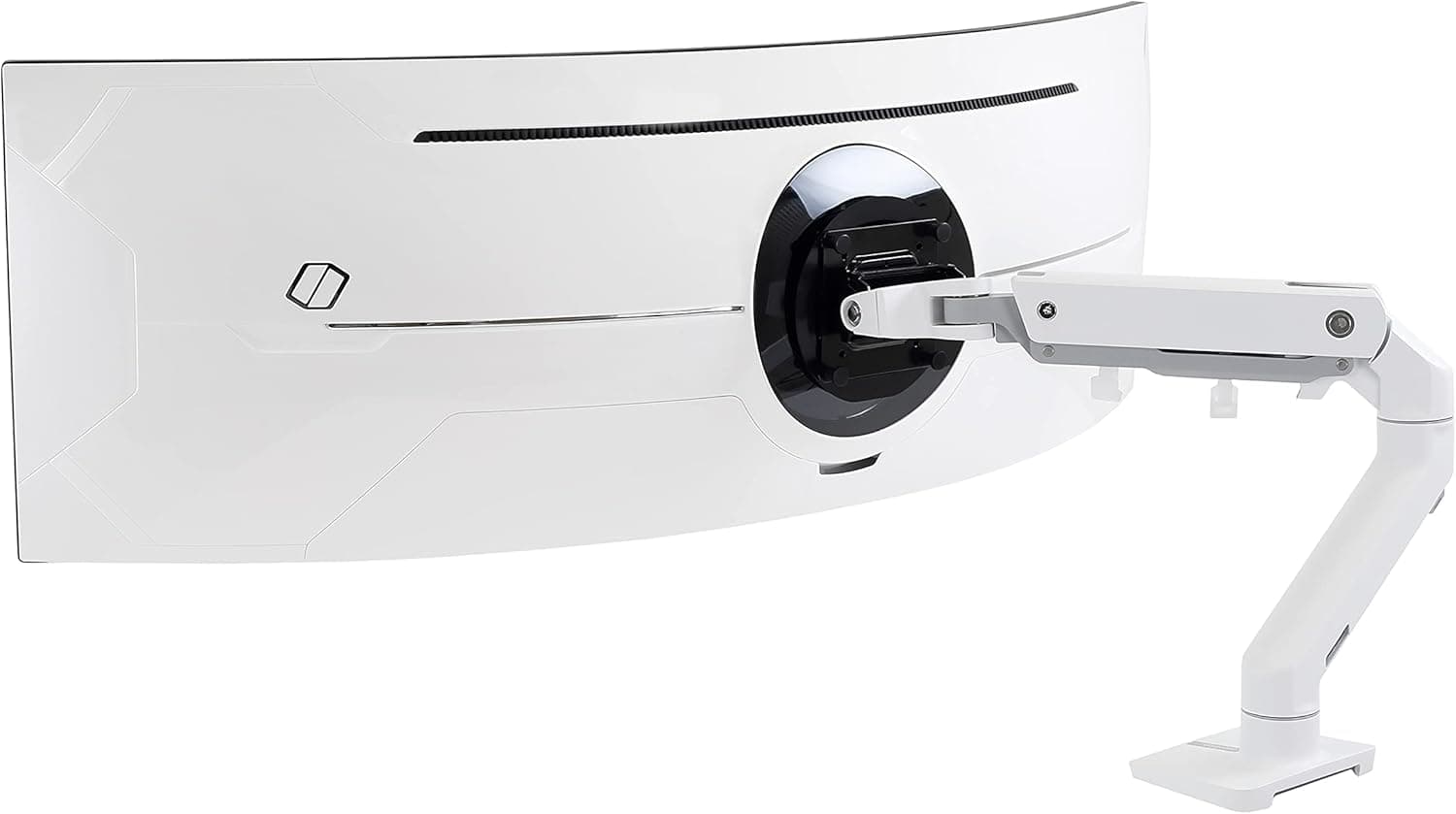
+ Ergotron is a benchmark brand for monitor arms in offices worldwide
From our guide: Best Ultrawide Monitor Mounts for Home Offices (2026)
+ Up to 32 inch support covers most common single monitors
From our guide: Best Single Monitor Arms for Home Offices (2026)
Popular right now
- Best Monitor Shelves for Home Offices (2026)Buying guide
- Best Corner Desks for Home Offices (2026)Buying guide
- Best Under-Monitor Storage Organizers (2026)Buying guide
- Best Ergonomic Split Keyboards (2026)Buying guide
- Best Vertical Mice for Wrist Comfort (2026)Buying guide
- Best Laptop Docking Stations for WFH (2026)Buying guide
Based on the last 28 days of search and visitor data.