Laptop Ergonomics
Published How we research
Laptops are wonderfully portable, but that portability comes with a built-in ergonomic conflict. Because the screen and keyboard are attached, you cannot place both at the right height at once. If the screen is at a good height, the keyboard is too high, and if the keyboard is comfortable, the screen is far too low. This forces most laptop users into a hunched, neck-craning posture that causes real discomfort over time.
Products from this article
The highest-scoring picks from the buying guides this article links to. Scores are our editorial assessment, not customer ratings.
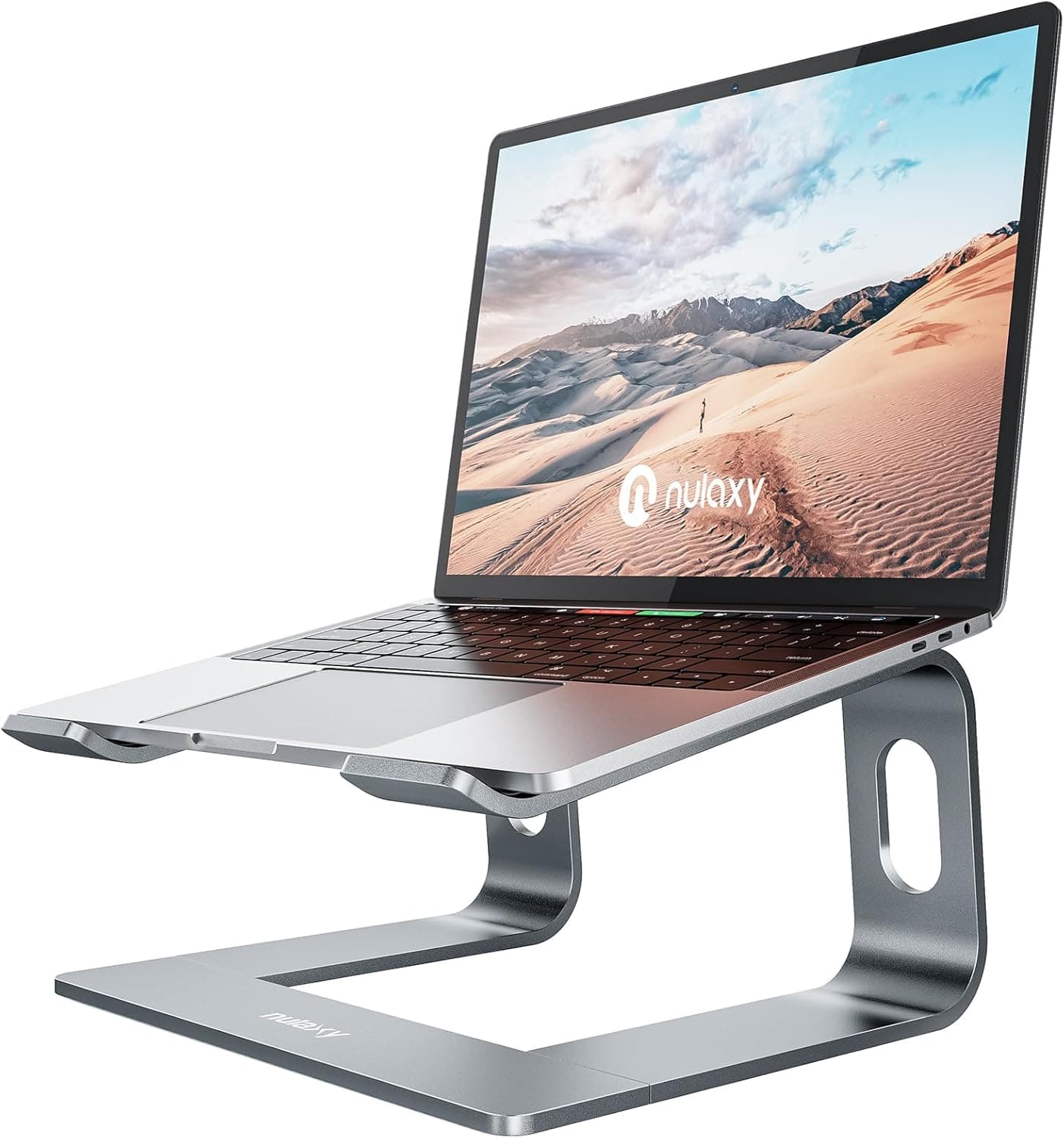
+ Foldable frame packs into a backpack for cafes and coworking spaces
From our guide: Best Laptop Stands for Home Offices (2026)
+ Split halves let shoulders stay open for a more natural posture
From our guide: Best Ergonomic Split Keyboards (2026)
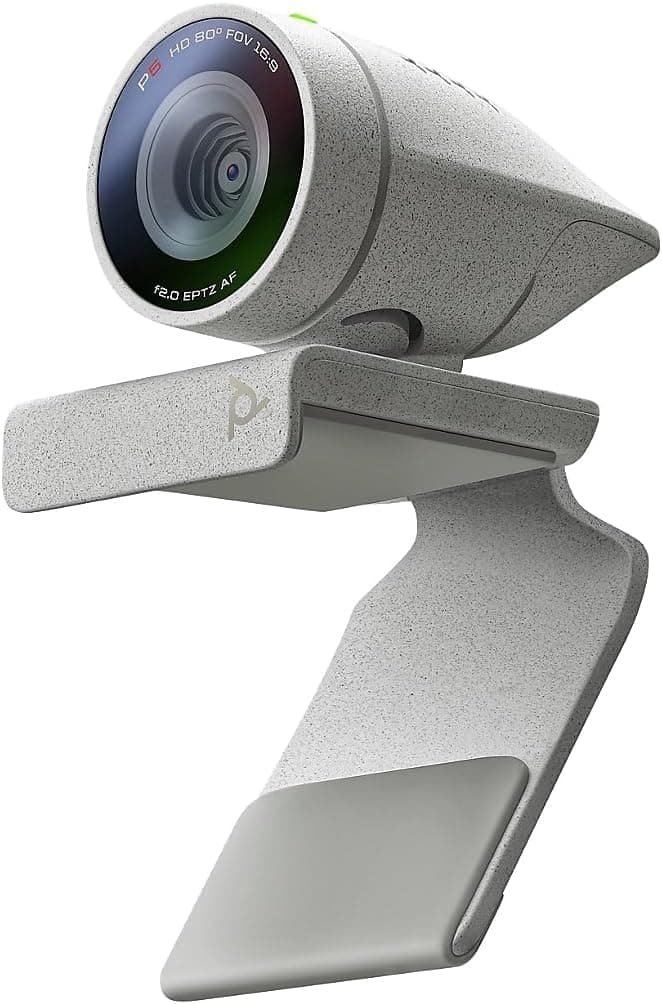
+ Poly Studio P5 is designed for professional video conferencing
From our guide: Best Webcams for Remote Work and Video Calls (2026)
+ Elevates up to 11.8 inch, enough to bring most screens near eye level
From our guide: Best Laptop Stands for Home Offices (2026)
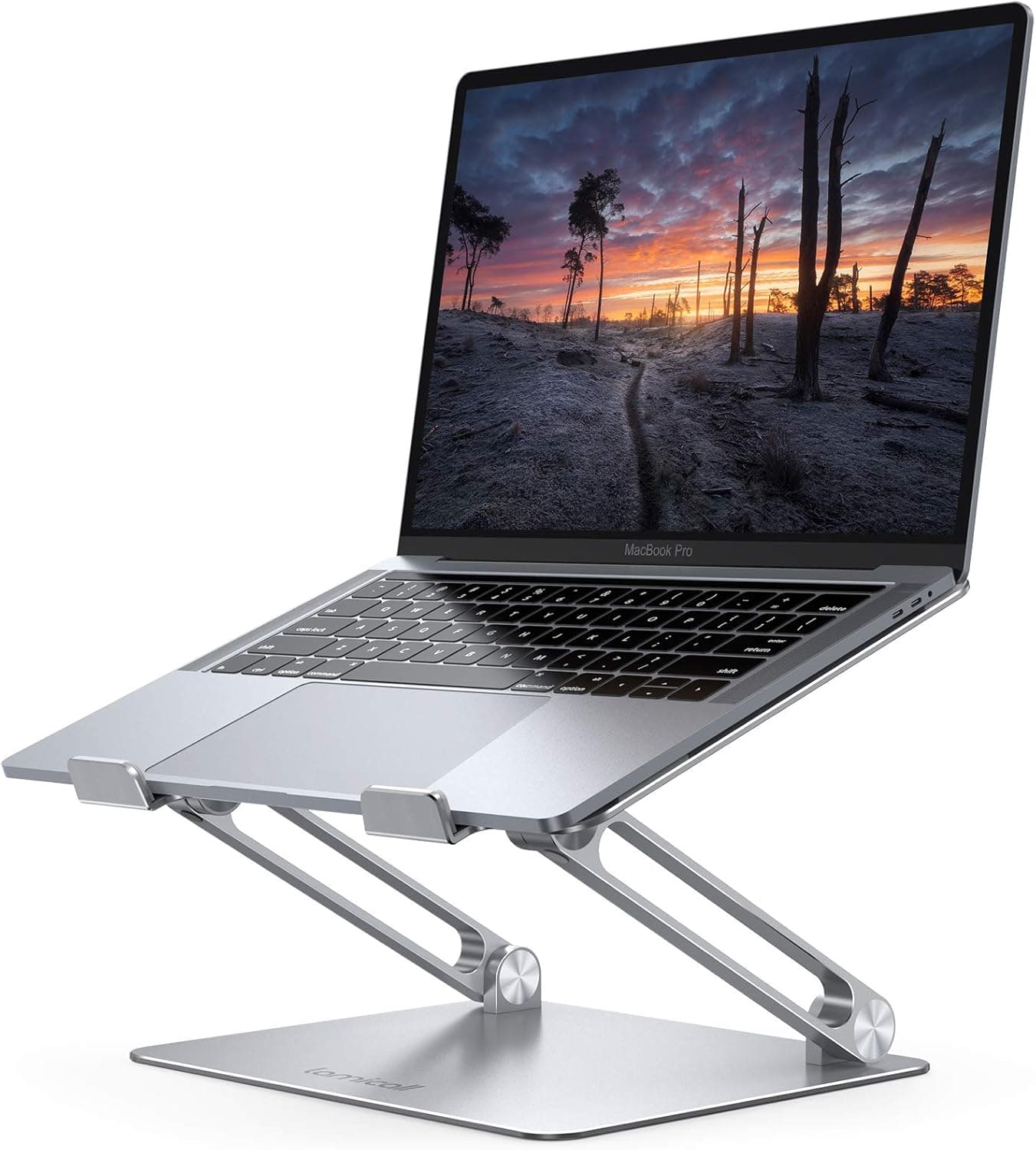
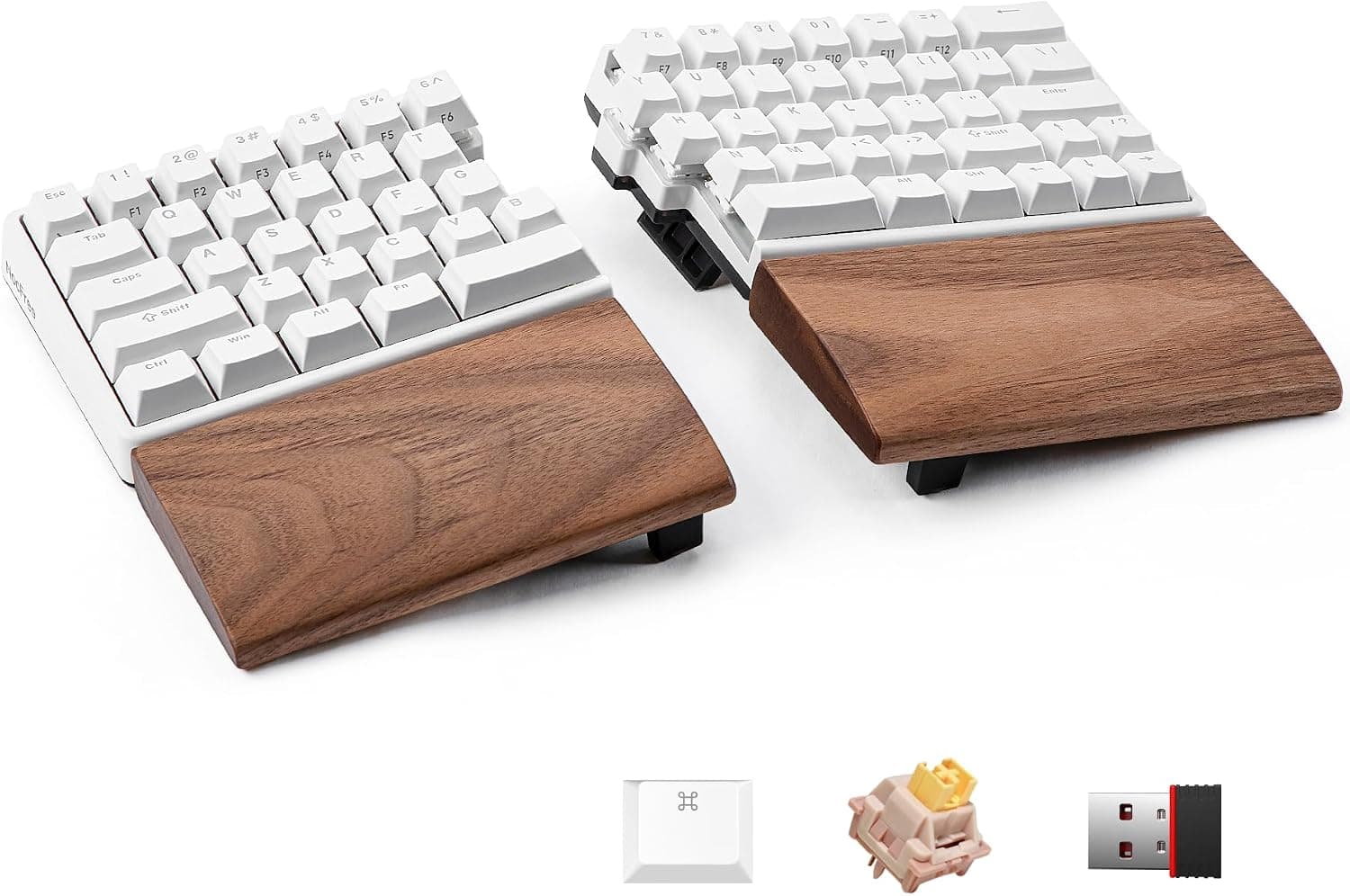
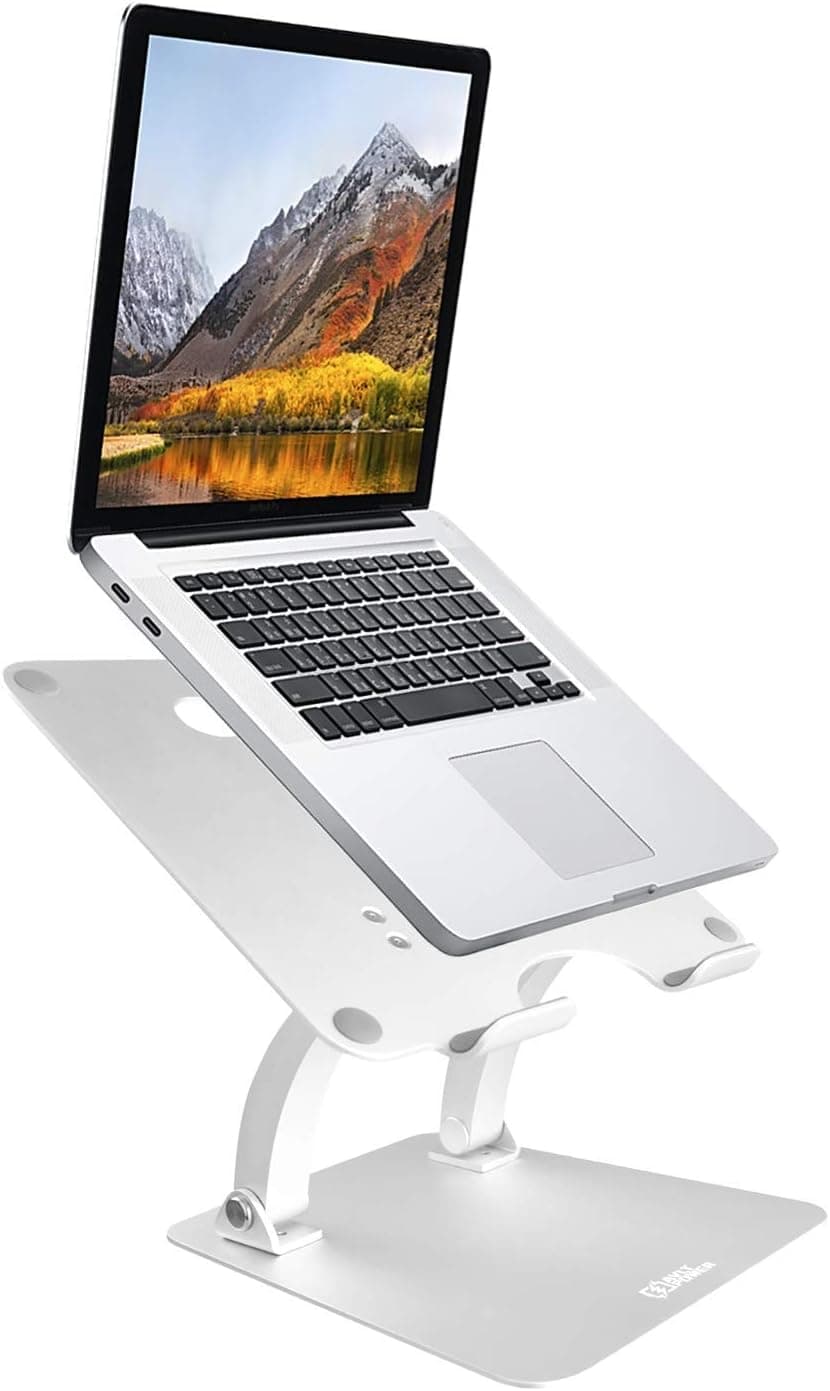
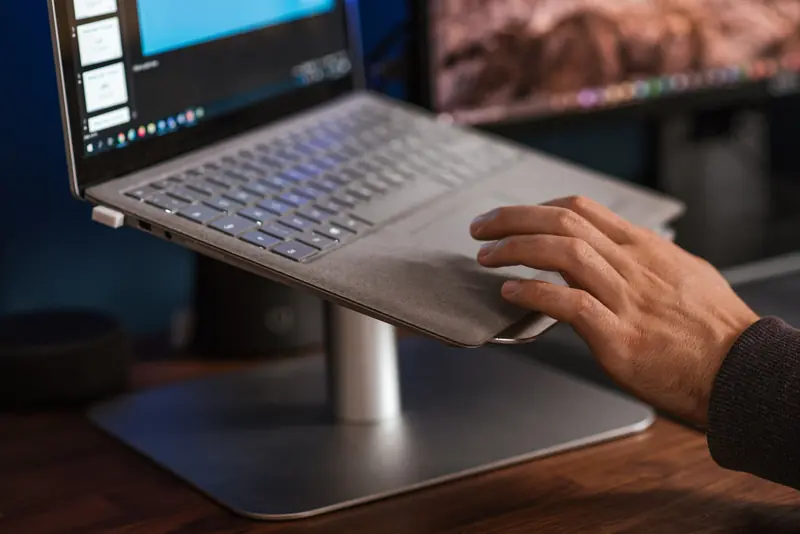
The single best fix is to raise your laptop screen and use a separate keyboard and mouse. A laptop stand lifts the display so the top sits near eye level, keeping your neck neutral, while an external keyboard and mouse let your hands work at a comfortable height. This simple pairing solves the core conflict and transforms a laptop into a proper workstation.
If you cannot carry a stand and external gear, you can still improve things with what you have. Raise the laptop on a stack of books to bring the screen up, or if you must type on the built-in keyboard, at least prop the back edge slightly and sit close enough that you are not reaching forward. These are compromises, but they reduce the worst of the strain.
Posture habits matter especially when working on a laptop, because it is so easy to slump into a couch or bed with it on your lap. Whenever possible, work at a table with your back supported and your feet flat, rather than curling around the machine. The way you sit around a laptop often matters more than the device itself.
Finally, take frequent breaks, since laptop work tends to pull you into fixed, awkward positions more than a full desk setup does. Stand up, stretch your neck and shoulders, and change position regularly. If you use a laptop as your main computer, investing in a stand and external keyboard is one of the most worthwhile comfort upgrades you can make.
Popular right now
- Best Ergonomic Split Keyboards (2026)Buying guide
- Best Under-Monitor Storage Organizers (2026)Buying guide
- Best Monitor Privacy Filters (2026)Buying guide
- Best Corner Desks for Home Offices (2026)Buying guide
- Best UPS Battery Backups for Home Offices (2026)Buying guide
- Docking station explainedGlossary
Based on the last 28 days of search and visitor data.