How to Stop a Standing Desk From Wobbling
Published How we research
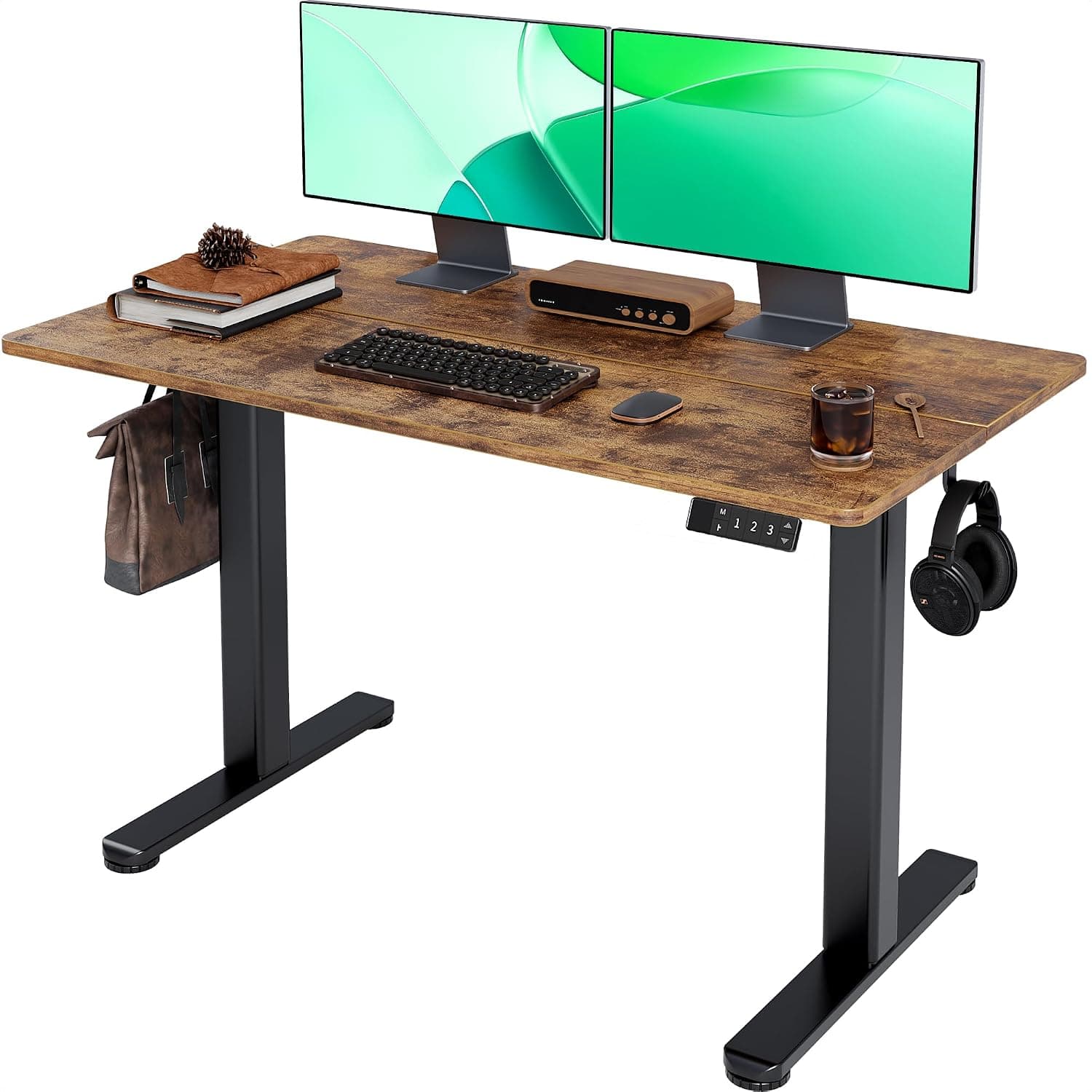
Almost every standing desk moves a little at full height, because tall telescoping legs act like levers. A small amount of wobble is normal, but shaking monitors, a desk that sways as you type or a frame that rocks side to side become distracting and can even damage equipment. Many causes are easy to fix, starting with loose hardware and uneven floors.
Why standing desks wobble
Standing desks use telescoping leg columns with small gaps between each stage so they can slide smoothly. At full extension, those tolerances add up and the desk can sway, especially from side to side. Single-motor desks with two-stage legs usually move more than dual-motor desks with three-stage legs and wide feet.
Wobble also depends on what sits on the desk. Heavy monitors on tall arms clamped at the back edge magnify any movement, while typing forcefully on a keyboard tray adds vibration.
Tighten everything
Frame bolts often loosen within the first few weeks as the desk settles. Check and tighten bolts connecting the legs to the feet, the crossbar and the desktop mounting brackets, following the manual's torque guidance and avoiding stripping the threads.
If the desktop attaches with wood screws, make sure they are snug and not stripped. Replacing stripped screws with slightly larger ones or adding threaded inserts gives a firmer connection.
Level the feet
Uneven floors cause rocking that feels like wobble. Most desks have adjustable levelling glides under the feet. Place a level on the desktop and adjust the glides until the desk sits evenly without rocking.
On thick carpet, desks sink and move more. A firm chair mat or hard board under the feet provides a stable surface.
Reduce leverage and load
Place the heaviest items, such as monitors and speakers, near the centre of the desk and closer to the legs rather than at the edges. Lowering monitor arms or moving to shorter mounts reduces the amount they bounce.
Check that the total load is within the desk's weight capacity, and distribute weight evenly between both sides. A desk loaded heavily on one side sways more and can cause motors to run unevenly.
Add stability or upgrade
Placing the desk against a wall or adding a wall bracket reduces front-to-back movement, but check that brackets allow height adjustment. Some manufacturers sell cross-support bars that add rigidity.
If wobble remains a problem, look for desks with three-stage legs, wider feet, rectangular leg columns and dual motors. Stability ratings in reviews and a longer warranty are useful clues when choosing an upgrade.
Products from this article
The highest-scoring picks from the buying guides mentioned above. Scores are our editorial assessment, not customer ratings.
+ 4 memory presets store your sitting and standing heights so switching stays quick and repeatable
From our guide: Best Standing Desks for Home Offices (2026)
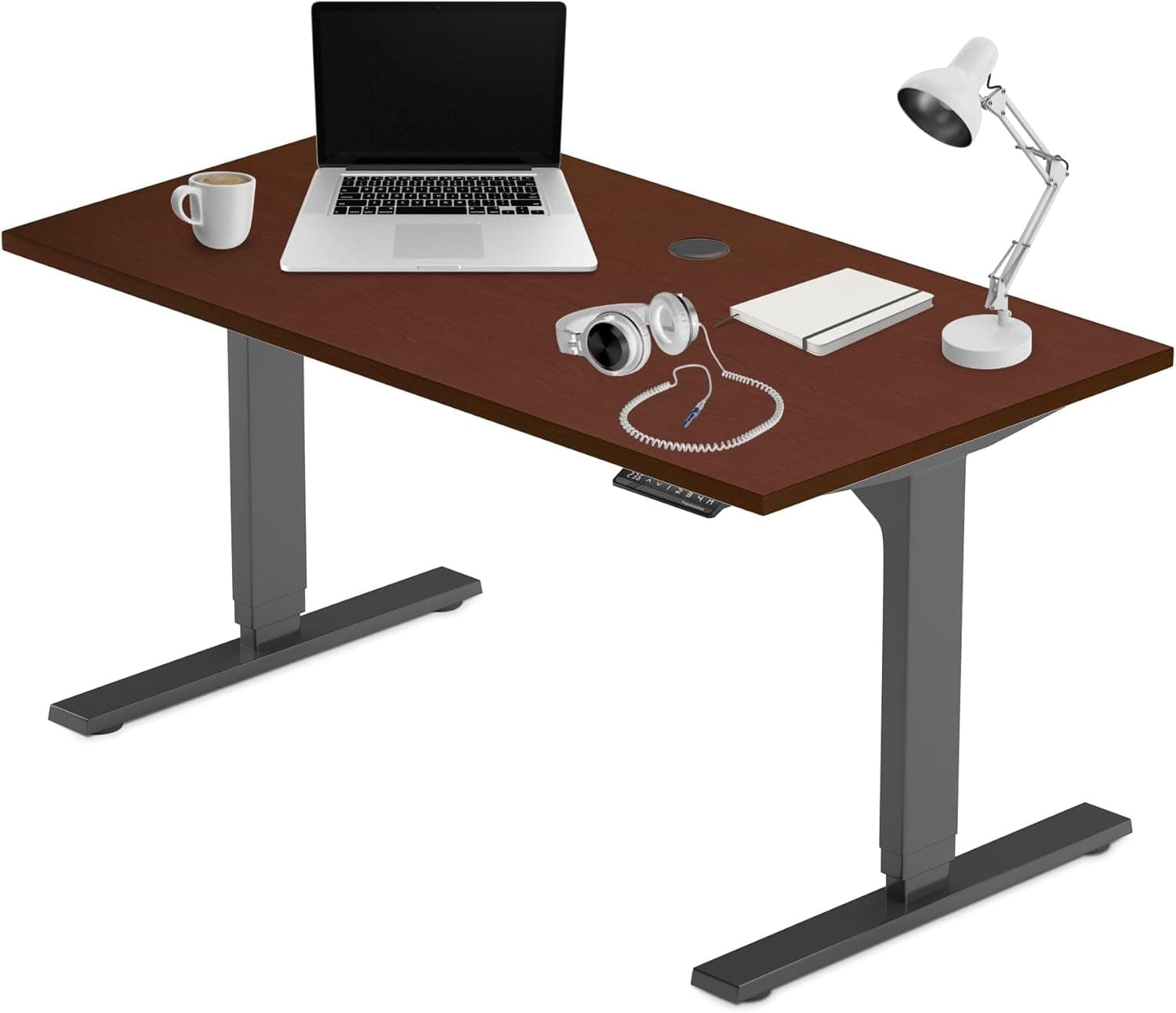
+ 3 stages legs extend over a wider height range than typical 2-stage frames
From our guide: Best Electric Adjustable Desks for Home Offices (2026)
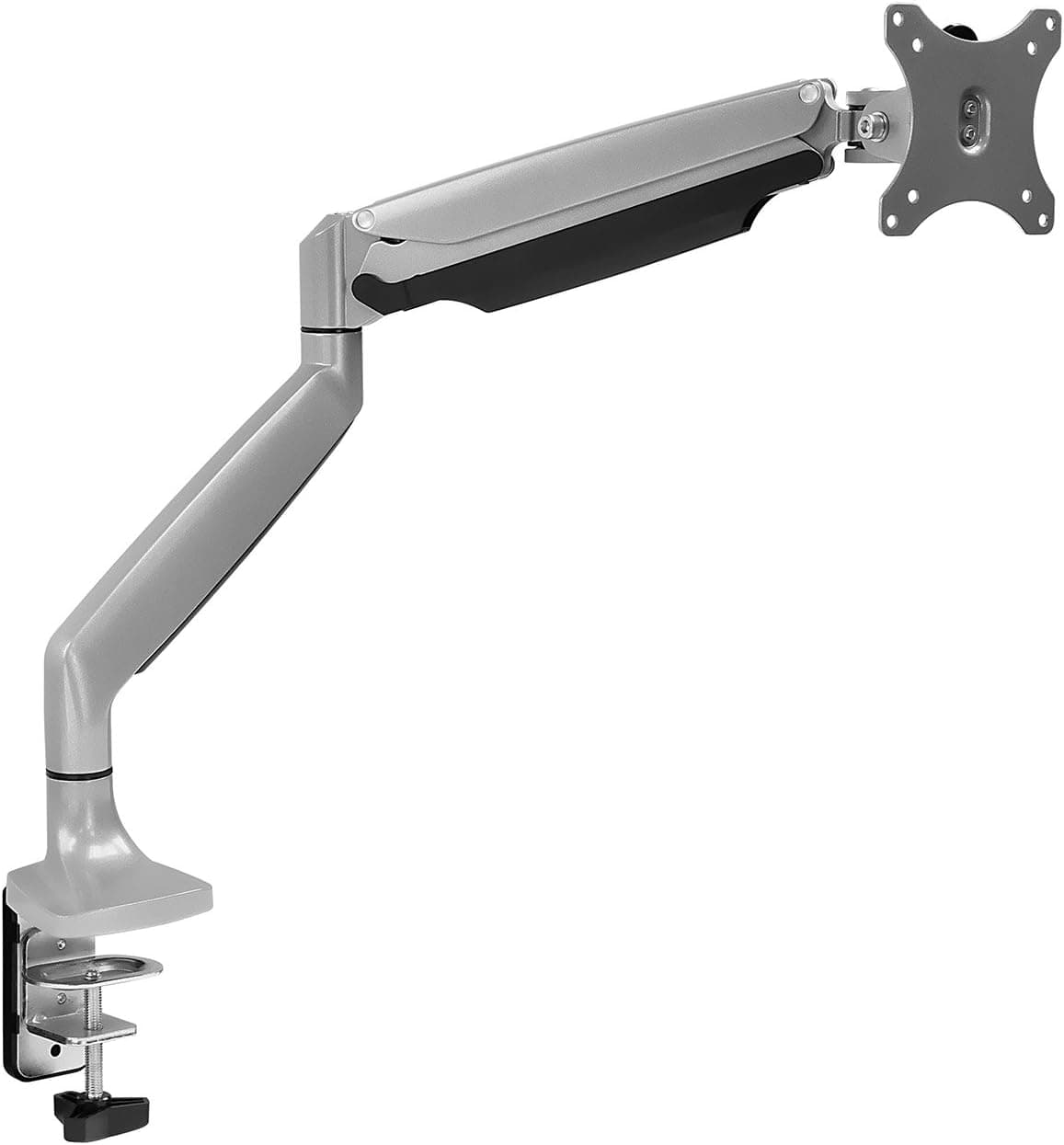
+ Gas spring lets you lift or lower the screen with a light push
From our guide: Best Single Monitor Arms for Home Offices (2026)
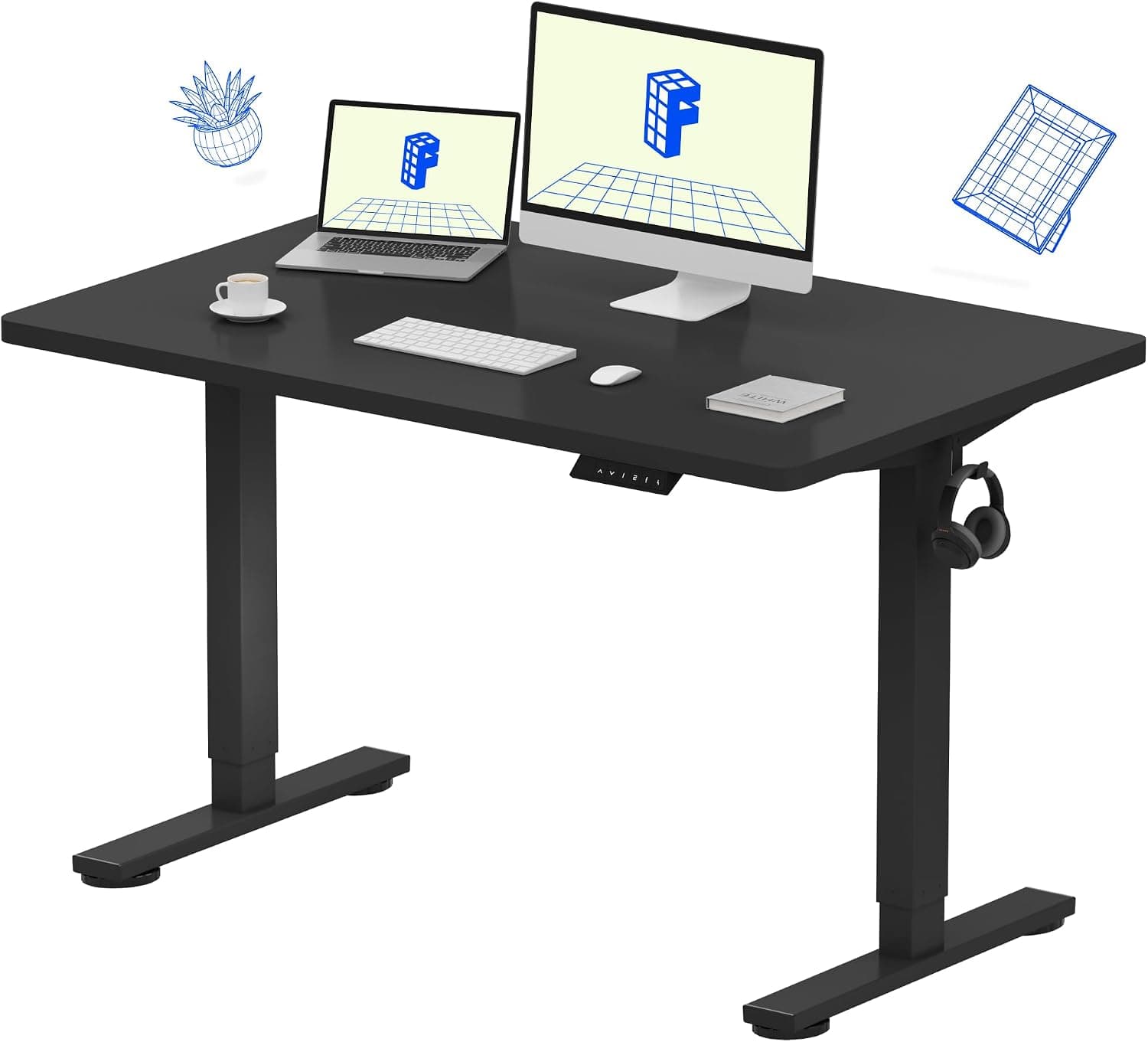
+ Flexispot is one of the most established standing desk brands, so parts and support are easy to find
From our guide: Best Standing Desks for Home Offices (2026)
Popular right now
- Best Monitor Shelves for Home Offices (2026)Buying guide
- Best Corner Desks for Home Offices (2026)Buying guide
- Best Under-Monitor Storage Organizers (2026)Buying guide
- Best Ergonomic Split Keyboards (2026)Buying guide
- Best Vertical Mice for Wrist Comfort (2026)Buying guide
- Best Laptop Docking Stations for WFH (2026)Buying guide
Based on the last 28 days of search and visitor data.