The Ideal Monitor Height and Distance for Your Eyes and Neck
Published How we research
Monitor placement is one of the cheapest ergonomic fixes you can make, and it has an outsized effect on how you feel by mid-afternoon. When a screen sits too low, your head tilts forward and your neck carries the extra load for hours. When it sits too far or too close, your eyes work harder than they should. Getting both height and distance right removes a surprising amount of daily discomfort.
Products from this article
The highest-scoring picks from the buying guides this article links to. Scores are our editorial assessment, not customer ratings.
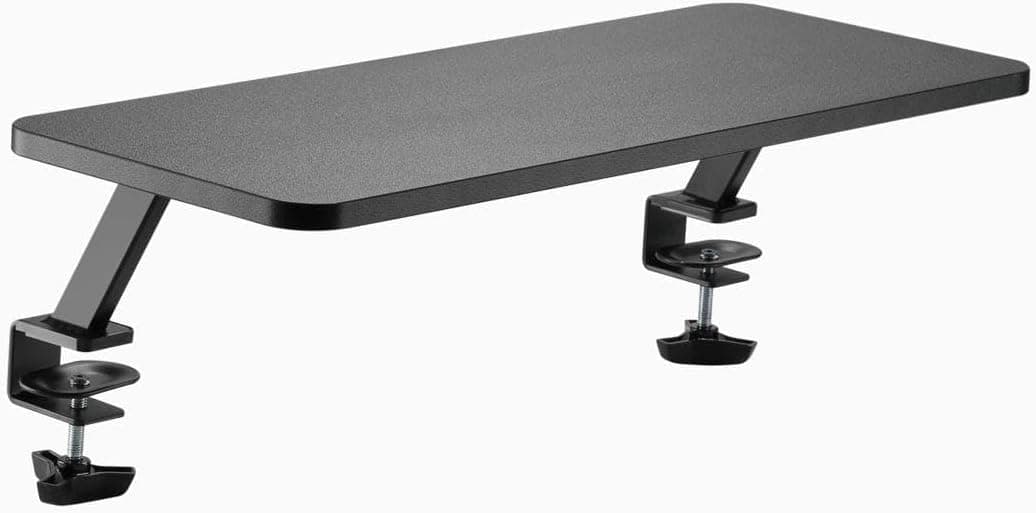
+ Double width shelf holds two monitors on one level surface
From our guide: Best Monitor Risers for Desks (2026)
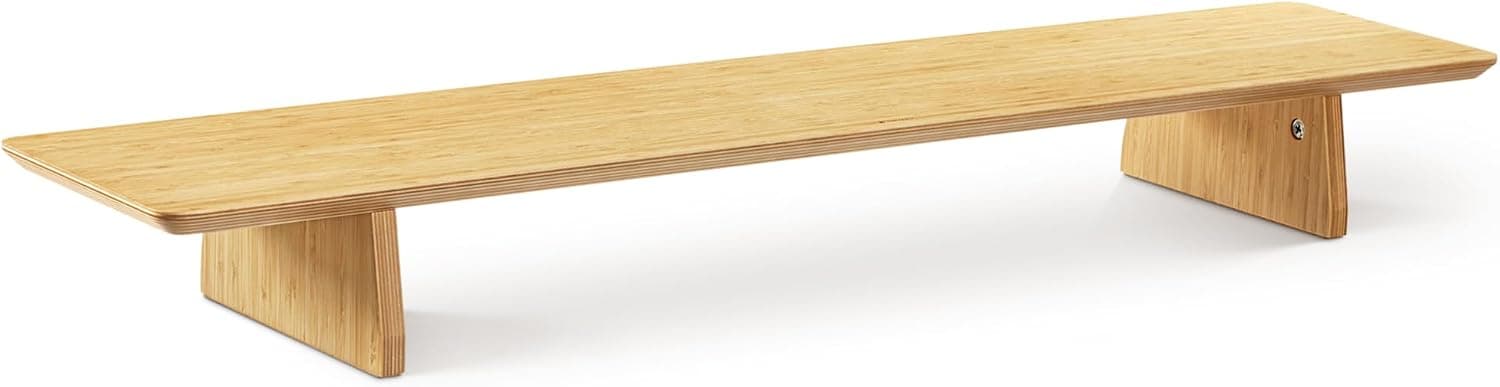
+ 3-level stackable design lets you pick a low, medium or tall height
From our guide: Best Monitor Risers for Desks (2026)
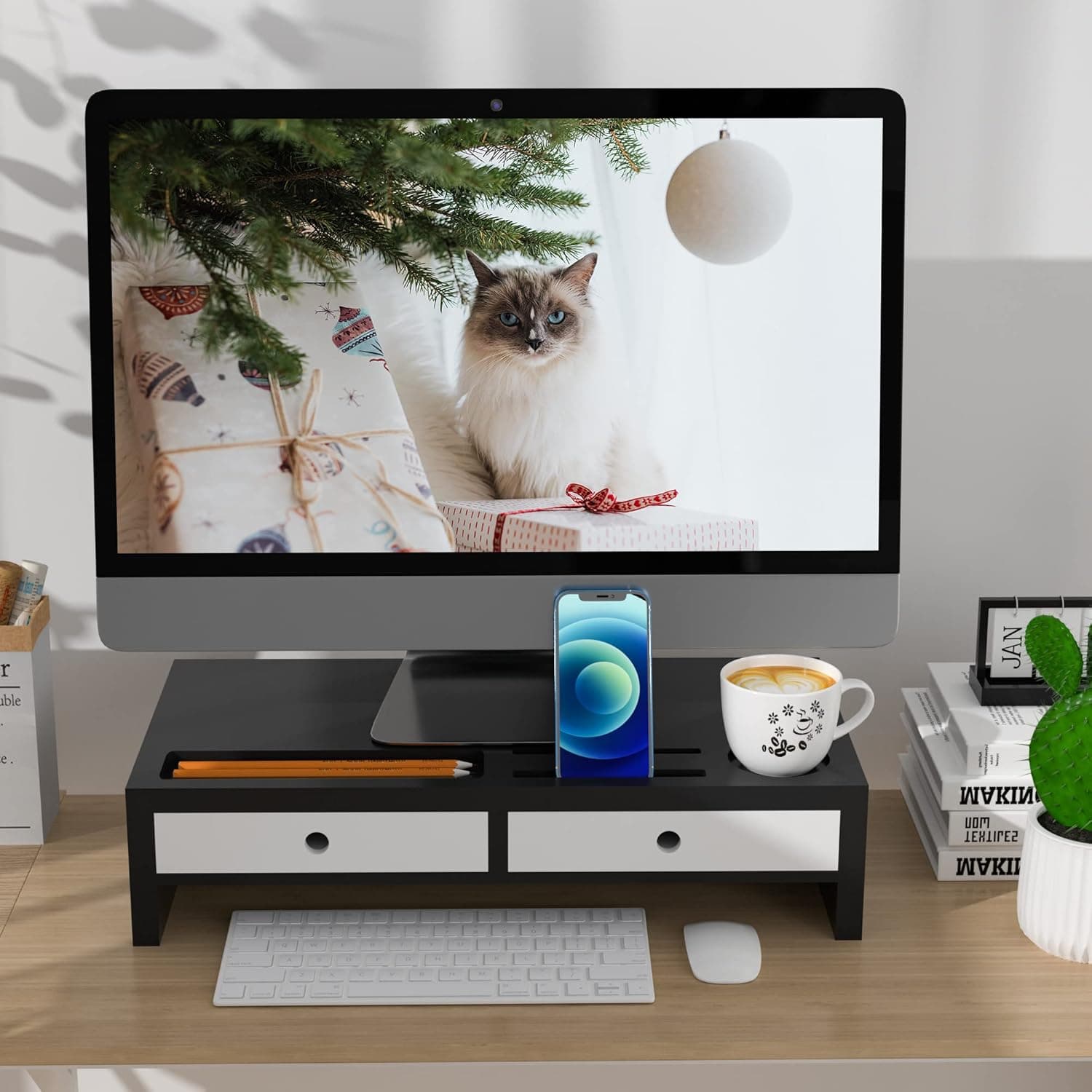
+ Built-in drawer hides cables, pens and small desk clutter
From our guide: Best Monitor Risers for Desks (2026)
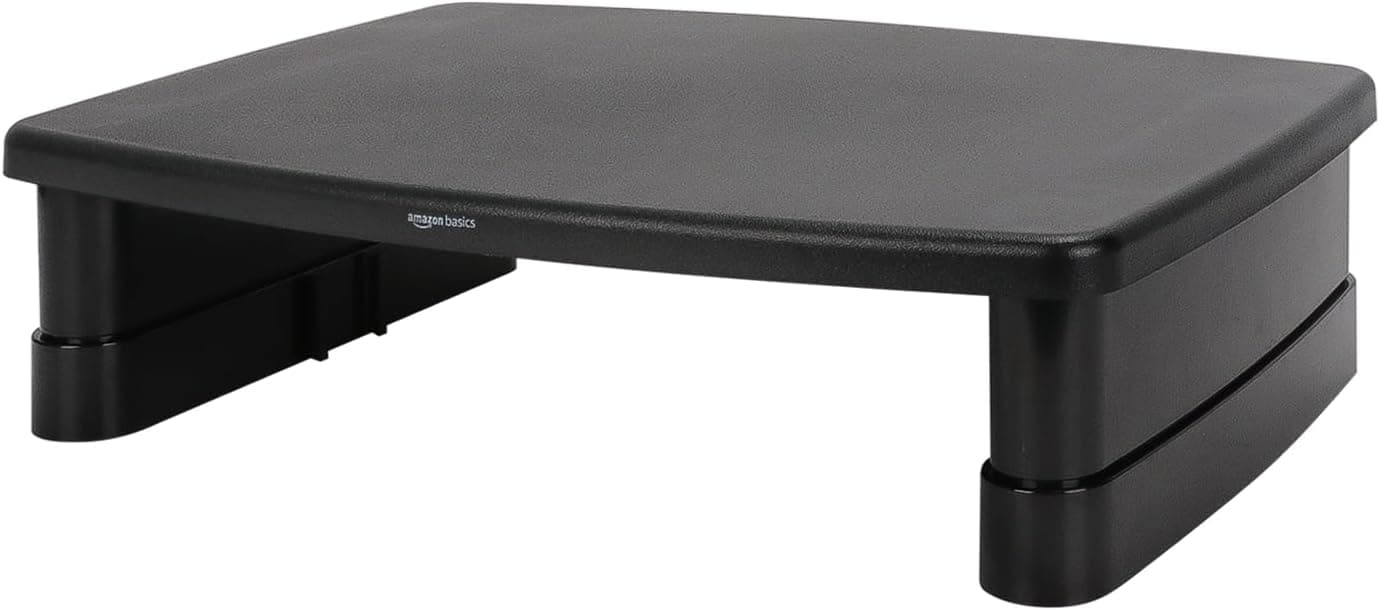
+ 2-tier design gives an extra shelf for speakers, books or a printer
From our guide: Best Monitor Risers for Desks (2026)
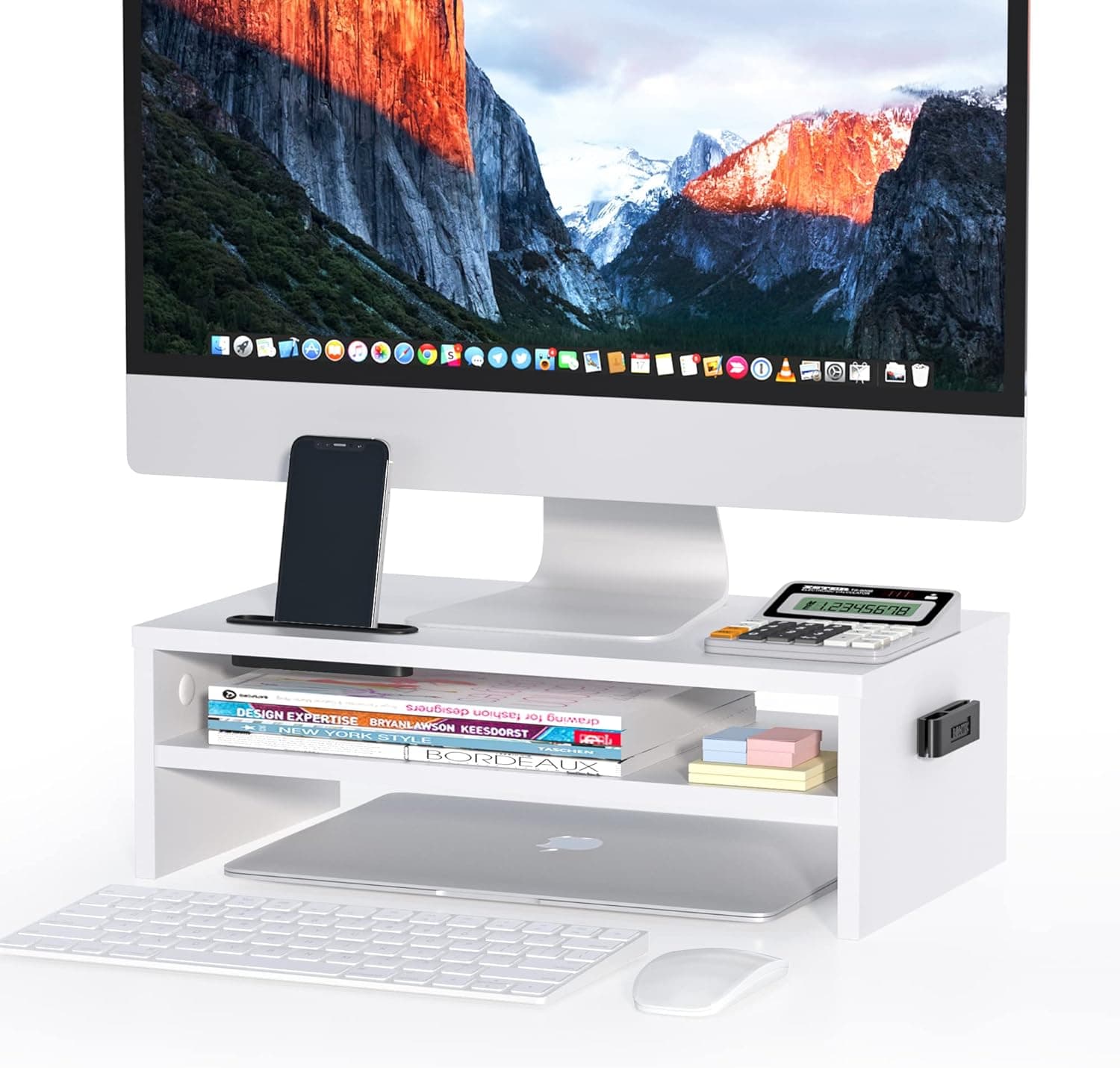
For height, aim to have the top of the screen at or just below your eye level when you are sitting upright. Your eyes should land naturally on the upper third of the display, with your gaze angled slightly downward for the rest. This lets your neck stay in a neutral position rather than craning up or dropping down. Laptop users almost always need a stand plus an external keyboard to reach this, since a built-in screen forces a compromise between hand and eye comfort.
For distance, an arm's length is a reliable starting point, roughly the space from your fingertips to your shoulder when you reach toward the screen. Larger or higher-resolution monitors can sit a little farther back. If you find yourself leaning in to read, the fix is usually to increase the text size rather than to pull the screen closer.
Screen tilt matters too. Angle the display back slightly, around ten to twenty degrees, so it faces your eyes squarely and reduces glare from overhead lights. A screen that is perfectly vertical often catches reflections and forces subtle head movements to read the bottom rows comfortably.
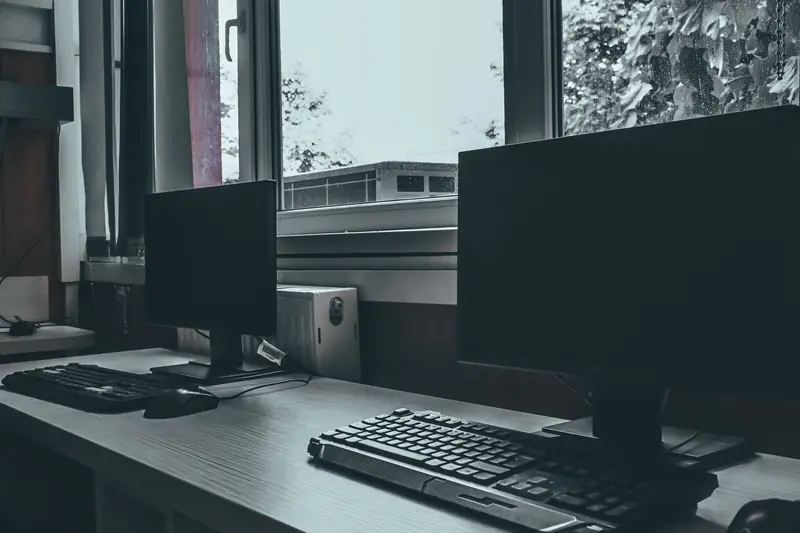
If you run two monitors, apply the same rules to your primary screen and place the second at the same height right beside it. When both screens get equal use, center yourself between them. When one is clearly primary, put it directly in front of you and angle the secondary screen inward so you turn your head less throughout the day.
Popular right now
- Best Ergonomic Split Keyboards (2026)Buying guide
- Best Under-Monitor Storage Organizers (2026)Buying guide
- Best Monitor Privacy Filters (2026)Buying guide
- Best Corner Desks for Home Offices (2026)Buying guide
- Best UPS Battery Backups for Home Offices (2026)Buying guide
- Docking station explainedGlossary
Based on the last 28 days of search and visitor data.