Decluttering Your Desk for Focus and Calm
Published How we research
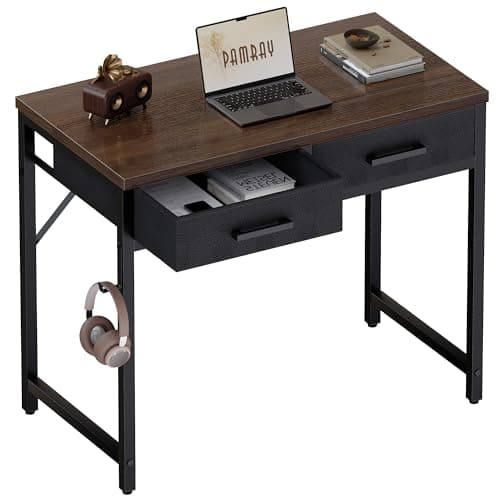
A cluttered desk does more than look messy; it competes for your attention and adds a low level of background stress while you try to focus. Every stray object is a small visual reminder of something unfinished. Clearing your desk is less about aesthetics and more about giving your mind a calm, uncluttered space to think in.
Products from this article
The highest-scoring picks from the buying guides this article links to. Scores are our editorial assessment, not customer ratings.
+ Hutch shelves add vertical storage without widening the desk footprint
From our guide: Best Compact Writing Desks for Home Offices (2026)
+ 2 drawers give tidy storage for chargers and stationery in a tiny footprint
From our guide: Best Compact Writing Desks for Home Offices (2026)
+ Storage bag and hook keep notebooks, headphones and cables off the surface.
From our guide: Best Compact Writing Desks for Home Offices (2026)
+ Drawers keep small items hidden so the white top stays clean looking
From our guide: Best Compact Writing Desks for Home Offices (2026)
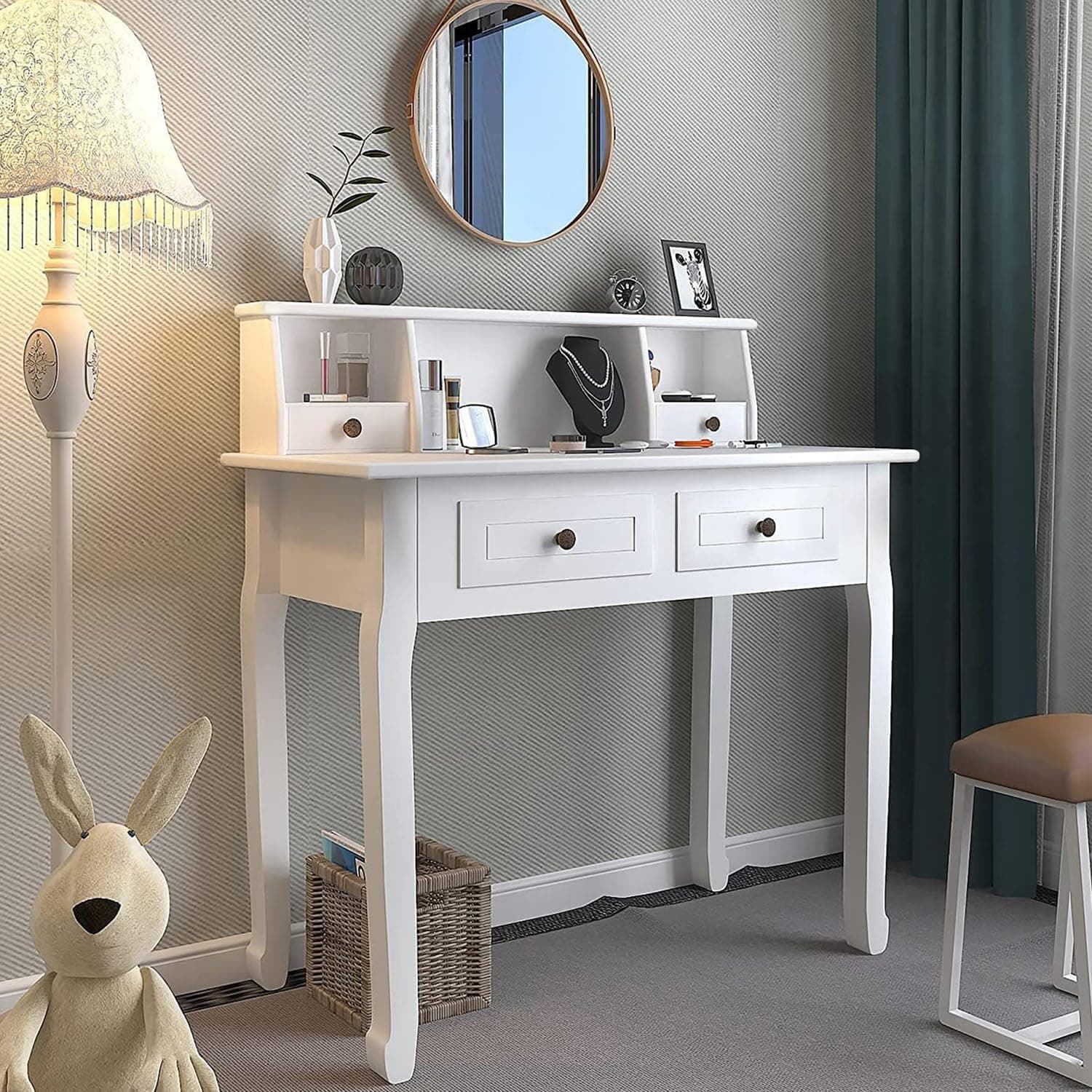
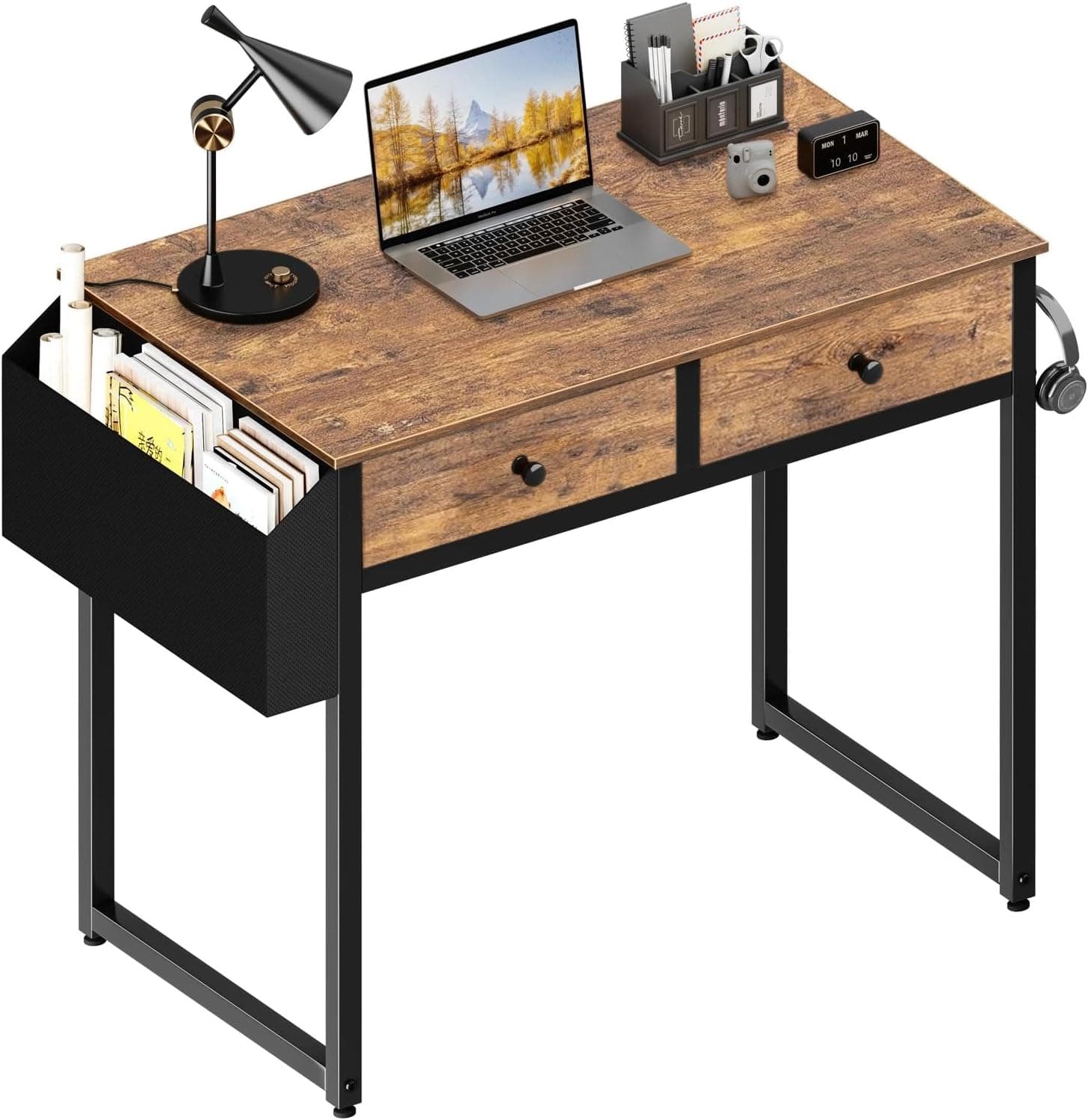
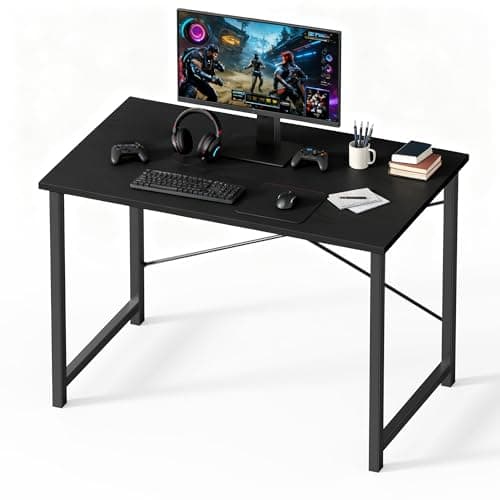
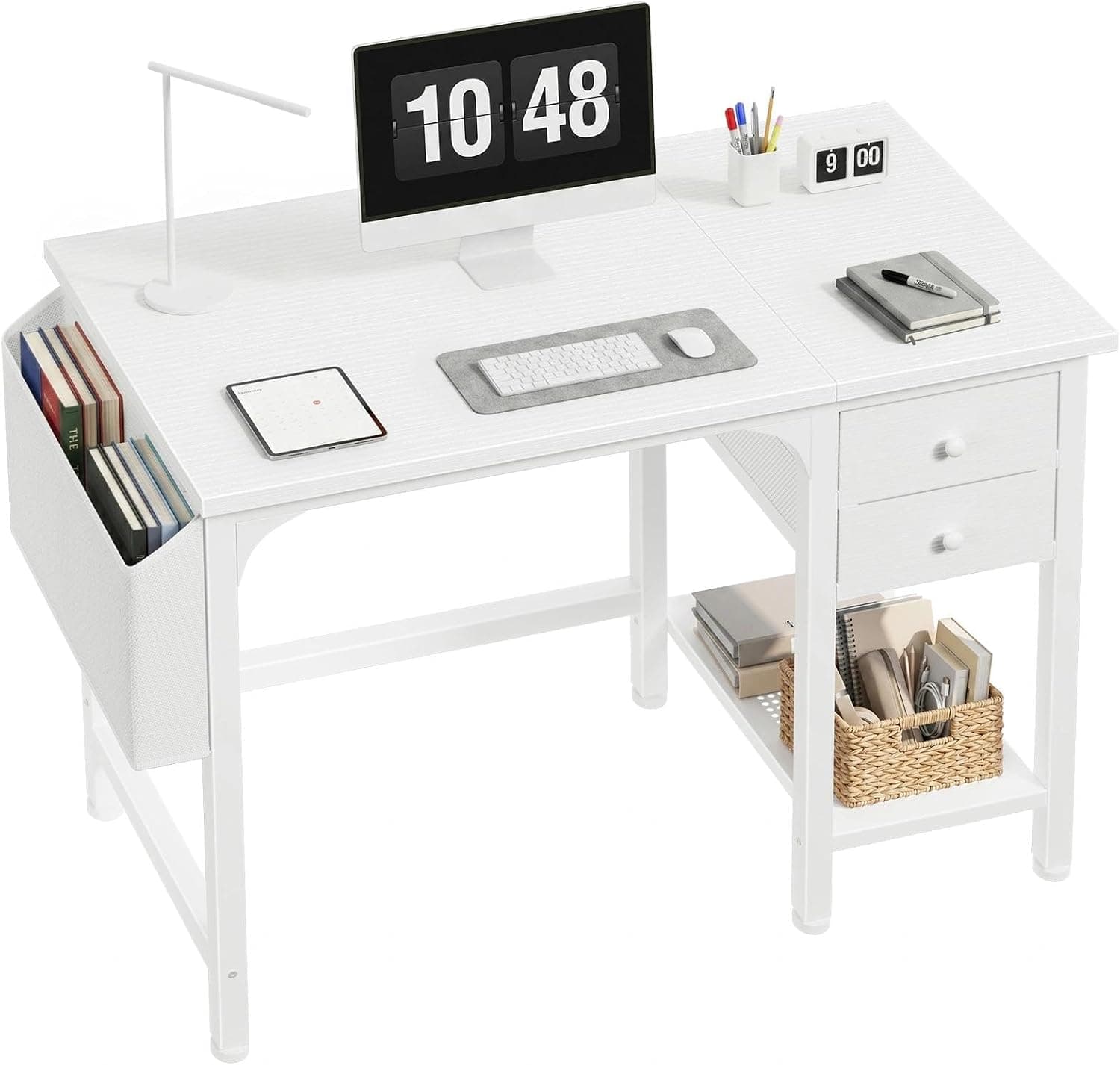
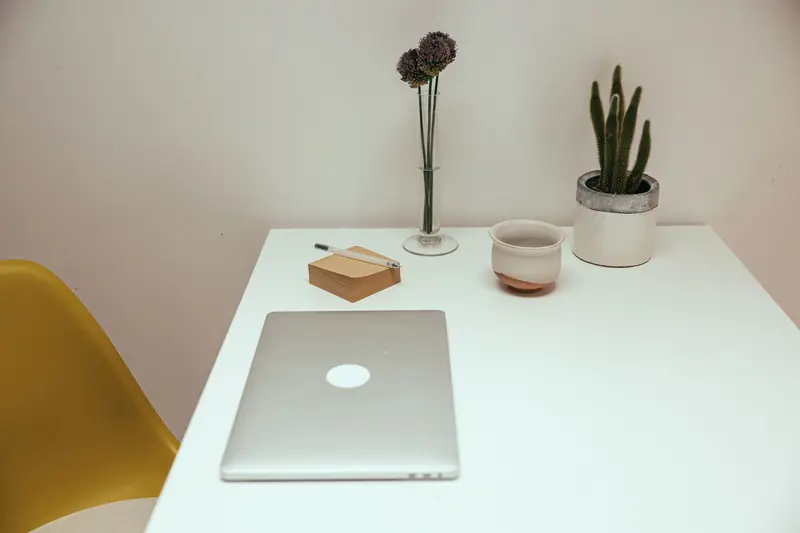
Start with a full reset rather than tidying around the edges. Take everything off the surface and set it aside, then wipe the desk down so you begin with a genuinely clean slate. Working from an empty surface makes it much easier to be honest about what actually deserves to return.
As you decide what goes back, apply a simple test: does this item earn its place because you use it daily? Only the tools you reach for every day belong on the surface itself. Things you use weekly go in a drawer or on a nearby shelf, and things you rarely touch get stored elsewhere or removed entirely. This keeps the desktop reserved for genuine essentials.
Give everything that stays a defined home. Clutter creeps back when objects have no assigned spot, so a small tray for pens, a stand for your phone, and a drawer for cables all reduce the drifting mess. When each item has a place, tidying up takes seconds instead of turning into a project.
Finally, build a quick maintenance habit rather than relying on occasional deep cleans. Spend a minute or two at the end of each workday returning things to their homes and clearing any new pileup. Ending the day with a clear desk means you start the next one with a fresh, focused space instead of yesterday's clutter.
Popular right now
- Best Ergonomic Split Keyboards (2026)Buying guide
- Best Under-Monitor Storage Organizers (2026)Buying guide
- Best Monitor Privacy Filters (2026)Buying guide
- Best Corner Desks for Home Offices (2026)Buying guide
- Best UPS Battery Backups for Home Offices (2026)Buying guide
- Docking station explainedGlossary
Based on the last 28 days of search and visitor data.