Cable Management Basics for a Clean, Calm Desk
Published How we research

Cable clutter is the fastest way to make an otherwise nice desk feel chaotic. Beyond the visual mess, loose cords collect dust, get snagged, and make it frustrating to move or clean your setup. The good news is that cable management is mostly a one-time project with a big, lasting payoff, and you do not need specialized gear to get most of the benefit.
Products from this article
The highest-scoring picks from the buying guides this article links to. Scores are our editorial assessment, not customer ratings.
+ 3 Pack of boxes handles desk, TV and bedside areas at once
From our guide: Best Under-Desk Cable Boxes (2026)
+ 23" length fits longer surge protectors than typical trays
From our guide: Best Cable Management Trays for Desks (2026)
+ Zipper closure opens easily to add or remove cables
From our guide: Best Cable Sleeves and Clips (2026)
+ Large size fits long surge protectors with oversized plugs
From our guide: Best Under-Desk Cable Boxes (2026)
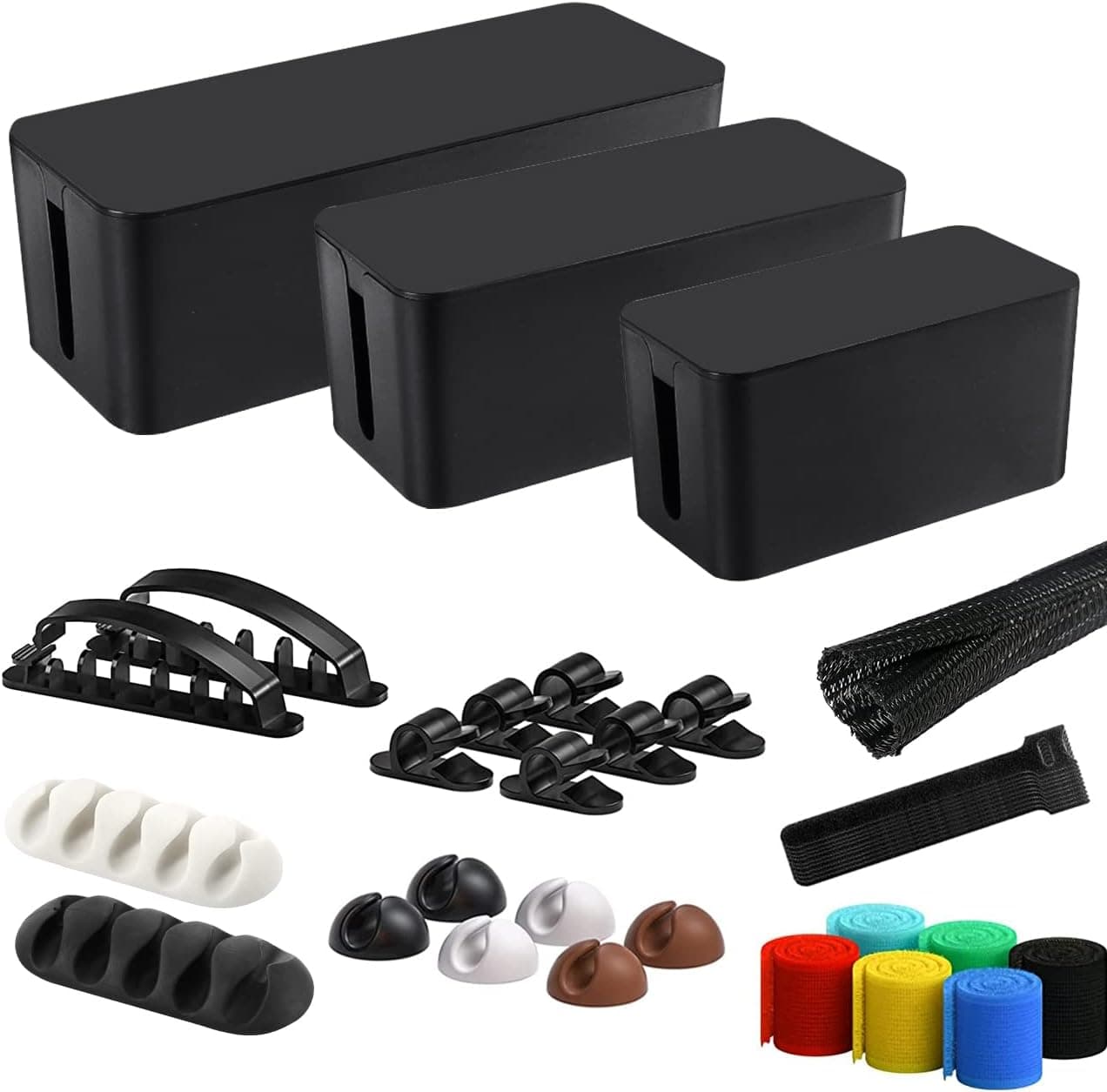
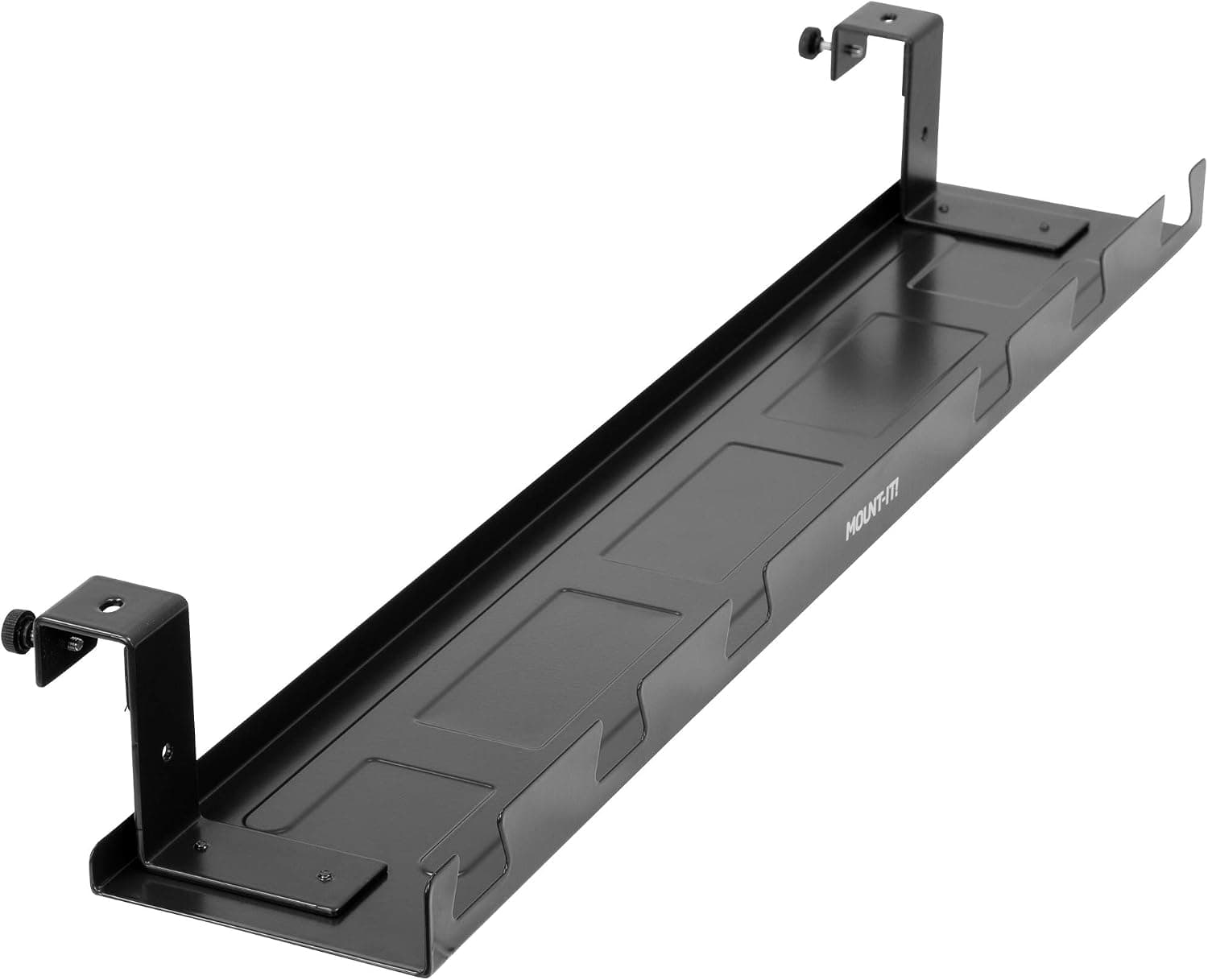
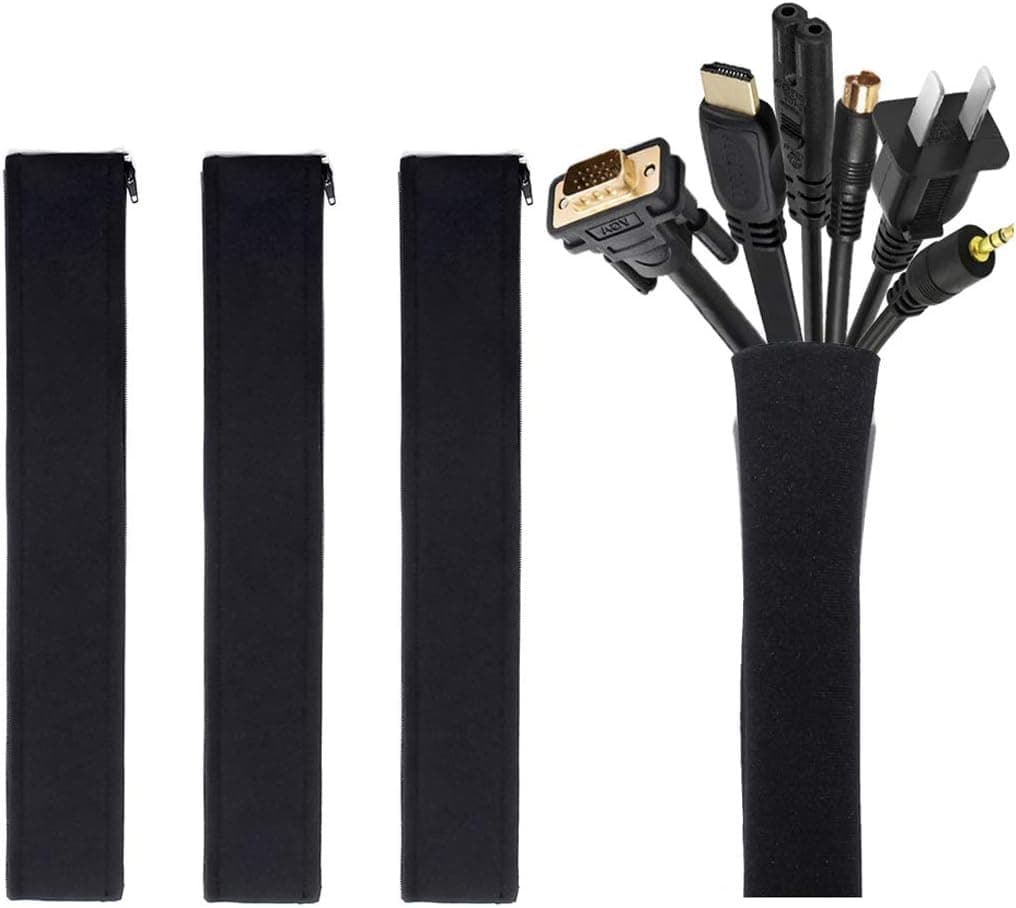


Start by unplugging everything and grouping your cables by where they go: power, peripherals, and display. This lets you see how many you actually have and how long each one needs to be. Overly long cables are the main source of tangle, so coil the excess and secure it rather than letting it pool on the floor.
The single most effective move is to lift cables off the floor and route them along the back edge or underside of your desk. Adhesive clips, a simple cable tray, or even a strip of hook-and-loop ties can hold a bundle neatly out of sight. Keep power bricks and the surge protector off the ground too, mounting or resting them on a shelf so they are not gathering dust and heat in a pile.
Label anything you unplug regularly. A small tag or a piece of tape near each connector saves you from tracing cables by hand every time you swap a device. This is especially helpful for chargers and monitor cables that look nearly identical once bundled.
Leave a little slack where you need flexibility, such as a laptop cable you plug and unplug daily, and tie down everything that stays put. Once the bundle is organized, do a quick five-minute review every few months. A short reset keeps new devices from turning your tidy work into a fresh tangle.
Popular right now
- Best Ergonomic Split Keyboards (2026)Buying guide
- Best Under-Monitor Storage Organizers (2026)Buying guide
- Best Monitor Privacy Filters (2026)Buying guide
- Best Corner Desks for Home Offices (2026)Buying guide
- Best UPS Battery Backups for Home Offices (2026)Buying guide
- Docking station explainedGlossary
Based on the last 28 days of search and visitor data.